Bit 15
Bit 14
Bit 13
Bit 12
Bit 11
Bit 10
Bit 9
Bit 8
Bit 7
Bit 6
Bit 5
Bit 4
Bit 3
Bit 2
Bit 1
Bit 0
- 134 - eBike II, eBike II L, eBike II EL 2018112-069 Rev. F
addenduM
errorCodes software eBIke II
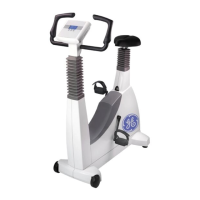
Every electronic module of the eBike II ergometers has its own error codes.
If an error occurs, a hexadecimal code is displayed on the ergometer display and internally stored with date/time of rst
occurence and numbers of recurrences.
The displayed hexadecimal code is a combination of single error bits, each representing a special fault condition.
e.g.: Displayed Error Source: ZME
Err.Code: 0028 (hexadecimal)
Bit conversion: 0 0 0 0 0 0 0 0 0 0 1 0 1 0 0 0 (0028 hex)
Error bits set: Bit 3 LCD communication error
Bit 5 +5V out of range
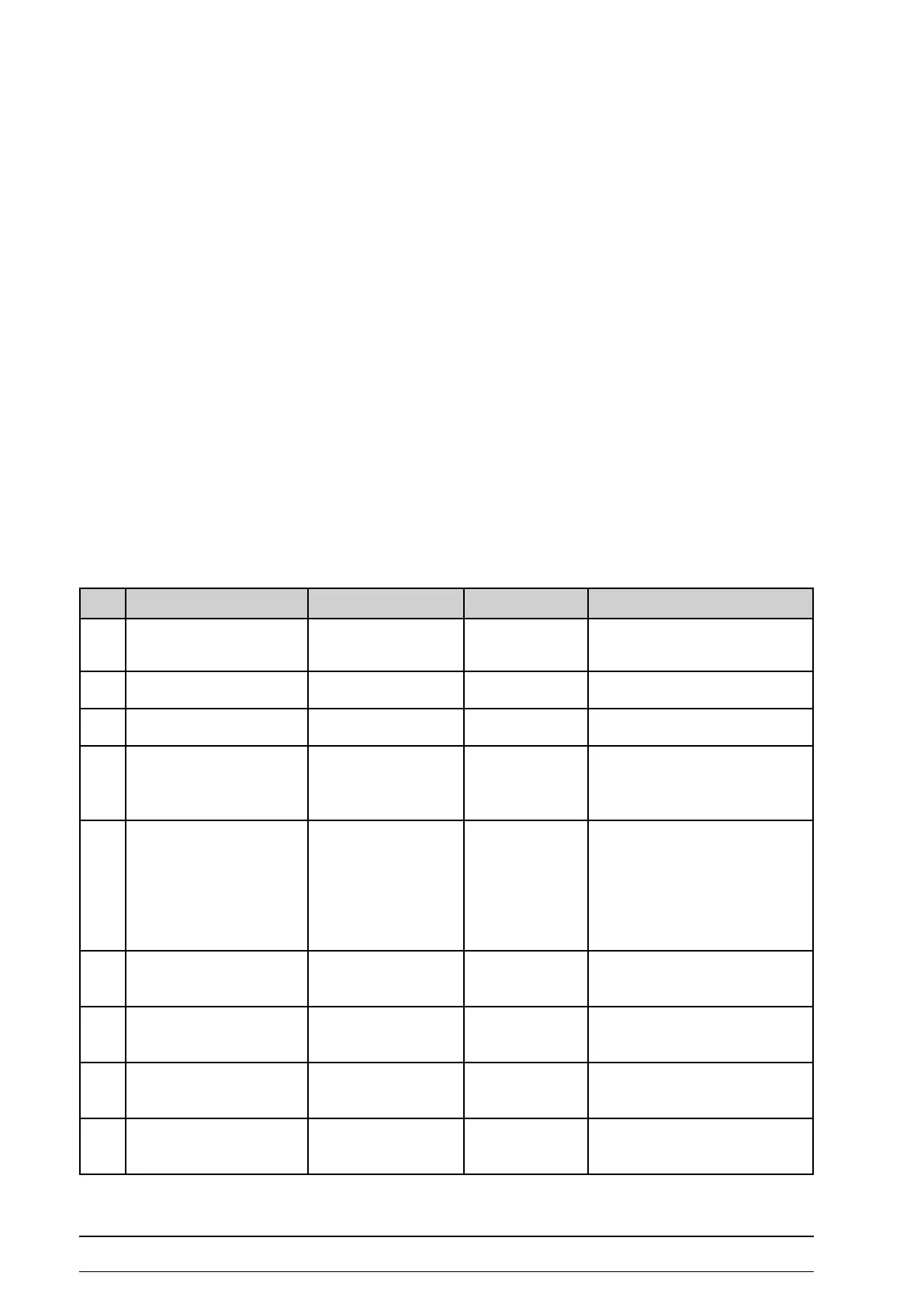
error Code BIts ZMe
Bit Error Reaction Display / Info Troubleshooting
0 Illegal program jump Safety shut down - restart eBike (OFF / ON)
- if error persists: replace ZME
1 Wrong SW configuration Warning - perform software update
2 not used
3 LCD communication error Safety shut down - check LCD connection
- replace LCD
- replace ZME PCB
4 +24V out of range Internal error - check power supply
- check connections:
power supply to LRE
cable ZME <-> LRE
(or ZME <-> BDE
BDE <-> LRE)
5 +5V out of range Safety shut down - restart eBike (OFF / ON)
- if error persists: replace ZME
6 2,5V out of range Safety shut down - restart eBike (OFF / ON)
- if error persists: replace ZME
7 Safety state mode Safety shut down - restart eBike (OFF / ON)
- if error persists: replace ZME
8 RAM-Test error Safety shut down - restart eBike (OFF / ON)
- if error persists: replace ZME



 To Next Page