2018112-069 Rev. F eBike II, eBike II L, eBike II EL - 53 -
error log
The software of the eBike II ergometers stores internal
error messages in a special memory area (error log le).
These error messages can be checked and cleared in this
menu.
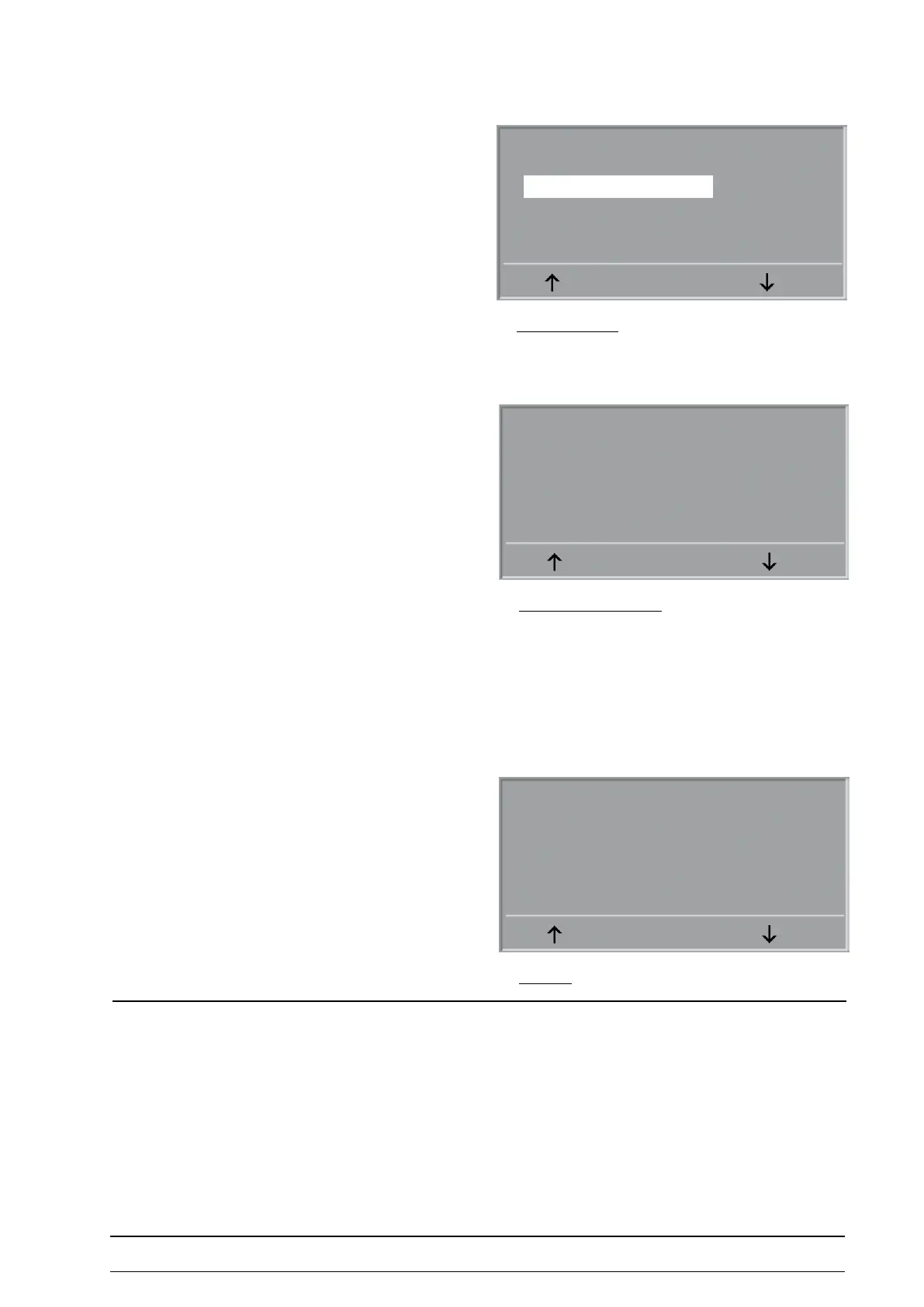
To display the stored error messages select „Show Error
Log“ and conrm with ENTER.
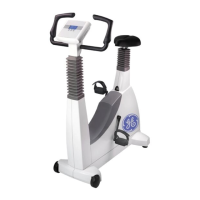
The rst error message is displayed:
Source: The unit generating the error
1. Date: Date of rst occurence of this error
1. Time: Time of rst occurence of this error
Err.Code: Corresponding error code of the software
Quantity: Number of occurences of this error
By using the arrow keys, the following error messages can
be displayed.
RETURN closes the error log display
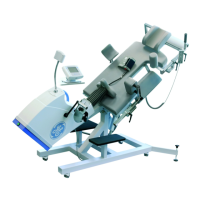
The software of the eBike II ergometers stores the signal
strength of each measure and indicates failed measures.
nIBp test / nIBp CalIBratIon
This menu is visible, if the ergometer is equipped with an
automatic NIBP module and this module is activated.
Test and calibration of the NIBP module is described in the
separate chapter „Calibration / alignment“.
error log MeMory
Error log
Err. Log Quantity: 2
Show Error Logs
Show NIBP Logs
Clear Error Logs
Clear NIBP Logs
ENTER
diSplaying a Single error
nibp log
Error No.: 1 / 3
Source: ZME
1. Date: 02.09.2008
1. Time: 14:20
Err.Code: 0008
Quantity: 3
RETURN
NIBP failed: N.N.
Mic. level 1: N.N.
Mic. level 2: N.N.
Mic. level 3: N.N.
Mic. level 4: N.N.
Mic. level 5: N.N.
RETURN



 To Next Page