GE
- 48 - eBike II, eBike II L, eBike II EL 2018112-069 Rev. F
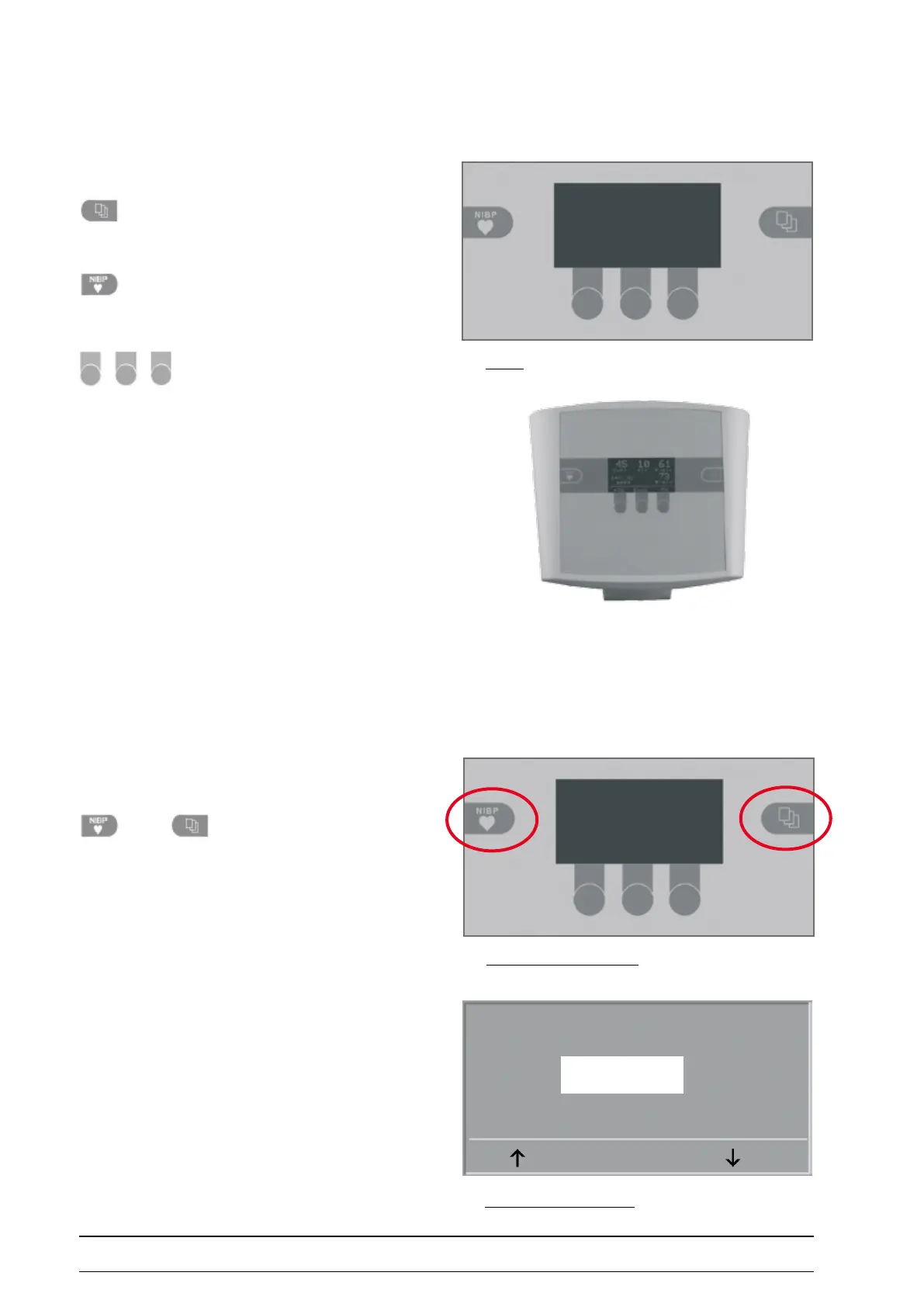
The ergometer software is controlled with 5 keys:
With this key you display the main menu or
return to the previous menu level.
With this key you initiate a blood pressure
measurement. A measurement in progress can be aborted
with the same key.
The functions of these three softkeys
change with the displayed menu - the key label describing
the function is shown on the display.
turnIng tHe systeM on
You turn the ergometer on by pressing the power switch -
the green indicator in the switch lights up.
The ergometer runs a self-test.
As soon as the self test appears on the ergometer display,
press the two softkeys
synchronously and hold.
To prevent settings from being changed by chance, the
service menu is „protected“ by a password.
Select „999“ with the arrow keys and conrm with SET.
Selftest running
activating the Service Menu
Keypad
servICe Menu
paSSword for Service Menu
Service Code
999
SET



 To Next Page