Zoom20/30/35 Pro | 46Applications - Getting Started
Stn. Orientation result
Next step
• Either, press Resid to display the residuals.
• Or, press OK to set the orientation and return to the Pre-Settings screen.
Stn. Orientation Resid-
uals
If no orientation was set and an application was started, or if in Survey and a measurement was recorded,
then the current horizontal direction is set as the orientation.
Next step Select GO! to begin the application.
Field Description
Pts Number of points used in the calculation.
Stn Station name for which the orientation has been set.
HA Corr Horizontal correction
Std.Dev Standard deviation indicating the potential variance between the true orientation and
that calculated.
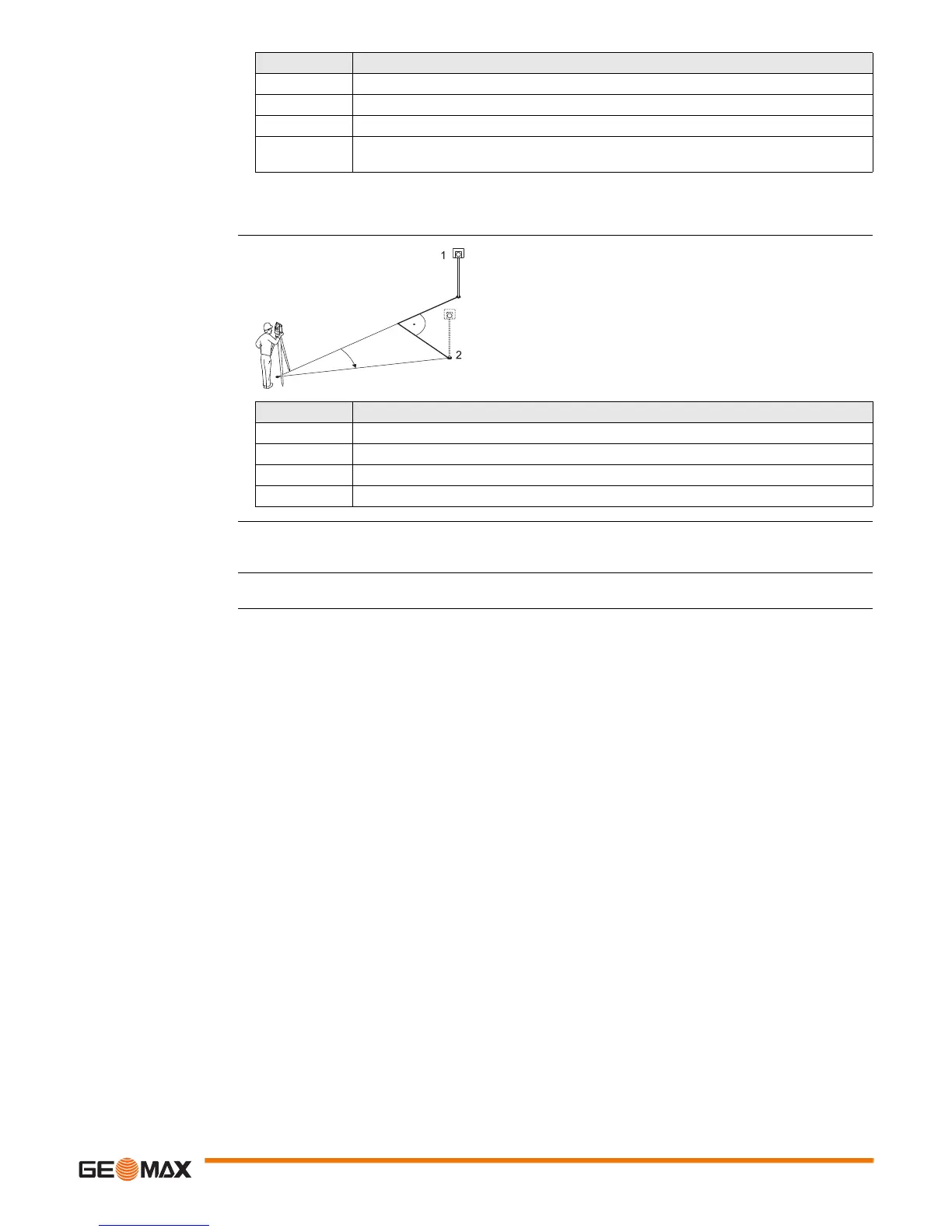
1Actual
2Design
P2 Target point
d Offs Height correction
d HD Correction in horizontal distance
d HA Correction in horizontal direction
Field Description
BS ID Point IDs of the target points used in calculating the orientation.
d.H.A The difference in horizontal direction to the target point.
d.H.D The difference in horizontal distance to the target point.
dZ The difference in height to the target point.


 To Next Page
 Loading...











