19. OMRON PLC 19-3
Example:
• Setting procedure: Num. Data Display [Input Type] BCD
[Display Type] DEC (w/ −sign, w/ +−signs)
Available Memory
The available memory setting range varies depending on the PLC model. Be sure to set within the
range available with the PLC to be used. Use [TYPE] when assigning the indirect memory for macro
programs.
SYSMAC C
*1 When using EMn (extended data memory), specify the bank
number (C: 0 to 7).
The assigned memory is indicated when editing the screen as
shown on the right.
SYSMAC CV
*1 When using EMn (extended data memory), specify the bank
number (CV: 0 to 7).
The assigned memory is indicated when editing the screen as
shown on the right.
PLC Memory Indication on V7
0000 to 9999 0 to 9999
F001 to F999 −1 to −999
A000 to A999 −1000 to −1999
00000000 to 99999999 0 to 99999999
F0000001 to F9999999 −1 to −9999999
A0000000 to A9999999 −10000000 to −19999999
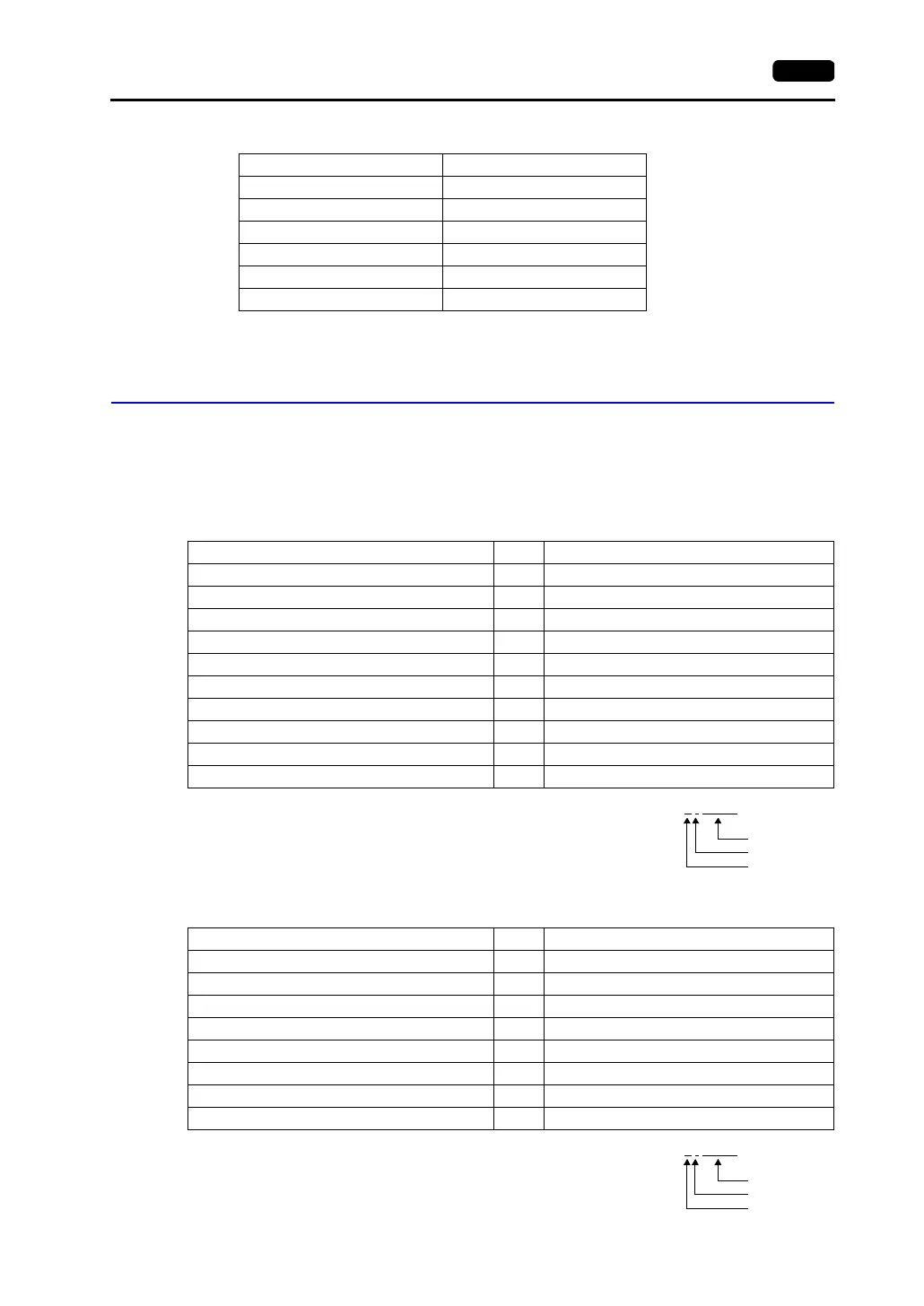
Memory TYPE Remarks
DM (data memory) 0
CH (input/output relay) 1
HR (holding relay) 2
LR (latch relay) 3
AR (auxiliary memory relay) 4
T (timer/current value) 5
C (counter/current value) 6
EMn (extended data memory) 7 *1
TU (timer/contact) 9 Read only
CU (counter/contact) 10 Read only
Example: EM0 : 30000
Address
Colon
Bank number
Memory TYPE Remarks
DM (data memory) 0
CH (input/output relay) 1
AR (alarm relay) 4
T (timer/current value) 5
C (counter/current value) 6
EMn (extended data memory) 7 *1
TU (timer/contact) 9 Read only
CU (counter/contact) 10 Read only
Example: EM0 : 30000
Address
Colon
Bank number



 To Next Page