Appendix 3 n : 1 Connection (Multi-link) App3-5
V-SFT Setting
The following settings must be made on the V-SFT editor.
Only the points different from those described in “V-SFT Setting (1 : 1 Connection)” (page 1-10) are
explained here.
PLC Selection
Select the PLC that is connected. Check that the PLC to be connected is ready for multi-link
connection. Refer to “Connection Compatibility List” at the back of this manual.
• Setting Procedure
[System Setting] → [PLC Type] → [Select PLC Type] dialog
Communication Parameter Setting
• Setting Procedure
[System Setting] → [Comm. Parameter] → [Comm. Parameter] dialog
• Setting Items
[Connection]
Select [Multi-Link].
Click [Setting]. The [Multi-Link] dialog is displayed. Make the necessary settings.
[Local Port] (1 to 31)
Set the port number of the V7 series.
Set the unique port number for each V7 series. If the number duplicates, communications will
not be performed correctly.
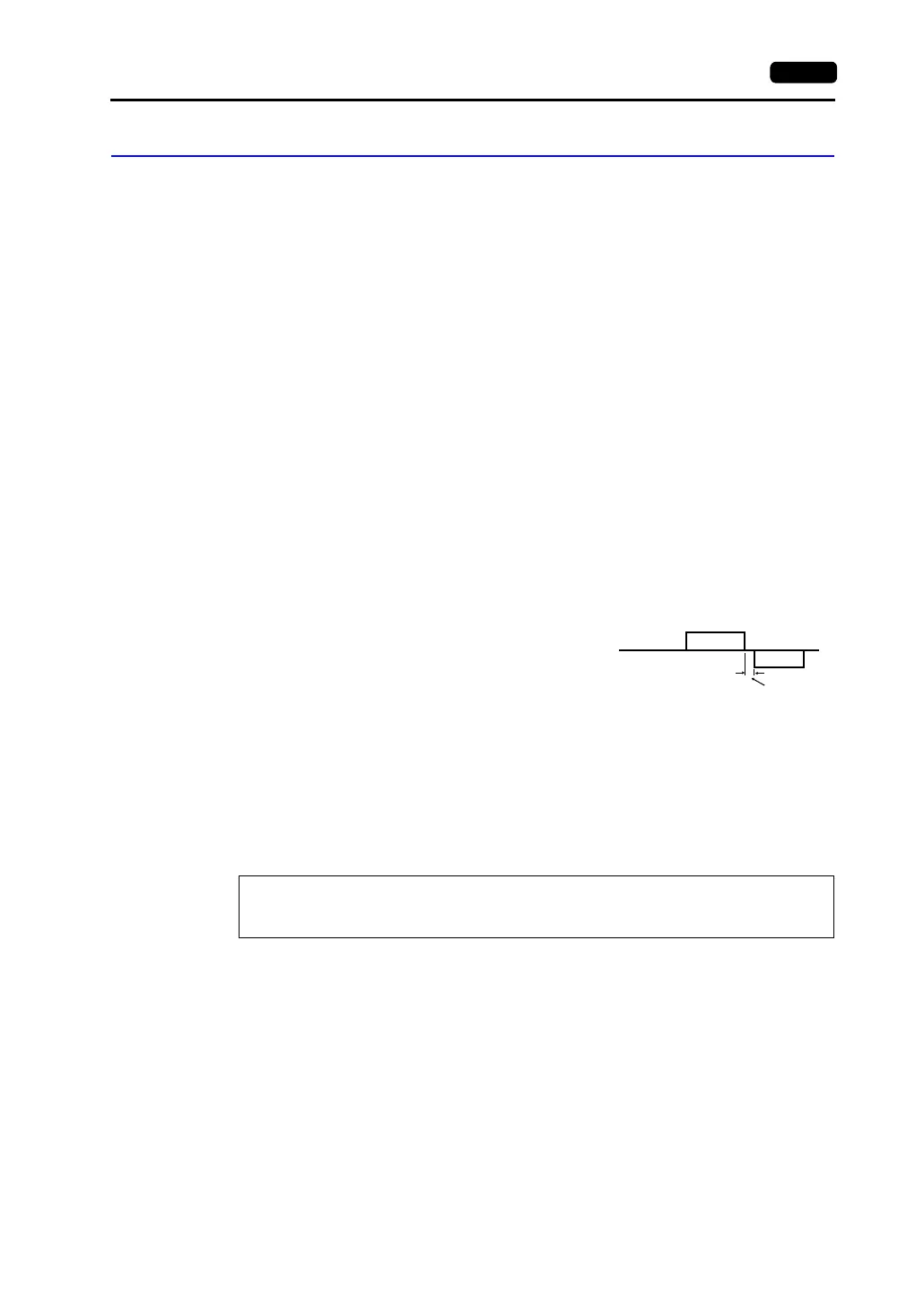
[Send Delay Time] (0 to 255) (Unit: ×1 msec)
Set a time delay in sending the response to the PLC
after receipt of data from the PLC.
(Default setting: 20 msec)
[Total] (2 to 31)
Set the total number of the V7 series included in the connection.
[Retry Cycle] ( × 10)
When the V7 series has a problem, it is temporarily removed from the communication targets,
and the master station sends an inquiry for restoration every number of cycles specified for
[Retry Cycle]. This setting does not affect the communication speed if no problem is occurring;
however, if there is any problem, it does affect the communication speed.
• When the setting value is small: It will not take a long time before restoration.
• When the setting value is large: It will take a longer time before restoration.
* For [Send Delay Time], [Total] and [Retry Cycle], the same values must be set on all the V7 series
that are connected in the same communication line.
Supplemental Information:
[Retrials] in the [Detail] tab window of the [Comm. Parameter] dialog is the number
of retrials that the V7 series sends an inquiry to the PLC.
PLC
MONITOUCH
Send delay
time “t”



 To Next Page