Settings on the Control Screen
Drive Mode
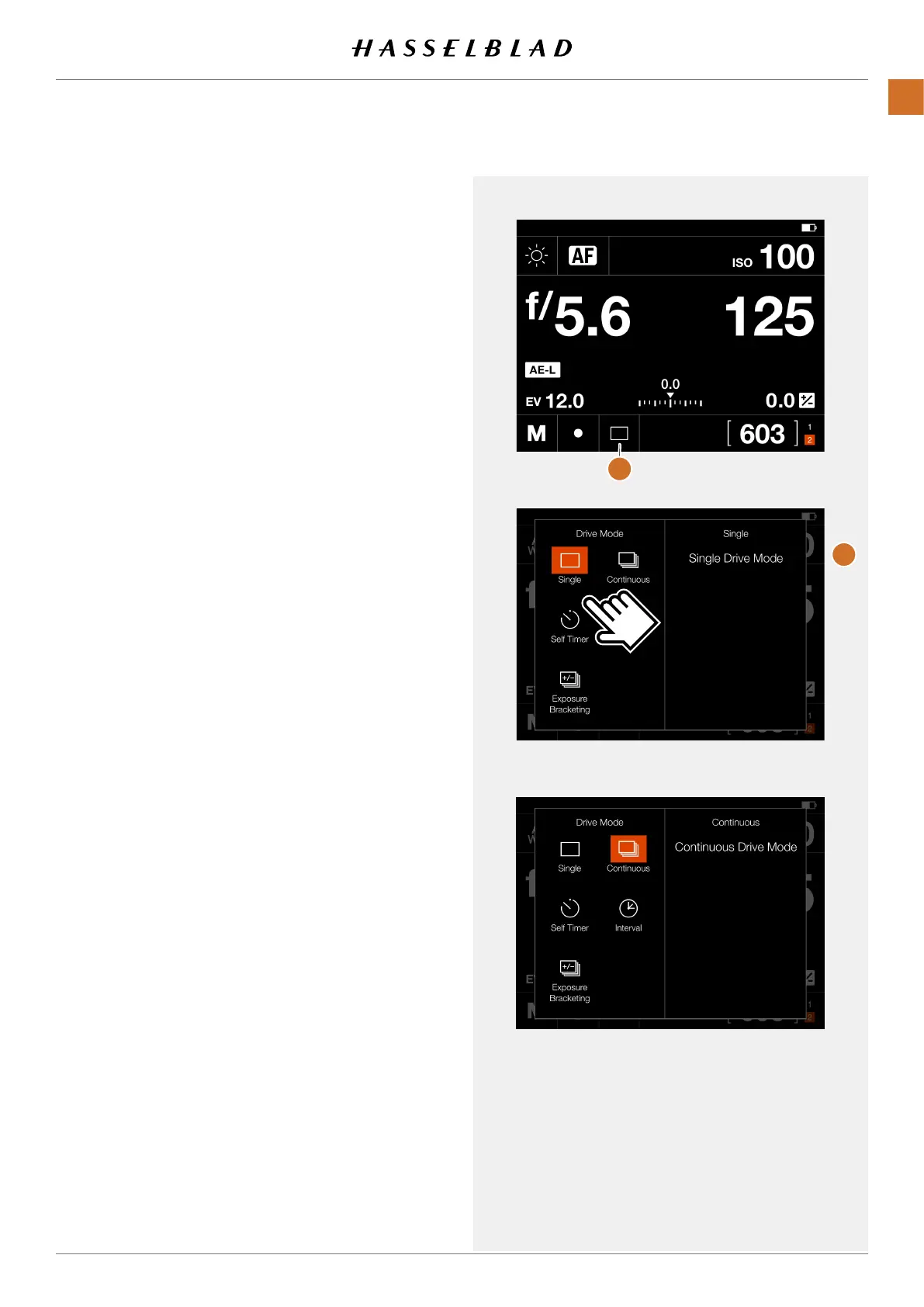
By tapping the Drive Mode Icon (A) on the control screen, you
can select the following modes:
●
Single
The camera will only make one exposure regardless
how long the Shutter Release Button is pressed.
●
Continuous
The camera will make exposures as long as the Shutter
Release Button is pressed.
Tap the desired function again to close the dialogue make it
active.
Continued on the next page.
Single frame Drive mode
Control Screen
Continuous Drive mode
A
B
X1D II 50C USER GUIDE www.hasselblad.com
53
FUNCTIONS
Contents



 To Next Page
 Loading...






