EasyManua.ls Logo

HellermannTyton TT431 - User Manual

HellermannTyton TT431
414 pages
Print Icon
To Next Page IconTo Next Page
Loading...
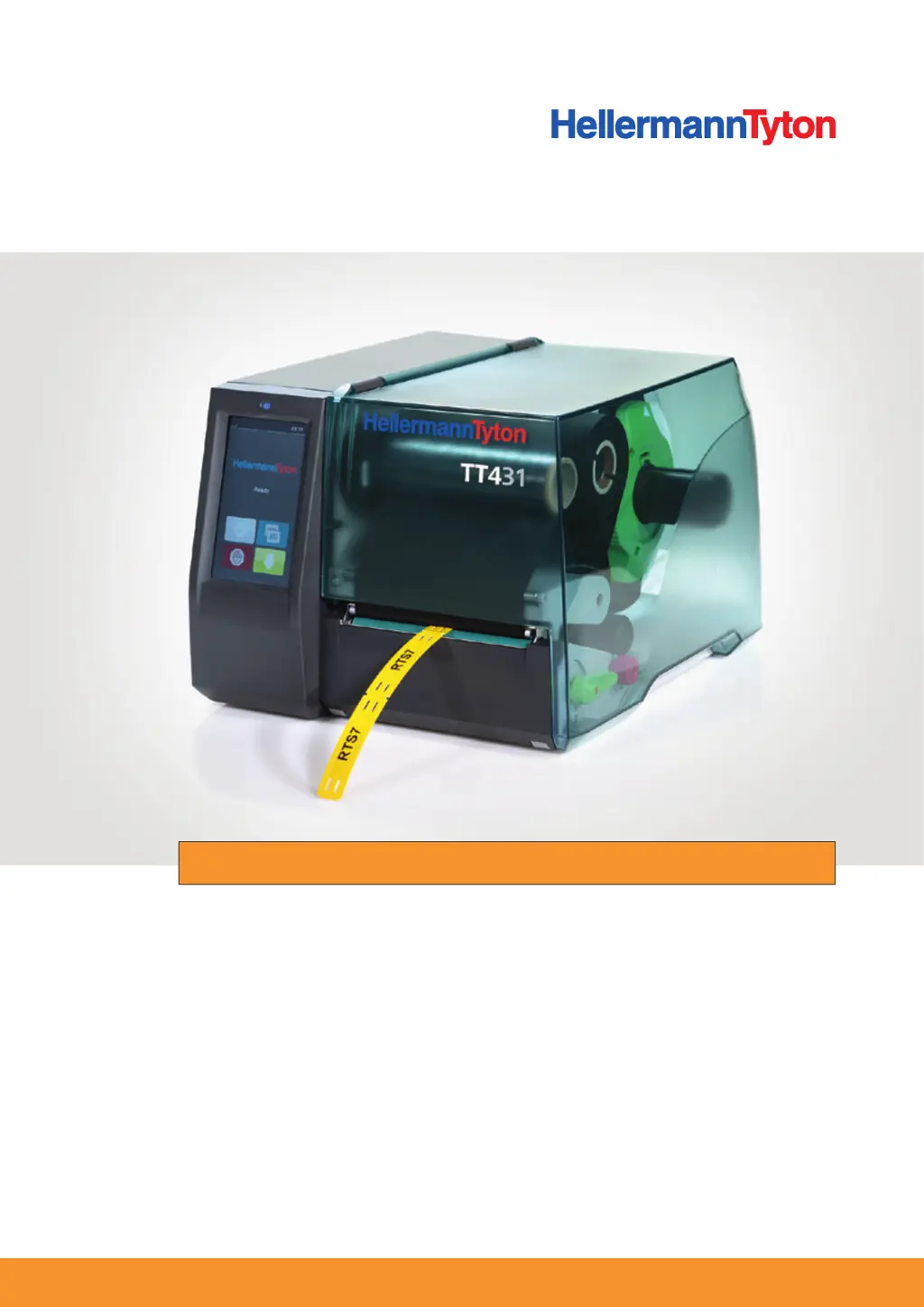
Thermotransferdrucker TT431
Operating Instructions Bedieningshandleiding Návod k obsluze
Betriebsanleitung Brugervejledning Használati útmutató
Manuel d’utilisation Bruksanvisning Navodila za uporabo
Manual de Instrucciones Bruksanvisning Instrucţiuni de operare
Manual de instruções Käyttöohjeet Kullanım talimatları
Manuale d’uso Instrukcja obsługi

Table of Contents

Questions and Answers

  • L
    Lawrence HesterSep 2, 2025
    How to troubleshoot 'No label found' on HellermannTyton TT431?
    • N
      Nicholas ReyesSep 2, 2025
      The 'No label found' error can occur if several materials are missing on the consumable material strips; in that case, press Repeat until the next material is detected on the consumable material strip. It can also happen if the material format set in the software does not correspond with the actual format; if this is the case, cancel the current print job, change the material format in the software, and restart the print job. Finally, it might happen if the device is loaded with continuous material, but the software is set to sections, so cancel the current print job, change the material format in the software, and restart the print job.
  • G
    Gregory HollandSep 1, 2025
    What to do if my HellermannTyton Printer shows 'Printhead too hot'?
    • D
      David VaughnSep 1, 2025
      If the printhead is too hot, the print job will continue automatically after a pause. However, if this issue recurs repeatedly, reduce the heat level or the print speed in the software.
  • R
    Renee SchultzAug 31, 2025
    What to do if my HellermannTyton TT431 says 'File not found'?
    • B
      Brandy AllenAug 31, 2025
      If you receive a 'File not found' error, this means the requested file is not on the memory card. Check the content of the memory card to ensure the file is present.
  • W
    wnguyenAug 30, 2025
    Why is my HellermannTyton TT431 Printer printing a sequence of characters instead of the material format?
    • J
      John WilliamsAug 30, 2025
      If the printer is printing a sequence of characters instead of the material format, the device is likely in monitor mode. To resolve this, cancel the monitor mode.
  • B
    Brenda SmithAug 29, 2025
    What to do if my HellermannTyton Printer has a barcode error?
    • K
      karen55Aug 29, 2025
      A barcode error indicates invalid barcode content, such as alphanumeric characters in a numerical barcode. Correct the barcode content to resolve this.
  • A
    Alex DiazAug 28, 2025
    What to do if my HellermannTyton TT431 says 'Out of paper'?
    • A
      adam51Aug 28, 2025
      If the printer indicates it is out of paper, it could be because the material roll is empty, so load material. Alternatively, there may be an error in the paper feed, so check the paper feed.
  • J
    Jessica RichmondAug 27, 2025
    How to fix HellermannTyton TT431 Printer when print image has smears or voids?
    • L
      Lori HarrisAug 27, 2025
      Smears or voids in the print image can occur if the printhead is dirty, so you should clean the printhead. Also, the temperature may be too high, so decrease the temperature in the software. Finally, it could be an unsuitable combination of materials and colour ribbon, so try using a different colour ribbon type or brand.
  • P
    Pamela VaughnAug 26, 2025
    What to do if my HellermannTyton TT431 Printer has vertical white lines in the print image?
    • L
      Lisa WiseAug 27, 2025
      If you observe vertical white lines, this could be due to a dirty printhead, so clean the printhead. Alternatively, the printhead may be defective, and you may need to replace it.
  • S
    Shawn MurphyAug 25, 2025
    Why is the colour ribbon wrinkled in my HellermannTyton TT431 Printer?
    • J
      judith03Aug 26, 2025
      The colour ribbon may be wrinkled because the colour ribbon guide roll is not adjusted, so adjust the colour ribbon feed. Also, the colour ribbon may be too wide, so use a colour ribbon that is only slightly wider than the material.
  • J
    Joshua SwansonAug 25, 2025
    Why is my HellermannTyton Printer showing 'Colour ribbon winding'?
    • W
      wramirezAug 25, 2025
      The colour ribbon winding error can occur if the determined unwinding direction of the colour ribbon does not match the configuration setting, meaning the colour ribbon was inserted upside down; in this case, clean the printhead and insert the colour ribbon correctly. It can also happen if the configuration setting does not match the utilized colour ribbon, so adjust the configuration setting.

Summary

User Information

Intended Use

Specifies the authorized and prohibited uses of the thermal transfer printer.

Safety Instructions

Basic Safety Instructions

General safety guidelines for handling the device, including electrical safety.

Layout and Function

Touchscreen Display

Explains how to navigate and operate the device using the touchscreen interface.

Initial Operation

Connecting the Device to the Power Supply

Step-by-step guide for safely connecting the printer to an electrical power source.

Operation

Inserting the Roll Material

Instructions for loading the label roll into the printer.

Inserting the Colour Ribbon

Procedure for installing the colour ribbon correctly.

Troubleshooting

Error Displays

Information on interpreting error messages shown on the device display.

Error Messages and Troubleshooting

Tables detailing common errors, their causes, and remedies.

Problem Solving

Guides for resolving specific print quality issues and operational problems.

Maintenance

Maintenance and Cleaning

Overview of routine maintenance tasks and cleaning procedures.

Cleaning the Print Roller

Procedure for cleaning the print roller to ensure print quality.

Cleaning the Printhead

Detailed steps for cleaning the sensitive printhead.

Taking Out of Operation

HellermannTyton TT431 Specifications

General IconGeneral
TypeThermal Transfer Printer
Printing MethodThermal Transfer
Resolution300 dpi
Print Resolution300 dpi
Power Supply100-240 VAC, 50/60 Hz
CutterOptional
Maximum Print Width104 mm
ConnectivityUSB, Ethernet, Serial RS-232
Operating Temperature5°C to 40°C
Humidity20% to 85% non-condensing

Related product manuals