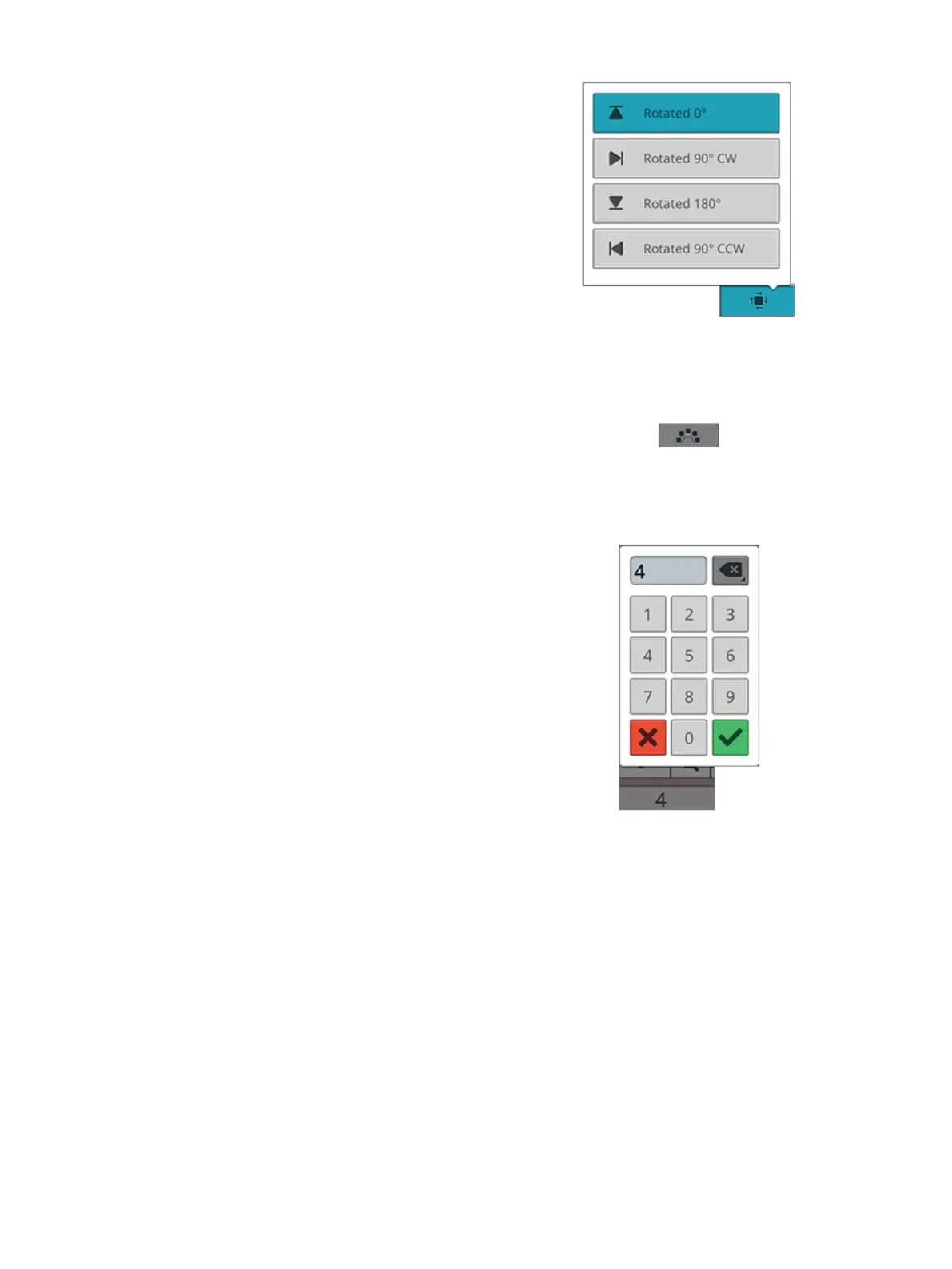
Select Side Positioning
Touch the select side positioning button to open a list of
options for how the designs will be rotated on the shape line:
no rotation, rotate 90 degrees clockwise, rotate 180 degrees
or rotate 90 degrees counter-clockwise.
Fixed Design Angle
Touch the select design angle to align all the designs in a fixed,
vertical rotation on the shape line. Deselect to keep the
current angle along the shape line.
Set Number of Designs
If you want to enter the total number of designs you want in
your shape, touch in the number area above the + and -
buttons to open a keypad. Enter the desired number of
designs and touch OK to close.
124 8 Embroidery













 To Next Page