deLuxe™ Stitch System
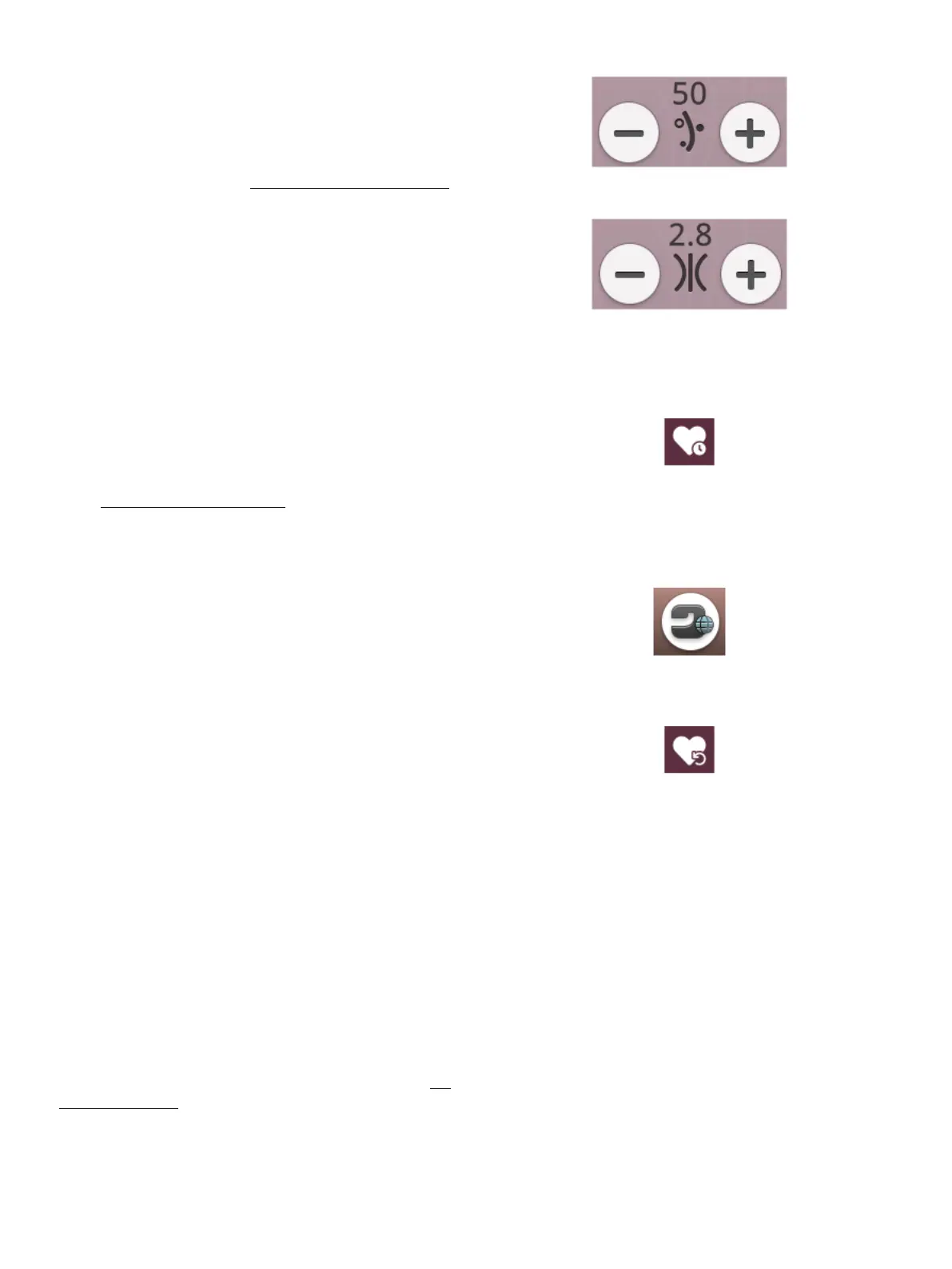
Thread portioning
Thread tension
The control visible in embroidery stitch out will change
depending on whether the deLuxe™ stitch system is active or
not in the temporary embroidery settings. Use the controls to
adjust the balance between upper thread and bobbin thread, e.
g. when embroidering with specialty thread. Read more about
the deLuxe™ stitch system in temporary embroidery settings.
Smart Save
If you want to save your work, including loaded stitch, loaded
embroidery, current stitch position and settings, touch the
smart save button. A pop-up will indicate that a smart save
has been done and you can now turn off the machine or start
a new JoyOS ADVISOR™ project. Smart save remembers
and stores all your design and stitch adjustments along with
your settings. This makes it possible to continue your work
later.
Home screen button
Load smart save button
To load the last performed smart save, touch the load smart
save button in the JoyOS advisor™ feature.
Note: When you touch smart save the previously saved smart save will
be deleted.
Auto Smart Save
When embroidering your DESIGNER RUBY™ 90 machine
will continuously and automatically save your ongoing work,
including the loaded stitch, embroidery, current stitch
position and settings. If there is a power outage when you are
in embroidery stitch out a pop-up will appear when your
machine is restarted. In the pop-up you can choose to return
to embroidery stitch out and bring up the design ready to
stitch. The embroidery will start from approximately the
same position as it was interrupted from.
Tip: Before starting the embroidery go back a few stitches using the step
stitch-by-stitch control to ensure that the threads will be secured.
138 9 Embroidery Stitch Out













 To Next Page