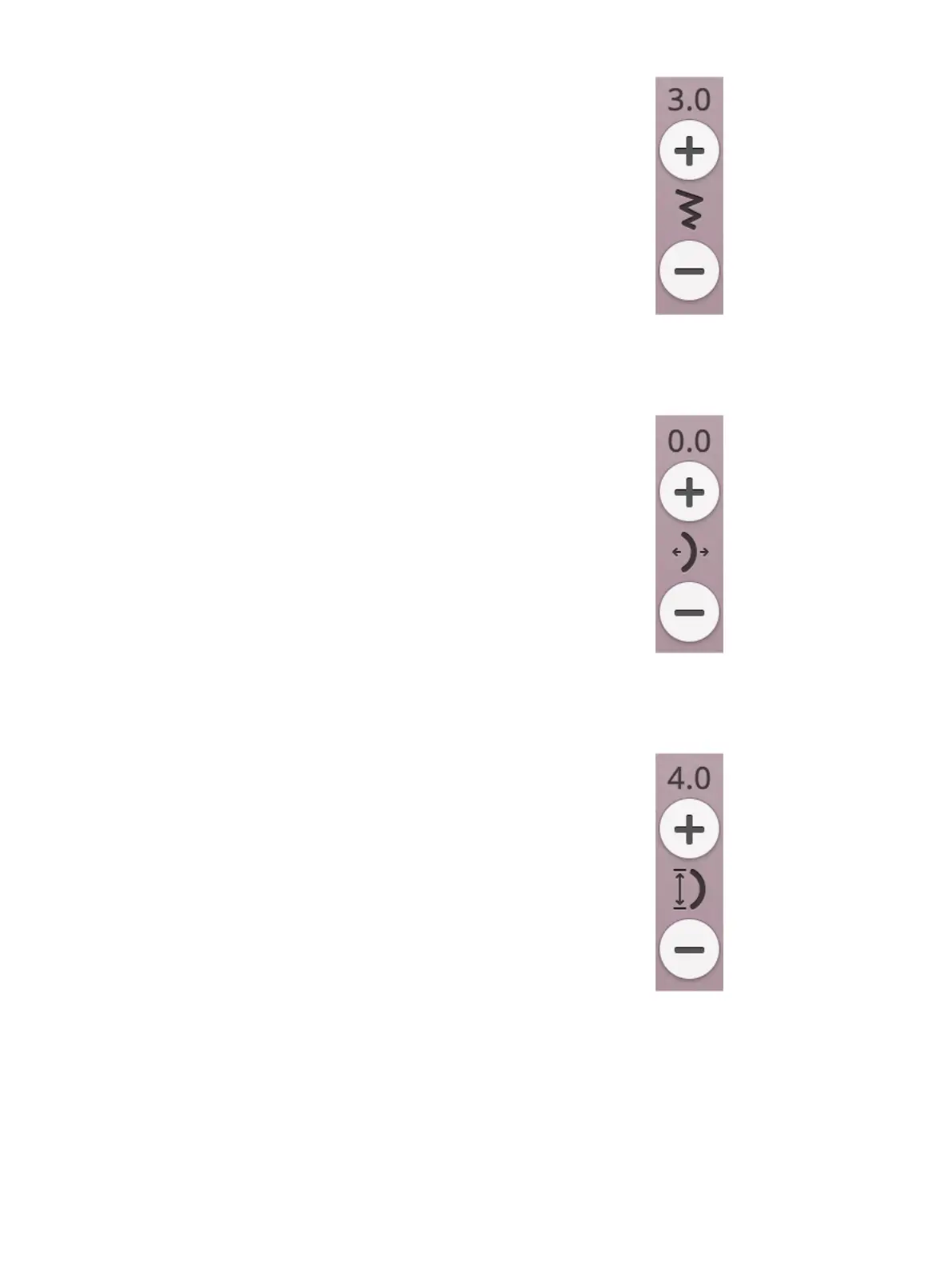
Stitch Width
Increase or decrease the stitch width using + and - in the
control. The number above the control shows stitch width in
mm/inch.
Changed stitch position may limit the stitch width
adjustments.
Stitch Positioning
On certain stitches with a width less than 7mm it is possible
to change the stitch position. Use + to move the stitch to the
right and - to move the stitch to the left. The number above
the control shows the needle start position in mm/inch in
relation to center needle position. The machine has a
maximum of 29 needle positions (for a straight stitch).
The stitch position can only be changed to the limit of the
maximum stitch width. Changing the stitch positioning will
also limit the stitch width adjustments.
Stitch Length
Increase or decrease the stitch length using + and – in the
control. The number above the control shows the set stitch
length in mm/inch. If lengthening a zigzag stitch or a
decorative stitch, the entire stitch will be stretched out. If
lengthening a stitch where the density can be adjusted, the
entire stitch will be longer but the density of the satin stitches
will remain the same.
88 7 Sewing













 To Next Page