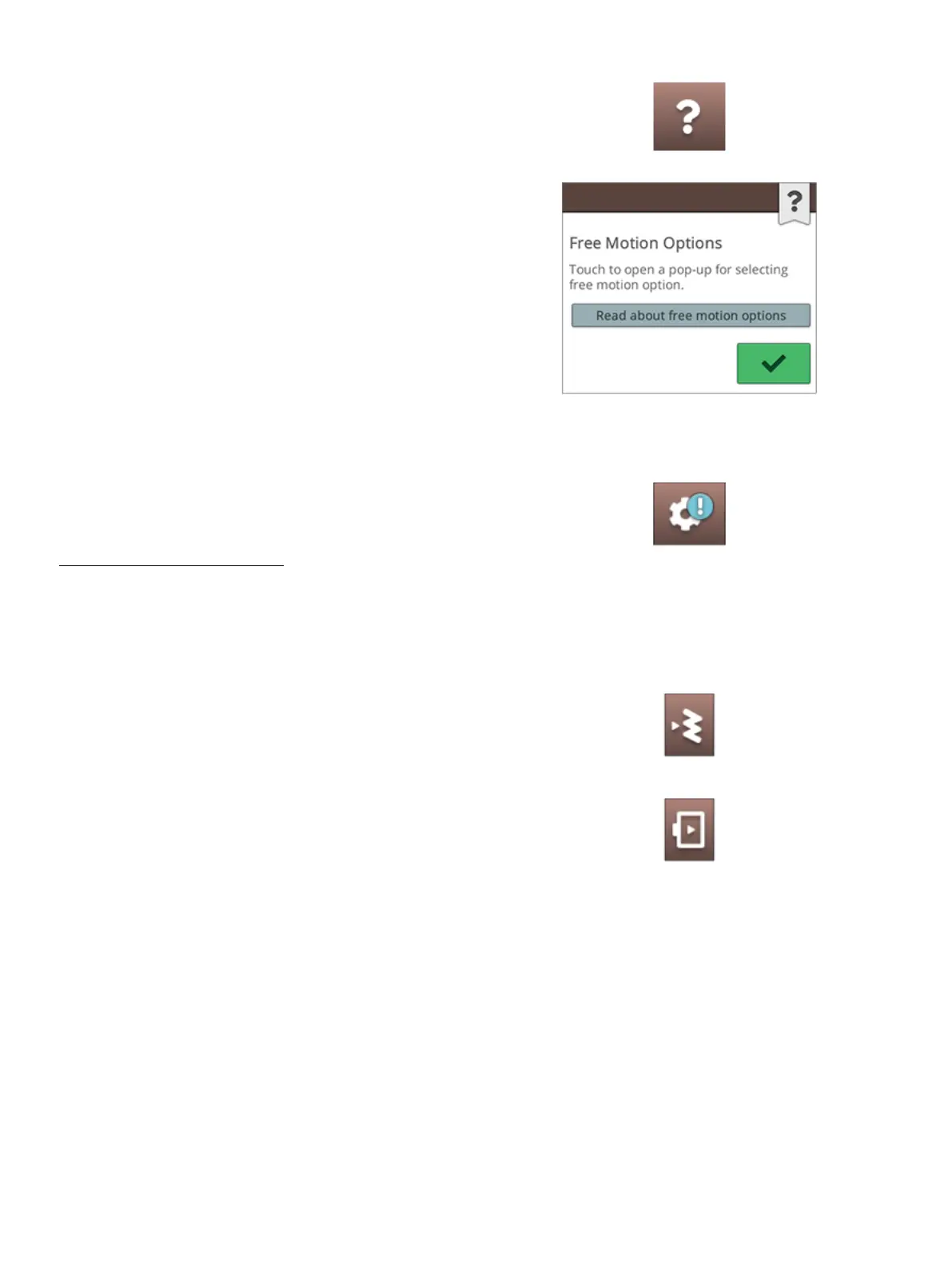
Quick Help
Touch quick help on the topbar. Touch an icon, button or an
area on the screen you want information about.
Some quick helps will refer to the built-in user’s guide for
more information. Touch the button to open the built-in
user’s guide.
Settings
Touch settings button to open the settings window.
Settings that are recommended will automatically be set when
loading stitches and/or designs from the
JoyOS ADVISOR™ project menu. This will be indicated
with an exclamation mark on the settings button. Touch the
button to open settings and see which setting(s) has been
changed.
Sewing/Embroidery Mode Toggle
Sewing mode
Embroidery mode
Toggle between sewing and embroidery mode by touching
the sewing/embroidery mode toggle in the upper right
corner.
4 The Multi-Touch Screen 59













 To Next Page