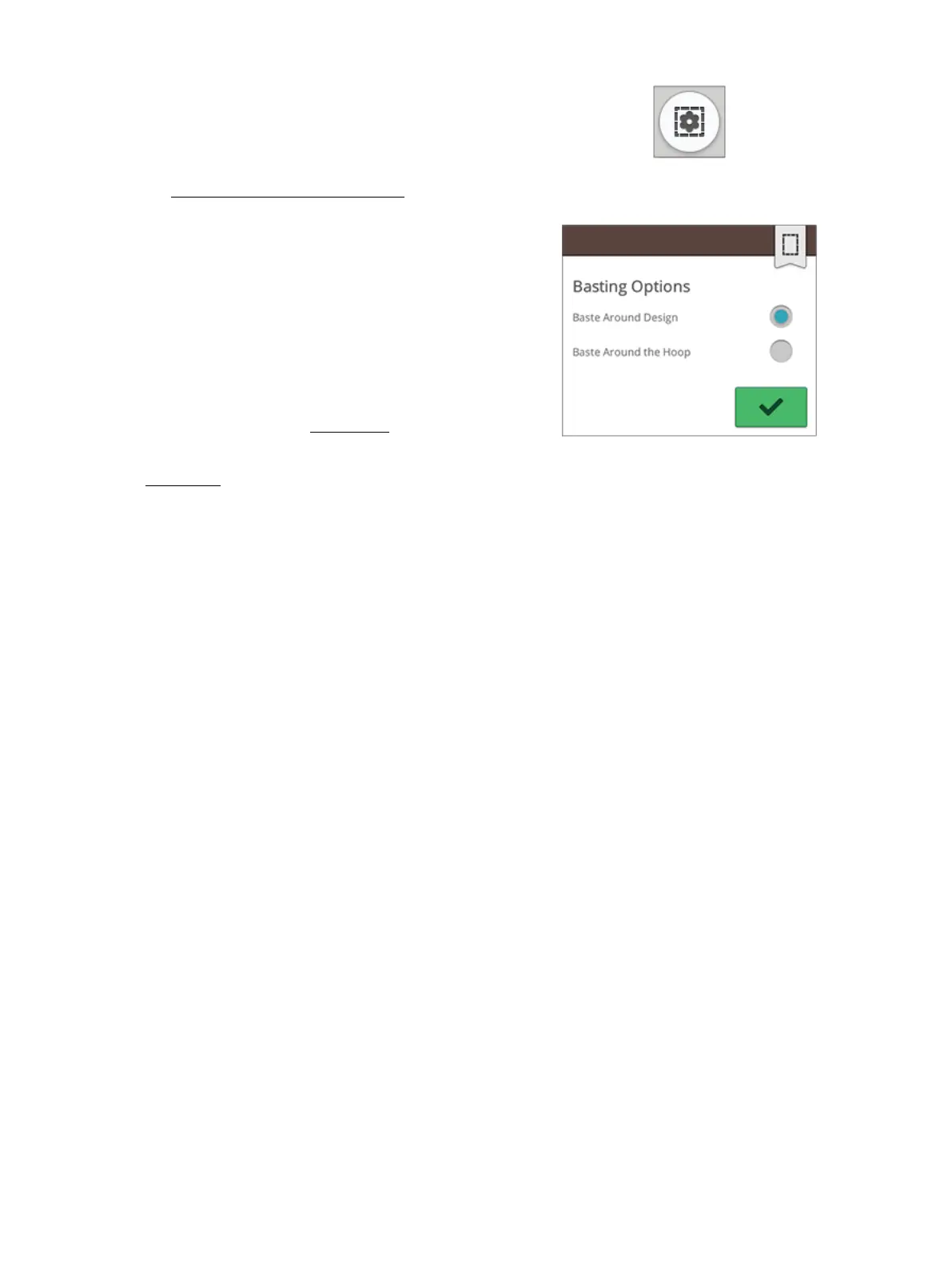
Basting Options
Basting options button
Basting options pop-up
Basting enables you to secure your fabric to a hooped
stabilizer. It is especially useful when the fabric that is going
to be embroidered cannot be hooped. Basting provides
support for stretchy fabrics.
Touch the basting options button. The basting options can
also be set in the “welcome to embroidery stitch out”
window before entering embroidery stitch out.
Touch baste around design to add a basting stitch around the
design, outlining the area where the design will be placed on
the fabric.
Touch baste around hoop area to add a basting stitch around
the inside edge of the hoop.
You can select both basting options to add additional
support for certain fabrics and techniques.
Note: When activated only the basting color blocks will be shown in the
color block list. When basting is complete the color block list will once
again show the color blocks of your design.
Tip: Touch the FIX function on your machine to activate baste around
design.
142 9 Embroidery Stitch Out













 To Next Page