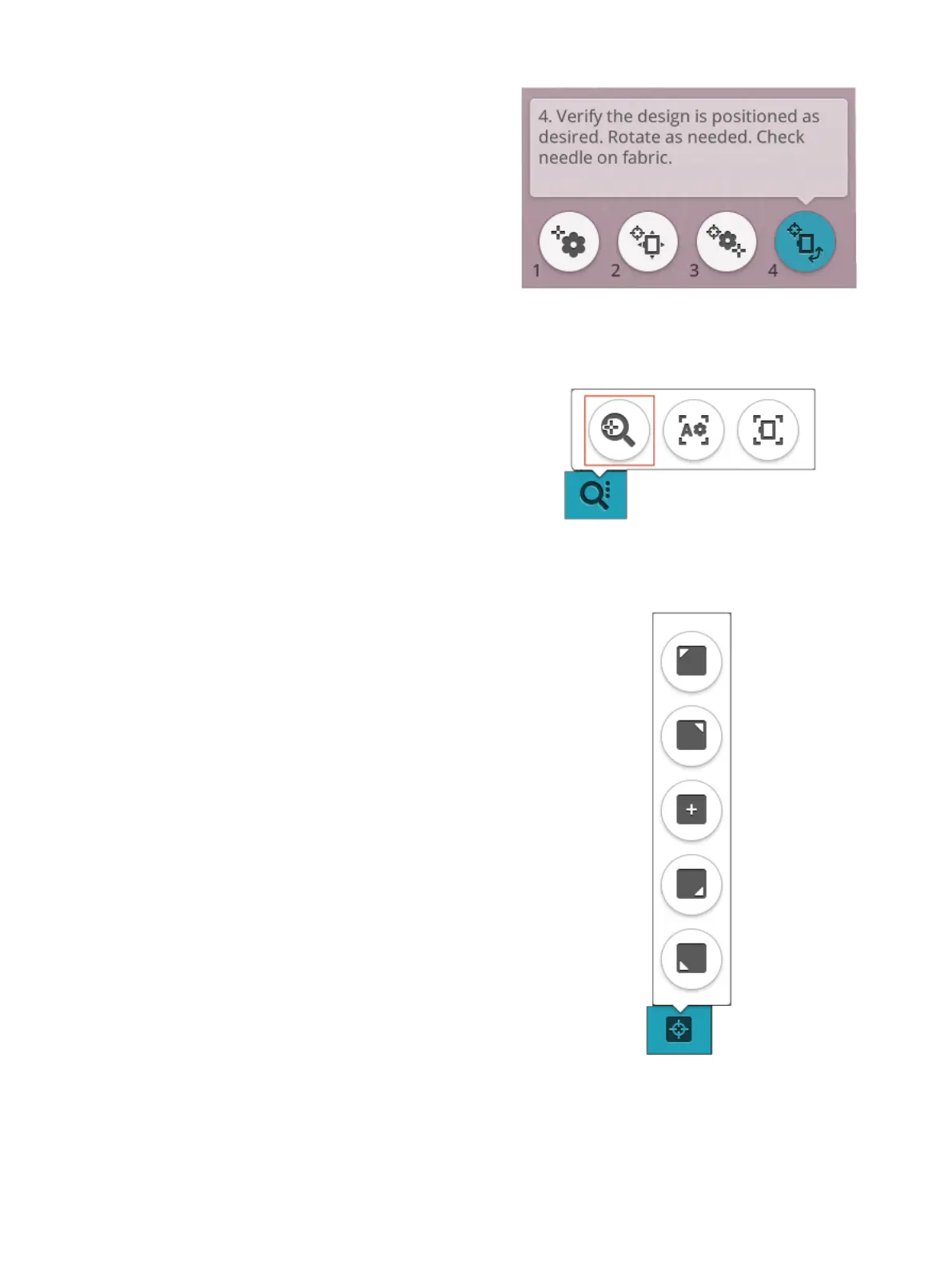
4. Rotate Design on Fabric
Touch number 4. The touch function rotate is automatically
selected. Touch and move using your finger on the screen, or
use the arrows in the control wheel, to rotate the design until
the needle is exactly where you want it to be on the fabric or
the previously stitched design. Touch OK to close design
positioning.
Zoom to Cursor
Touch the zoom options button to find zoom to cursor.
When using the zoom to cursor it will maximize the zoom
and pan the embroidery area so the cursor position is
centered on the screen.
Set Cursor Point
Open set cursor point options. Move the cursor point to any
of the selected corners or to the center of the design. The set
cursor point can be used to trace the design field by touching
each of the four corner buttons. Find the center of the design
by touching the set cursor point center button.
9 Embroidery Stitch Out 137













 To Next Page