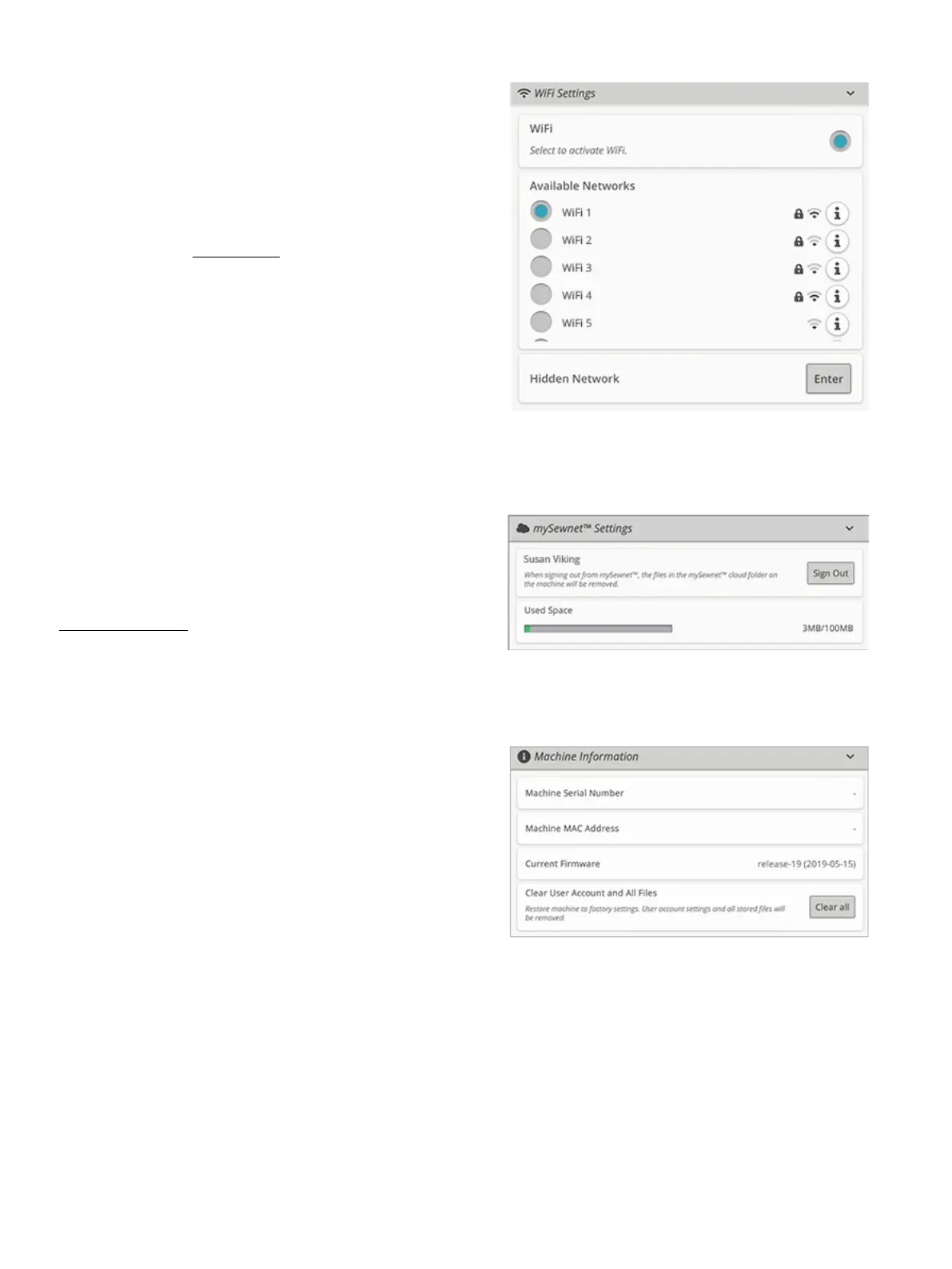
WiFi Settings
Select the WiFi settings on your machine. In WiFi settings
you can activate/deactivate WiFi on your machine, search for
available networks and connect. If connected to a network
with Internet access the latest firmware update will always be
available. When WiFi is connected and you have logged in to
the mySewnet™ cloud, all your saved files in the machine will
synchronize with the mySewnet™ cloud.
Read more about the possibilities with WiFi connection in
your machine in the WiFi chapter.
mySewnet™ Settings
In the mySewnet™ settings you can sign in to the mySewnet™
cloud or change the user on the machine. You will also be
able to create a new user. With a mySewnet™ account you will
be able to access all of the mySewnet™ services.
Read more about the possibilities with mySewnet™ in
mySewnet™ services.
Machine Information
Machine information contains technical machine information
such as: machine serial number, machine MAC address and
current firmware. In machine information you can clear user
account and files.
164 11 Settings













 To Next Page