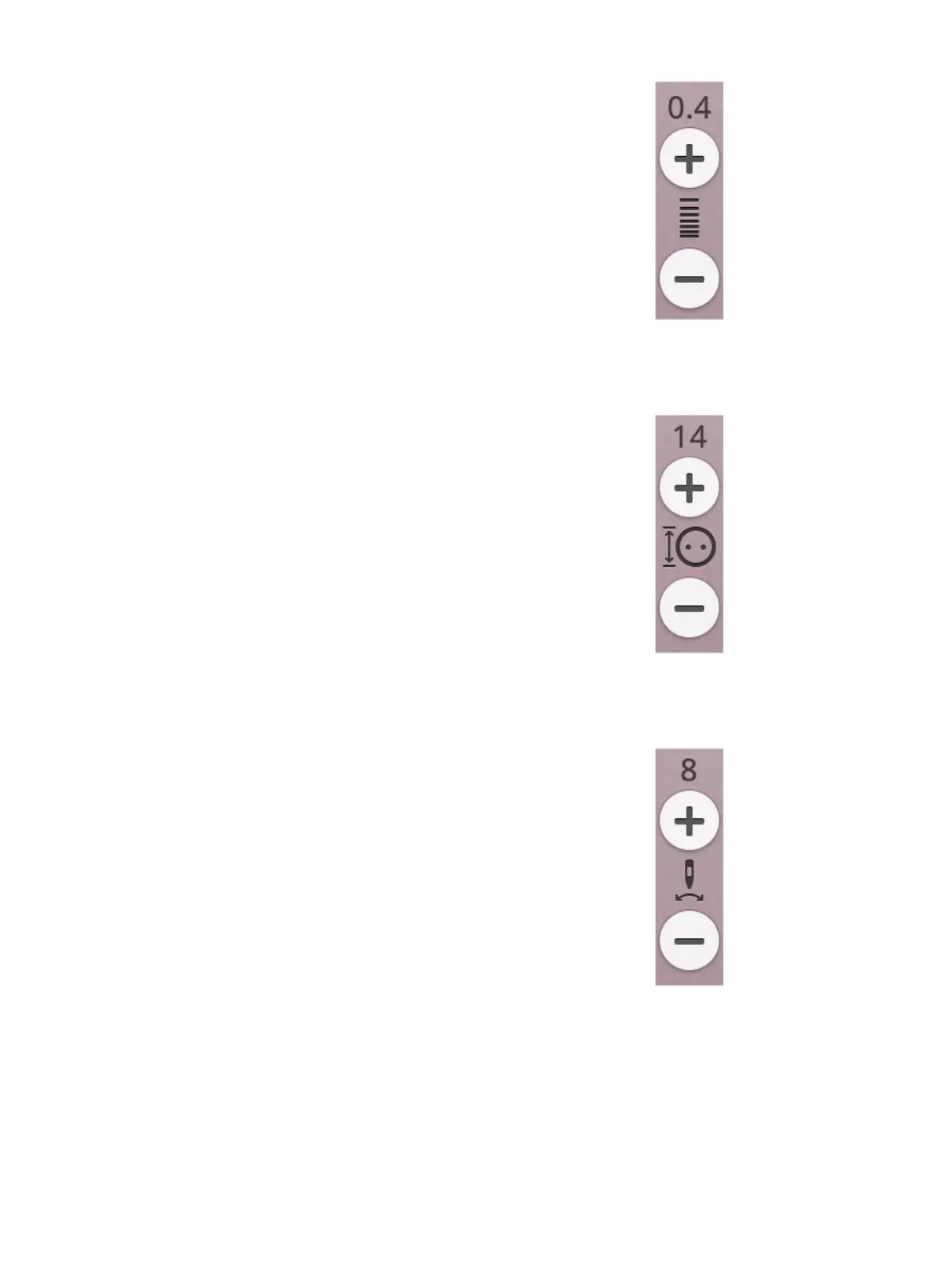
Stitch Density
The stitch density control adjusts the density (the distance
between the individual satin stitches that make up the entire
stitch). The density does not affect the actual length of the
entire stitch.
Touch + to decrease the density. Touch - to increase the
density. The number above the control shows the distance
between satin stitches in mm/inch.
Tip: Decrease the density to get different visual effects e.g. when using
speciality threads.
Button Size
When sewing a buttonhole with the Sensor One-Step
Buttonhole Foot, you can set the button size. Measure your
button with the ruler on the front of the machine and set the
button size in the button size control. Sew a test buttonhole
on a fabric scrap to verify the desired length of the
buttonhole.
Sew On Button
When sewing a button, you can set the number of stitch
repeats. Touch the + or - in the control to increase or
decrease the number of stitch repeats.
7 Sewing 89













 To Next Page