mySewnet™
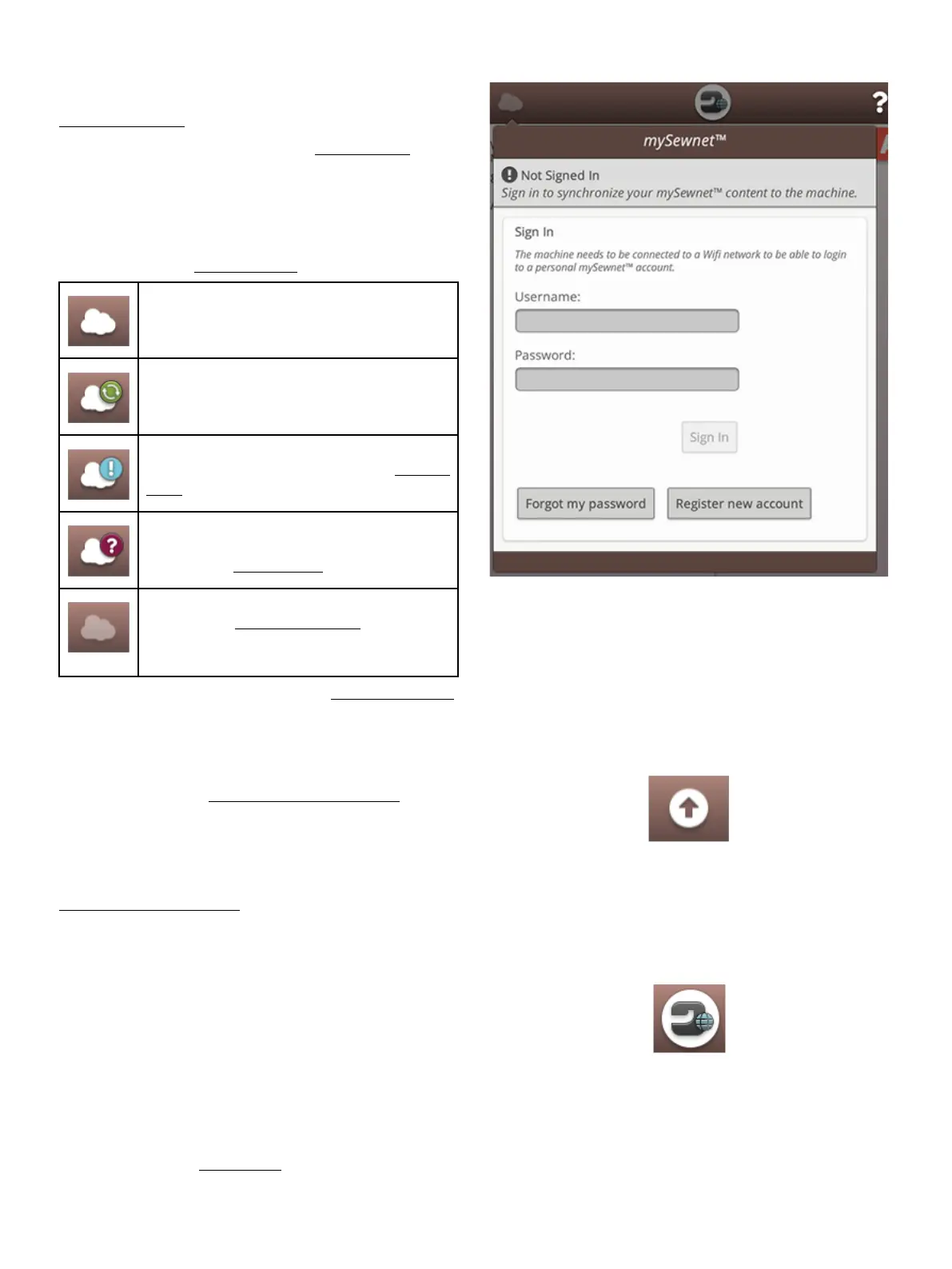
Touch the mySewnet™ button on the topbar and touch sign in.
Sign in to your mySewnet™ account or create a new
mySewnet™ account.
When signed in you will see how much available space there
is left in the mySewnet™ cloud.
The synchronization status will be shown on the mySewnet™
button on the topbar:
If your machine cannot connect to mySewnet™ cloud or does
not synchronize, see troubleshooting.
All files in the machine and mySewnet™ cloud
are synchronized.
The machine is currently synchronizing files
with the mySewnet™ cloud.
The mySewnet™ cloud cannot synchronize
with your machine. Check if you have available
space on the mySewnet™ cloud.
Signed in to your mySewnet™ account but the
machine has no WiFi connection. Connect the
machine to a WiFi network.
Not signed in to your mySewnet™ account. Log
in or create a mySewnet™ account to be able to
synchronize files from the machine to the
mySewnet™ cloud.
Read more about mySewnet™ cloud in the mySewnet™ chapter.
Wireless Firmware Update
To be able to get the latest firmware you need to connect to a
network using WiFi or update through a USB device. When
connected, your machine will automatically search for
available firmware update. Touch the firmware update button
on the topbar to download and install the latest firmware.
Read more about wireless firmware update in the section
firmware update using WiFi.
Home Screen
The home screen is filled with guidance, inspiration and help.
Here you'll find the JoyOS ADVISOR™ feature which
includes a sewing, quilting and embroidery advisor that will
guide you through different techniques and automatically
choose correct settings.
Get tips and inspiration through the mySewnet™ blog, read
your user's guide for instant help or find several guides and
sewing instructions within the knowledge center.
Read more about the home screen.
58 4 The Multi-Touch Screen













 To Next Page