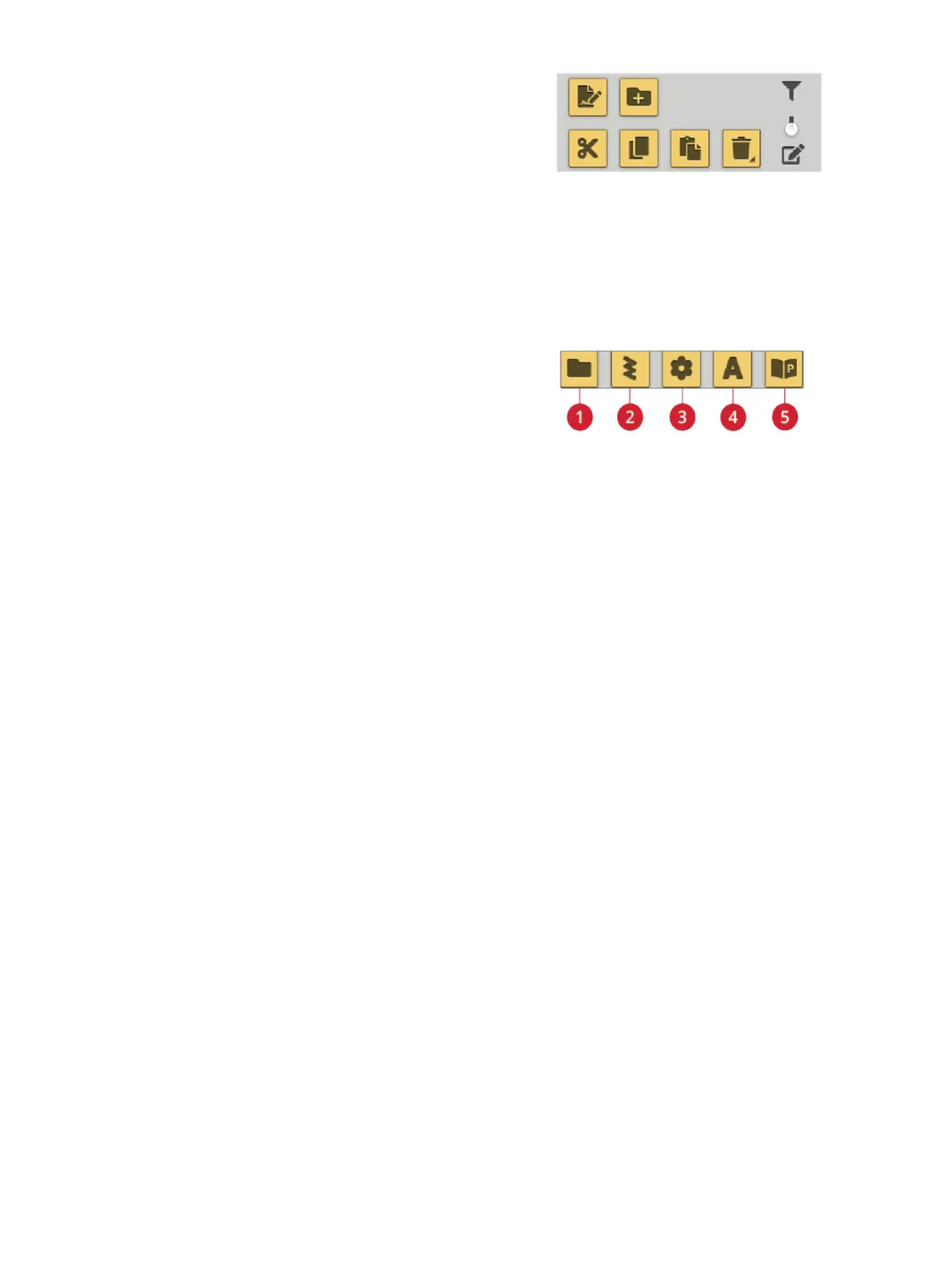
Toggle Between Edit and Filter View
If you expand file manager on the screen, all buttons used for
organizing are shown at the same time in the lower part of
file manager.
If file manager is not expanded on the screen, touch the
toggle switch to toggle between showing the buttons for
editing and buttons for filtering. If a filter button has been
selected and the switch is set to edit view, an exclamation
mark appears to remind you that files have been filtered and
as a result all files in current folder may not visible on the
screen.
Filter Files
1. Filter folders
2. Filter stitches
3. Filter designs
4. Filter fonts
5. Filter JoyOS ADVISOR™
project files
If you have a lot of content in a folder you can filter specific
files in the current view. Touch one or several of the filter
buttons to only show, e.g. designs and/or stitches. The
content shown in the selection area will change depending on
the selected button(s).
170 12 File Manager













 To Next Page