Pack Away After Sewing
1. Press the ON/OFF switch to "O".
2. Unplug the cord from the wall socket and then from the
machine.
3. Unplug the foot control cord from the machine. Pull the
cord gently and release. The cord will retract into the foot
control.
4. Place all accessories in the accessory tray. Slide the tray
on to the machine around the free arm.
5. Place the foot control in the space above the free arm.
6. Put on the soft cover.
Tip: The user’s guide and power cord can be stored in the back pocket of
the soft cover.
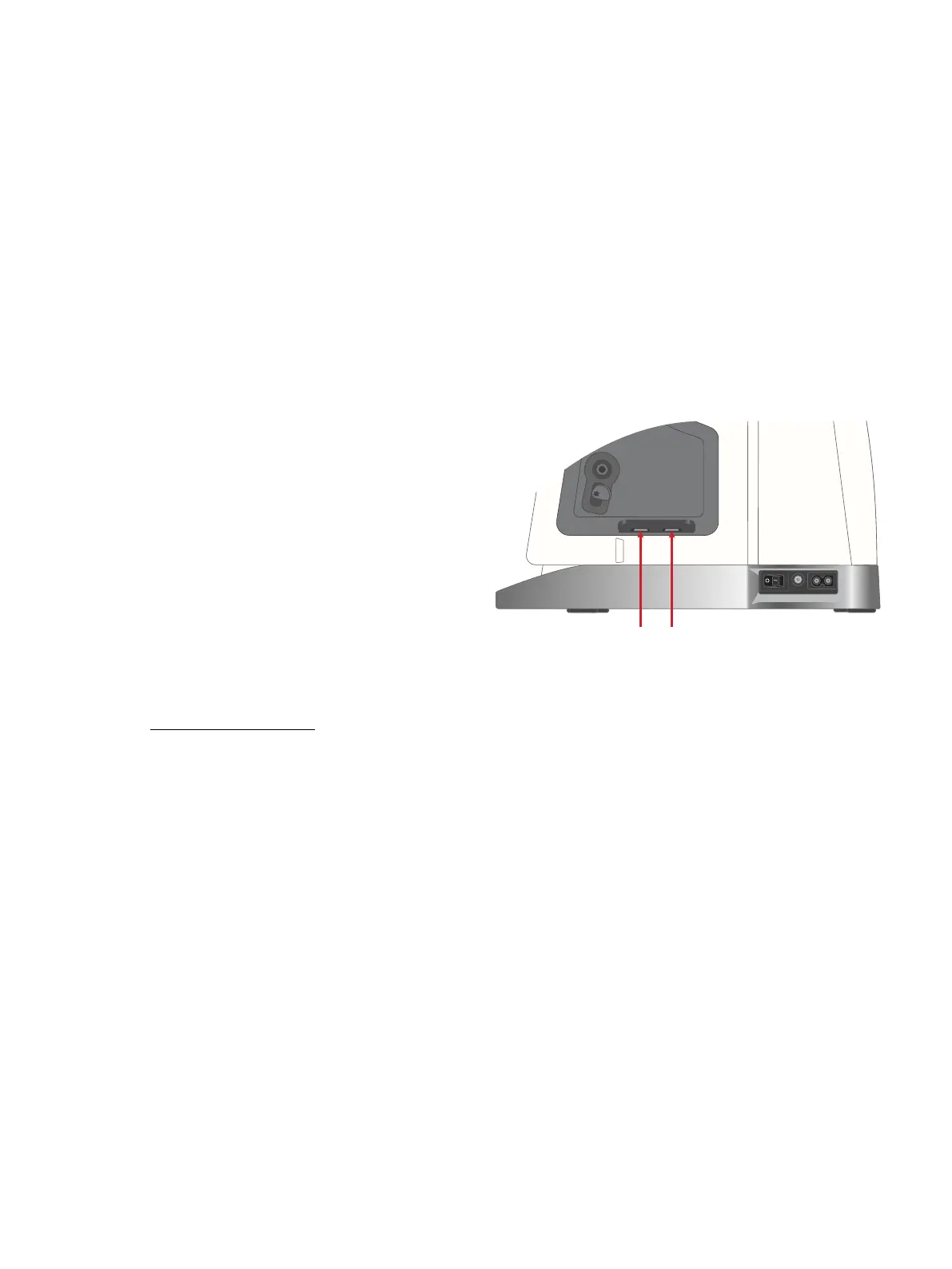
USB Ports
Your machine has two USB ports for connecting USB
devices such as a memory stick. USB plugs can only be
inserted one way – do not force them into the ports! To
remove, carefully pull the USB device.
Note: Make sure that the USB stick you use has the format FAT32.
Using a USB Device
The external device button in file manager is only active
when a device is connected to the machine USB port.
Note: Do not remove the USB device if a loading spinner is shown on
the screen or while the file manager is shown. Removing the device at
that time can damage the files on your USB device.
Read more in File Manager – Overview file manager in the
built-in user’s guide.
2 Preparations 31













 To Next Page