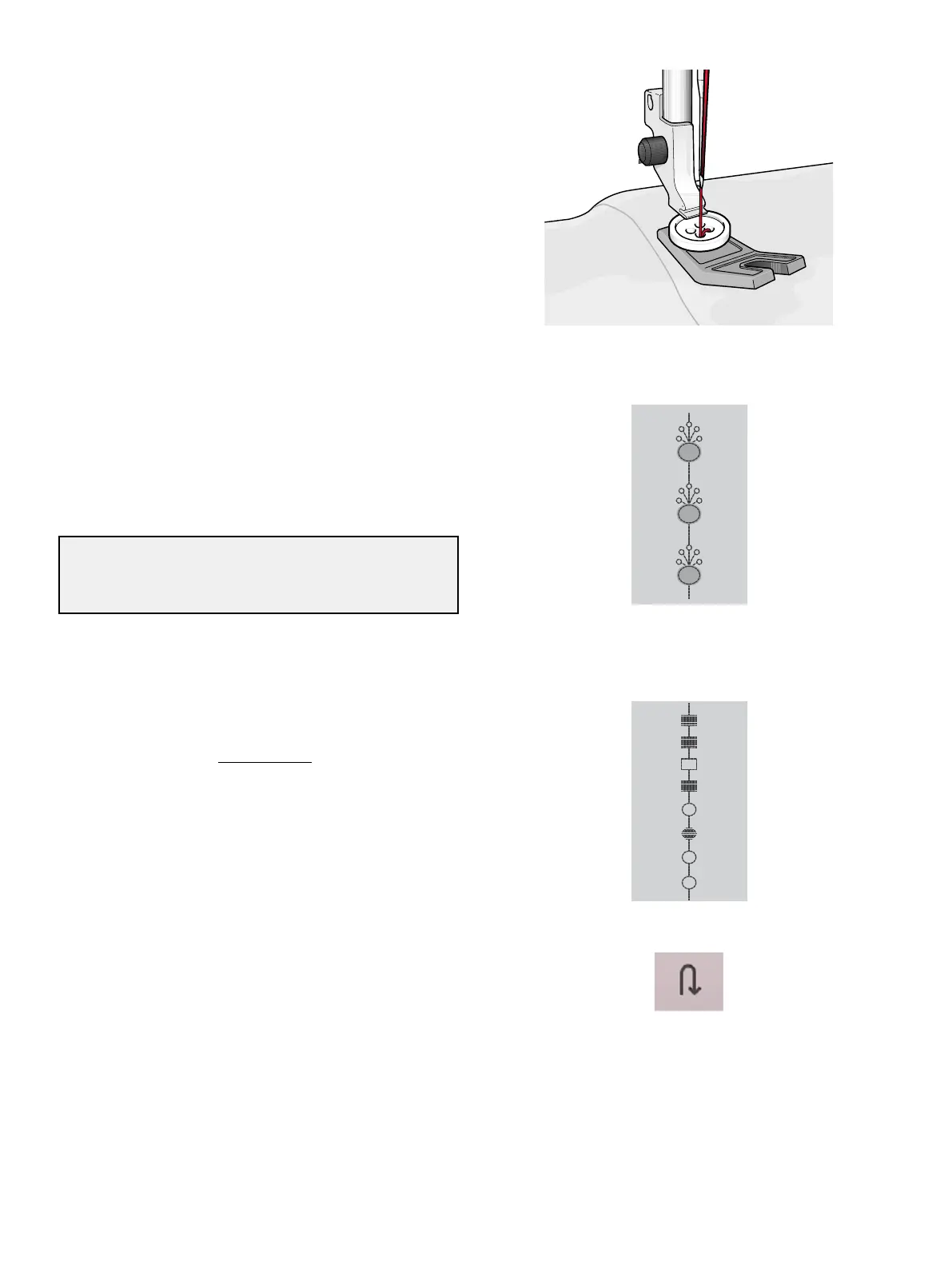
Programmable Button Sew On
Sew buttons, snaps, hooks and eyes quickly with your
machine. Select sew on button in the JoyOS ADVISOR™
feature.
Note: Place the thin end of the multipurpose tool under the button when
sewing on light fabrics. Use the thick end for heavier fabrics. Hold in
place on the fabric with transparent tape.
Note: The recommended width of 3.0 is set for most buttons. If you sew
a tiny button or a very large coat button, decrease (–) or increase (+) the
stitch width until the swing of the needle sews in the holes of the button
or snap.
Note: An optional Button Foot for sewing on buttons can be purchased
at your local authorized dealer.
Dimensional Stitches – Menu L
Example of appliqué stitch
Menu L – dimensional stitches includes three types of
stitches: appliqué, pop-up and sequin stitches. In this menu
there will also be combined appliqué and pop-up stitches.
Since every stitch is unique, these stitches will give different
decorative effects depending on which stitch is selected and
what type of fabric you have chosen.
Tip: We recommend you to use your JoyOS ADVISOR™ feature
and locate the dimensional stitches project for instructions on how to
sew dimensional stitches and automatically get the correct settings.
Theme Stitches – Menu M
Example of theme stitch
Reverse button on the screen
Theme stitches are beautiful combined stitches, in a group of
four, designed to be sewn out together in a random
combination. Touch the reverse button on the front of your
machine or the reverse button on the screen to change to the
next stitch in the group. If you touch the reverse button twice
– quickly – you will skip the next stitch in the group.
7 Sewing 99













 To Next Page