Remaining Embroidery Time by Color
Block
An estimation of the remaining embroidery time for the
current color block is shown in hours and minutes next to
the clock icon. If monochrome is activated, the estimated
remaining embroidery time for the whole embroidery
combination is shown.
Color Options
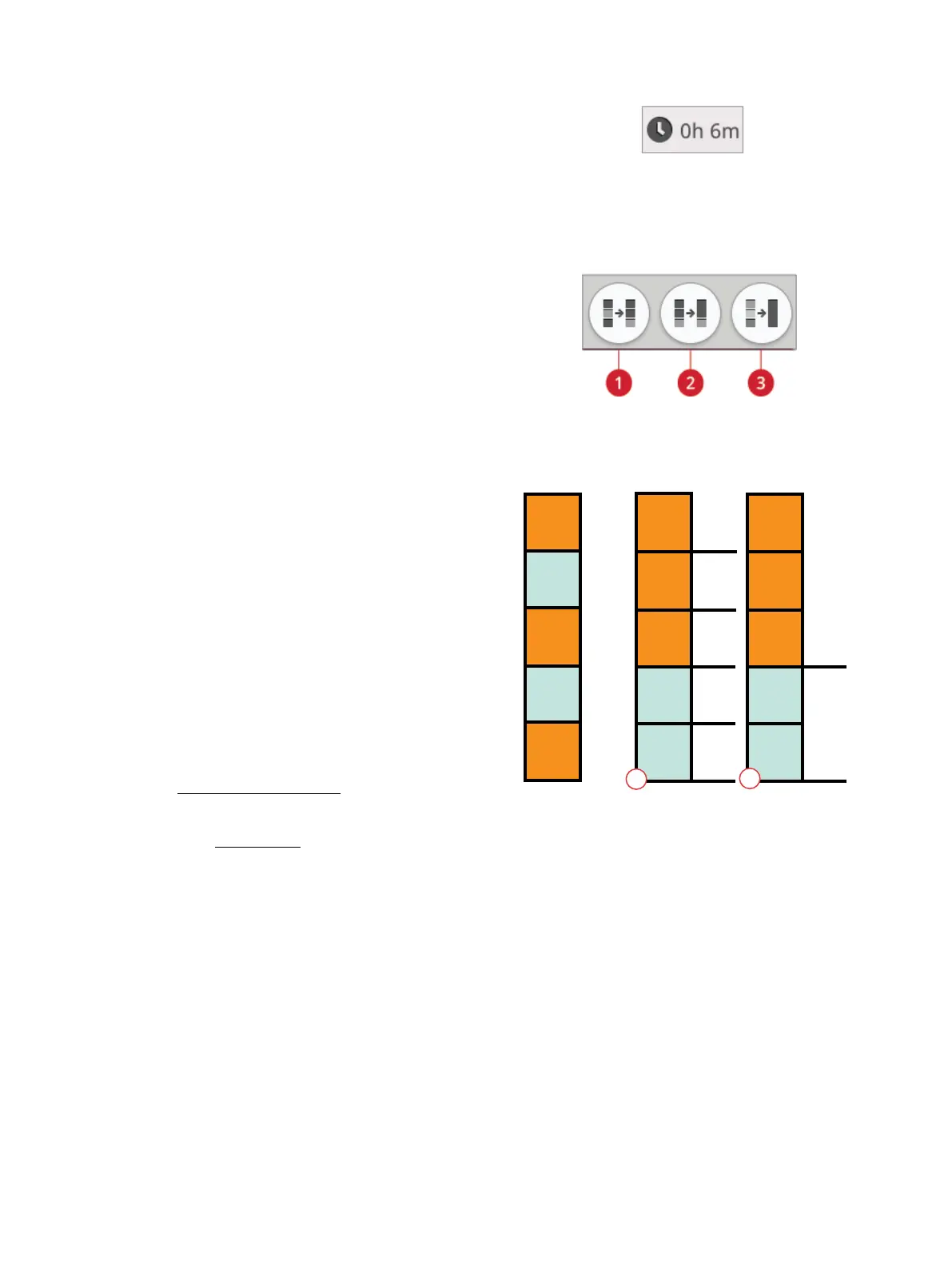
1. Color block sort button
2. Color block merge button
3. Monochrome button
1. Color block sort
2. Color block sort and color block merge
Use the color options to stitch your design easier and faster.
Color Block Sort
Color block sort intelligently sorts all color blocks so that the
blocks with the same color will follow each other in the color
block list.
Note: Color block sort has to be performed before you start to embroider.
Once you have started to embroider the color block sort button will be
greyed out.
Color Block Merge
Activate color block merge to eliminate the stops between
identical color blocks.
Note: The appearance of the color block list will remain the same.
Monochrome
Touch the button to activate monochrome embroidery. All
designs are shown in a grey color and the machine will not
stop for color block changes. To deactivate monochrome
embroidery, touch the button again.
Note: If the automatic thread cutter and automatic jump stitch trim
function is selected in temporary embroidery settings the jump stitches
will still be trimmed between the color blocks.
Tip: You can also touch the STOP function on your machine as a
shortcut to activate monochrome.
Stop
Stop
Stop
Stop
Stop
Stop
Stop
1 1
1
2
2 2
3
3
3
4
4
4
5
5
5
1
2
140 9 Embroidery Stitch Out













 To Next Page