12-10
12
SET MODE
Adjusts the LCD unit brightness from 0 (dark) to
100% (bright) range in 1% steps. (default: 50%)
Adjusts the switch indicators brightness from 1
(dark) to 100 (bright) range in 1 steps. (default: 80)
Selects the desired display type from A (Black back)
and B (Blue back). (default: A)
See page13-4 for details.
Selects the desired font for frequency readout from
Basic (1), Basic (2), Italic, Round and Slim.
(default: Basic (1))
See page13-4 for details.
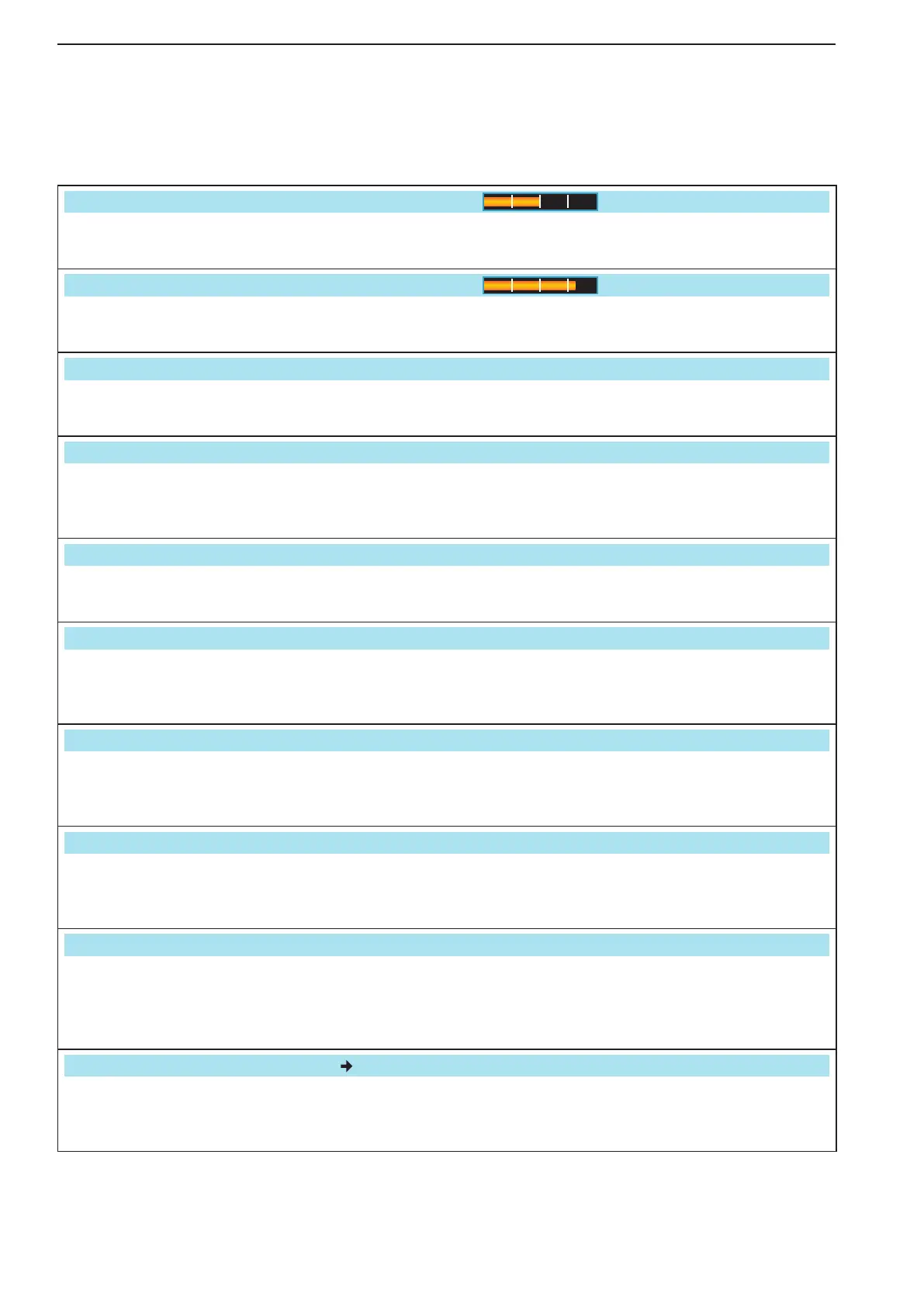
Set meter needle response between SLOW, MID
and FAST. (default: MID)
This setting is effective for the standard and edge-
wise meter type selections only.
Meter Type (Normal Screen)
Standard
Selects the desired S/RF meter type during wide
screen or mini scope display from Edgewise and
Bar. (default: Bar)
Meter Type (Wide Screen)
Bar
Selects the desired S/RF meter type during wide
screen or mini scope display from Edgewise and
Bar. (default: Bar)
Turns the meter peak hold function ON or OFF.
(default: ON)
This function is used for the bar meter only.
Sets the memory name display, during memory
mode operation, ON or OFF. (default: ON)
•ON :Theprogrammedmemorynameisdisplayed
above the frequency display.
•OFF:Nomemorynameisdisplayedevenamem-
ory name is programmed.
APF–Width Popup (APF OFF ON)
ON
Enables the pop-up display capability for the APF
filter width when the APF filter is turned ON.
(default: ON)
■ Display set mode


 To Next Page