103
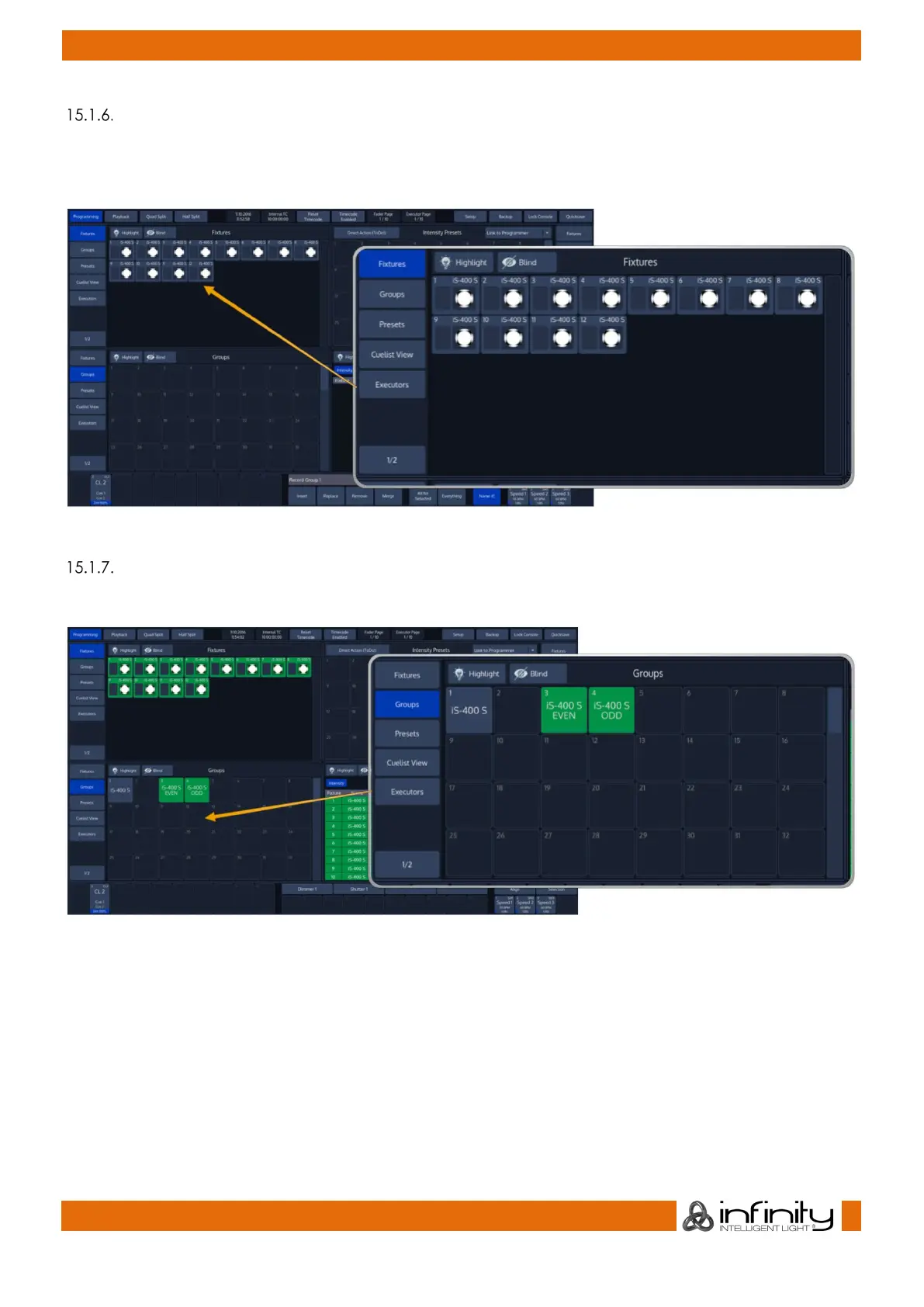
Select and Deselect Fixtures using the “Fixture Pool” –window
Open a fixture split widget by clicking on the Fixtures button in any of the split widget side menus.
You may now select or deselect fixtures by simply clicking on them.
Fig. 82: Fixture Pool
Select Fixtures using a previously recorded Group
Open a fixture split widget by clicking on the Fixtures button in any of the split widget side menus.
Fig. 83: Group Pool
Now you can simply select and deselect fixture groups by clicking on them. You may also select Groups
using the Commandline Interface: [Group] [1] [Enter].
See “



 To Next Page