215
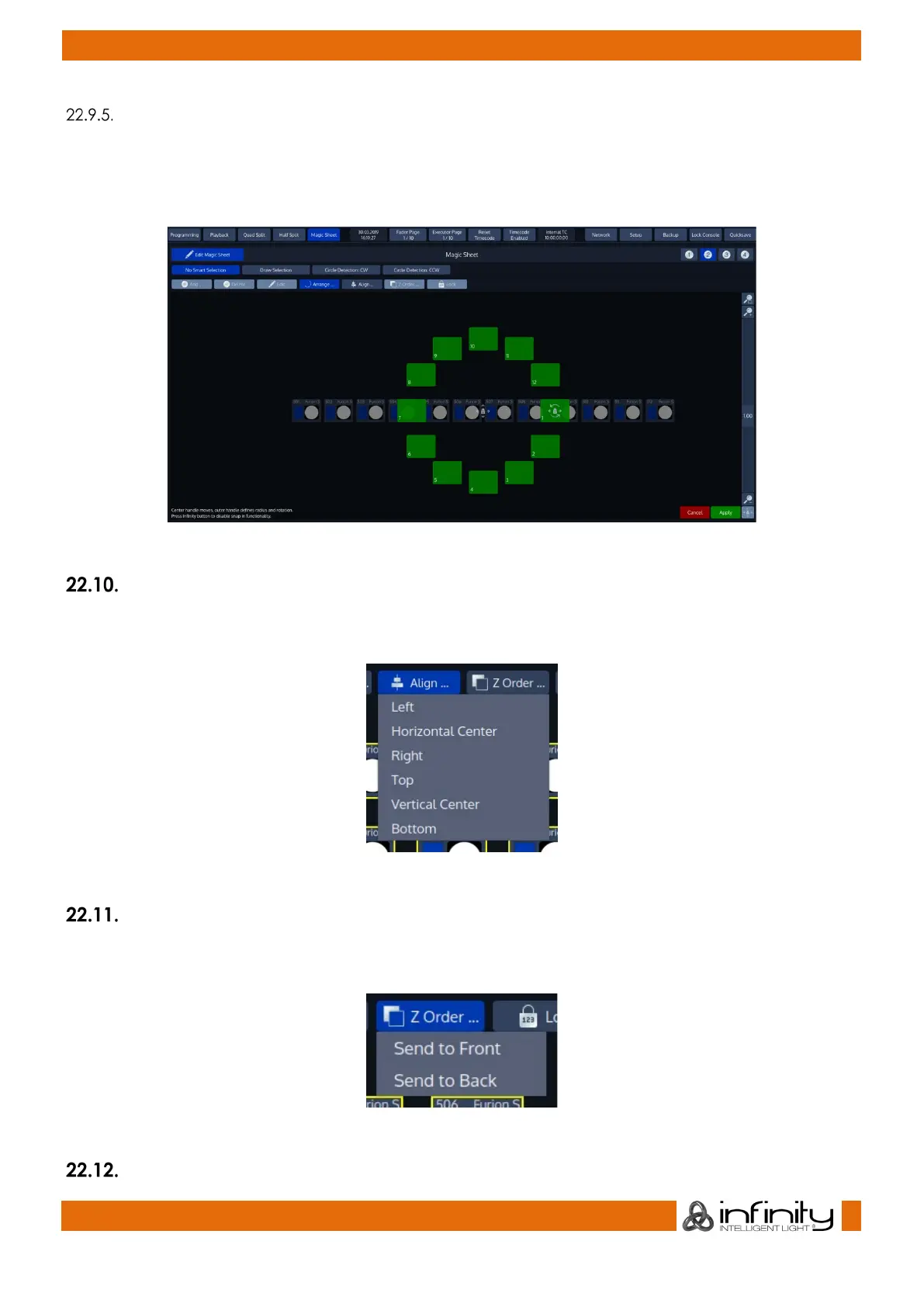
Arrange Circle
Arrange Circle will rearrange all Items in a Circle, asking you to specify the center point and the size /
rotation using drag handles.
When you are happy with the arrangement, click on Apply found in the bottom right corner.
Fig. 187: Arrange Circle
Aligning Items in the Magic Sheet
The Align Functions found when clicking on the Align button may be used to align manually dragged
items to each other.
Fig. 188: Align Items Menu
Z-Order
If Items are overlapping and you would like to change the display order of them being displayed, the Z-
Order Menu is here to help you. Labels will always be displayed behind other Items.
Fig. 189: Z-Order Menu
Lock



 To Next Page