189
Commands
Commands may be used to trigger other actions when a cue containing one or more commands is
executed. The commands may be delayed after the start of a cue using the CMD Delay column.
How setup and remove Cue Commands
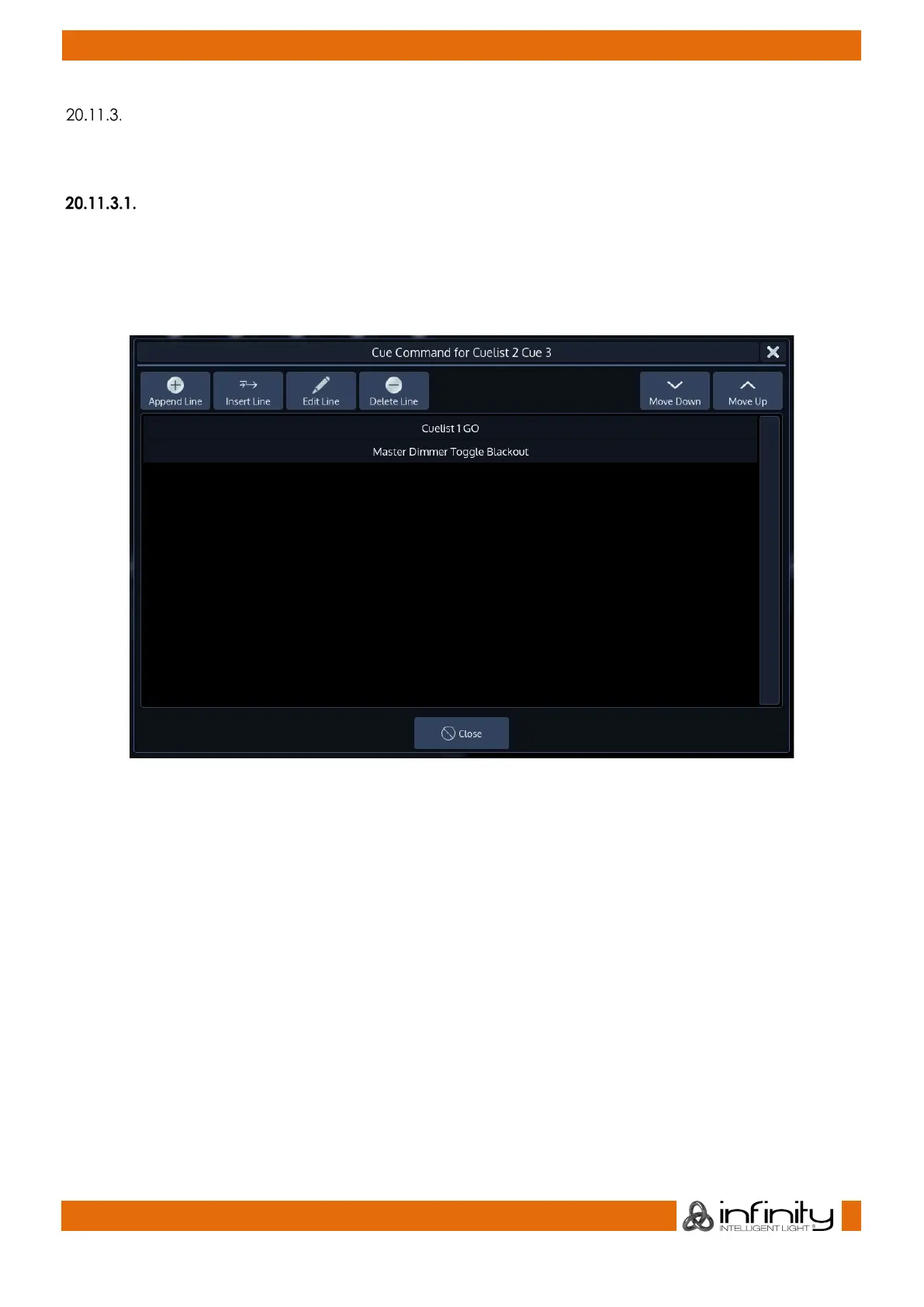
To setup a command to be executed when a Cue is run, open a Cuelist View and scroll to the CMDs
column. Select the cell of the appropriate Cue and press the [Set] button.
A dialog window will be shown, asking you further define the actions that will be executed when this Cue
is run.
Fig. 159: Select Cue Command Dialog



 To Next Page