131
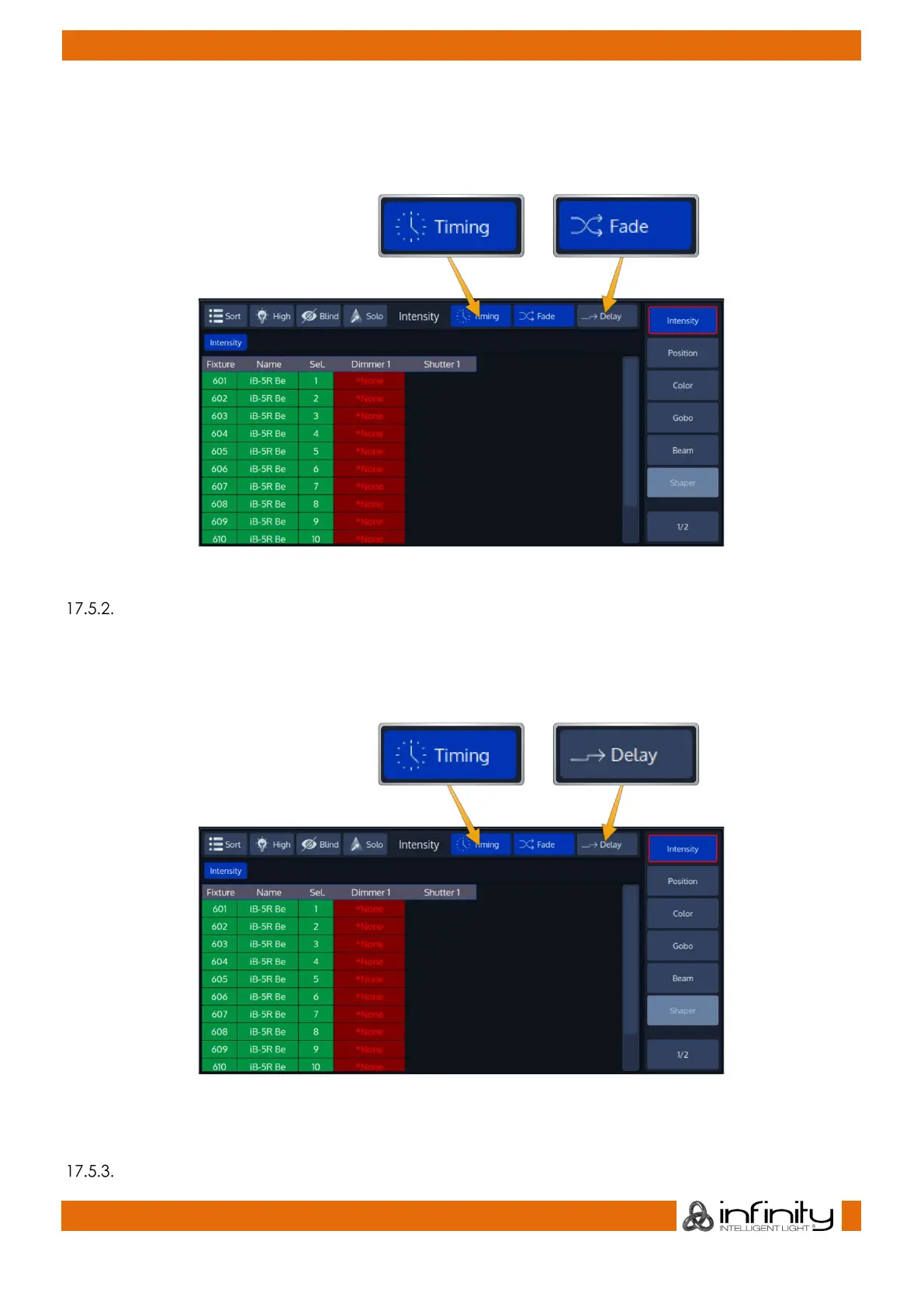
Individual fade times define the crossfade time for a specific parameter.
To set the Programmer to Individual Fade Times, first click on the Timing button in the title bar, then select
the Fade button on the right-hand side of the programmers title bar.
Fig. 102: Timing / Fade Button in Programmer Title Bar
Individual Delay Times
Individual delay times define the delay from the start of the cue until this value will be faded in.
To set the Programmer to Individual Delay Times, first click on the Timing button in the title bar, then select
the Delay button on the right hand side of the programmers title bar.
Fig. 103: Timing / Delay Button in Programmer Title Bar
Setting and removing Individual Timings



 To Next Page