46
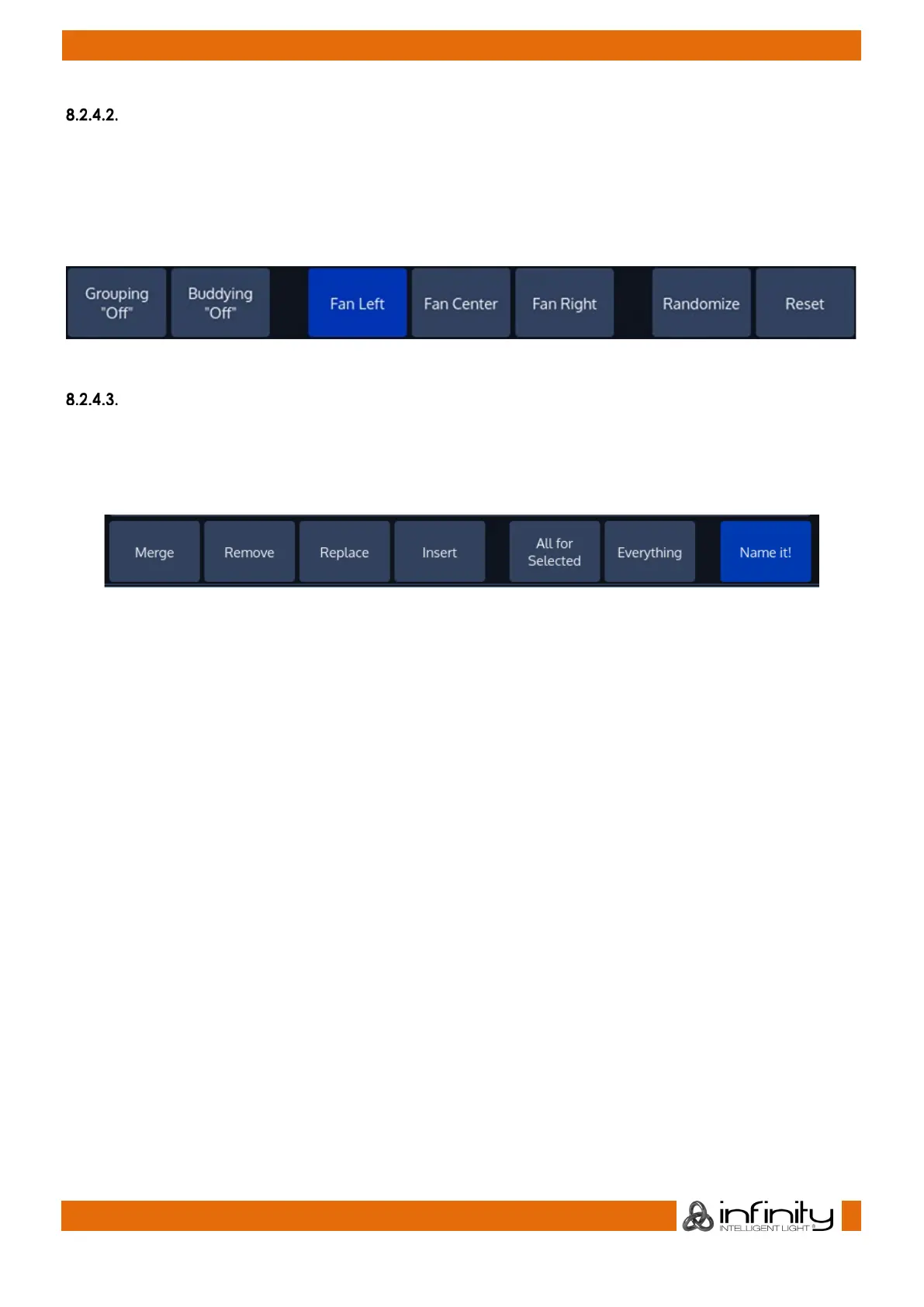
“Fan Mode” Toolbar
The “Fan Mode” –Toolbar is used to alter settings that are used in conjunction with the Fan function of the
console. The Fan function is invoked by pressing the [Fan] key and may be used to spread fixture
attribute values.
More information may be found in the Section “17.7 Adjusting how Fannings are applied using the Fan
Mode Toolbar” on page 134.
Fig. 23: Fan Mode Toolbar
“Record” Toolbar
The “Record” –Toolbar provides you with modifiers when recording an object. It is shown after pressing
the [Rec] hard key.
You may cycle through the options by holding the [Infinity] while pressing the [Rec] -key.
Fig. 24. Record Toolbar
Merge: Will merge the programmer values into the given object, combining the object and the
programmer values.
Replace: Will replace a given object with the programmer values.
Insert: Only valid for Cuelists. Will insert a Cue in front of an already existing Cue.
Remove: Will remove the programmer values from the given object.
All for Selected: Will record all parameters of the selected fixtures, no matter if they are touched or not.
Everything: Will record every parameter for every fixture on the console.
Name It!: Will open up an On-Screen keyboard for quick naming after recording the object. If the Object
type is Cuelist, Name it will name the recorded Cuelist for the first Cue that is recorded. After the Cues wil
be named.



 To Next Page