148
Modifying an Effect
For each effect row the effect attributes may be changed by selecting one of the cells and pressing the
[Set] key, or by using the encoders.
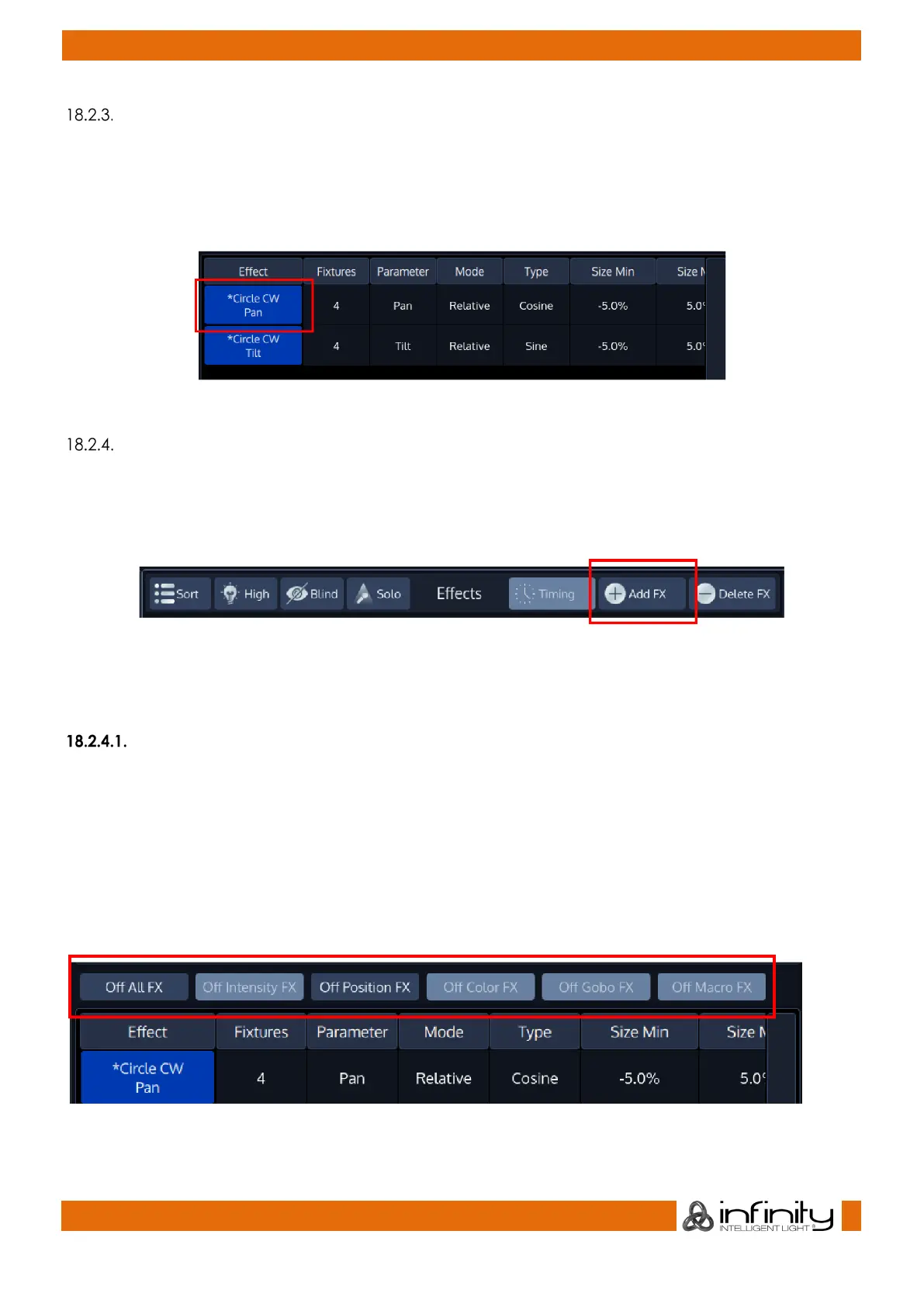
When using the encoders all selected Effect Rows will be changed. Effect rows may be selected or
deselected by toggling the button in the first column of the effect row.
Fig. 124: Select Row Button
Stopping an Effect
In order to stop an effect, you need to add an “Off” Effect Table for the desired parameters.
This may be done at any time (even if the effect is not being output) by selecting the fixtures you would
like to stop the effect and clicking on Add FX in the Effect Editors top toolbar.
Fig. 125: Add FX Button
The “Add Effect” Dialog will be shown. Select the Custom Effect tab, select the appropriate parameter
from the list on the left hand side and select the Off Effect Form on the right hand side.
Stopping an Effect while it is being played back by a Cuelist
If the Effect(s) you would like to stop are being output by a Cuelist, you may also use the Effects
Programmer toolbar buttons to quickly add “Off” Effect Forms for all parameters (of the selected
attribute group) for all selected fixtures:
• Select the Fixtures you would like to stop the Effect for
• Make sure the effect is being output on stage
• Hit the button containing the Attribute Group you would like to stop.
Fig. 126: "Quick Off FX" Toolbar



 To Next Page