149
Loading an Effect from Output
You may load an effect from the current output of selected fixtures by pressing the [Load] key followed
by either the Effects button in the side menu, or by pressing the [Fx]-key.
The Effect Attributes
“Fixtures” Effect Attribute
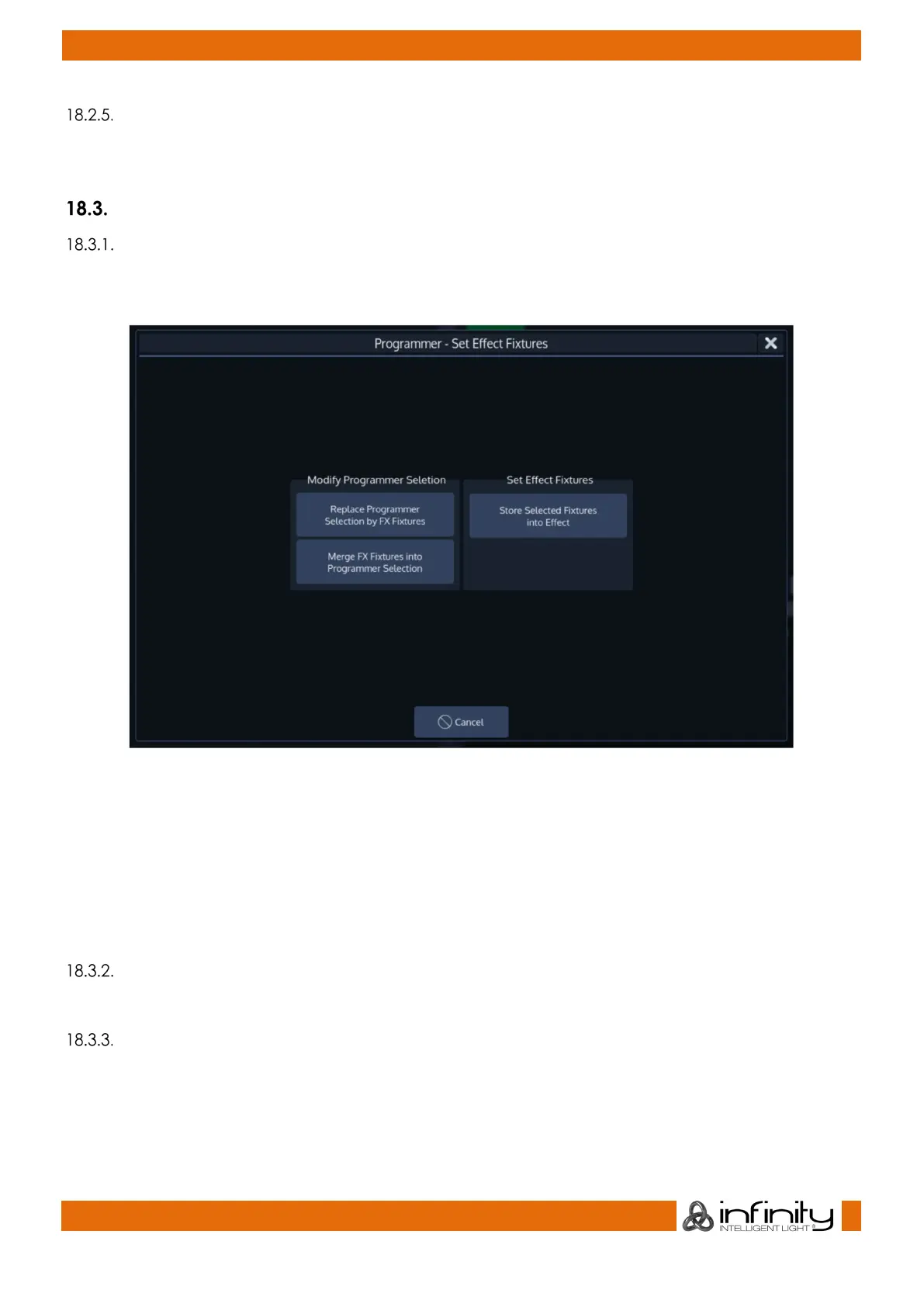
The Fixtures attribute is used to indicate how many fixtures are included in this effect row. Double clicking
on this cell or selecting it and pressing the [Set] button will open the Set Effect Fixtures dialog.
Fig. 127: Fixtures Attribute Options
Replace Programmer Selection by FX Fixtures will select the fixtures which are running the effect and
deselect all fixtures currently selected.
Merge FX Fixtures into Programmer Selection will add the fixtures which are running the effect to the
current fixture selection .
Store selected Fixtures into Effect will replace the fixtures running the effect by the ones that are currently
selected.
“Parameter” Effect Attribute
The Parameter Column displays the attribute an effect is assigned to.
“Mode” Effect Attribute
The Mode Column displays the mode of this effect line. Double clicking, right clicking or a long press
toggles the mode between Relative and Absolute.
Relative



 To Next Page