206
Magic Sheet Split Widget Titlebar
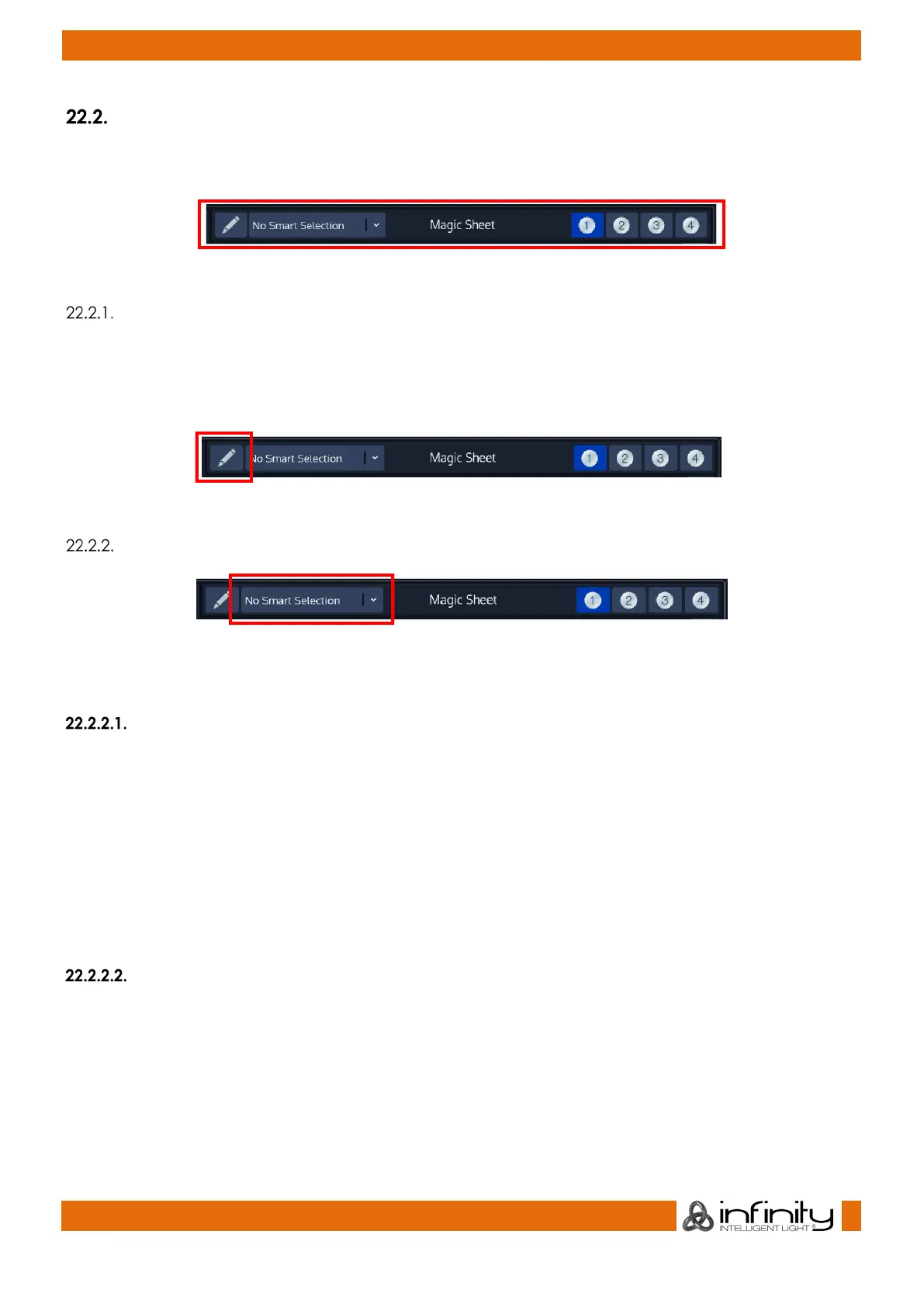
The Magic Sheet Titlebar contains the main buttons used to edit and switch between one of the four
different Magic Sheets.
Fig. 171: Magic Sheet Titlebar
Edit Magic Sheet Button
You can enter Edit Mode by clicking on the button that reads Edit Magic Sheet. The chimp will show a
second level toolbar that you may use to add, edit, delete and further modify selected Magic Sheet
Items. Magic Sheet may only contain every fixture once per Magic Sheet. When not in edit mode, the
selection rectangle will only select Fixture Items.
Fig. 172: Edit Magic Sheet Button
Smart Selection
Fig. 173: Smart Selection drop down
Smart Selection may be used to alter how items in the sheet may be selected.
No Smart Selection
To select (or trigger the chosen action for Cuelist) Items, you can either click on an item or draw a
selection rectangle by pushing and dragging your finger across the Magic Sheet area.
When drawing a selection rectangle, selection order will differ based on click&drag direction (left to right
vs. right to left; top to bottom vs bottom to top). Selection order is displayed by a tool tip in the bottom of
the Magic Sheet.
Holding [Infinity] while dragging a selection rectangle will invert the current selection.
Holding [Infinity] while clicking on a label that is set to select contained fixtures will invert the
selection within the label.
Draw Selection
Draw Selection allows you to visually draw a selection with the selection order specified by the order in
which you “touch” Items.
To draw a selection enable Draw Selection and click and hold your finger on the first Item. Now you may
move your finger across the screen to touch and select other fixture items.



 To Next Page