134
Adjusting how Fannings are applied using the Fan Mode Toolbar
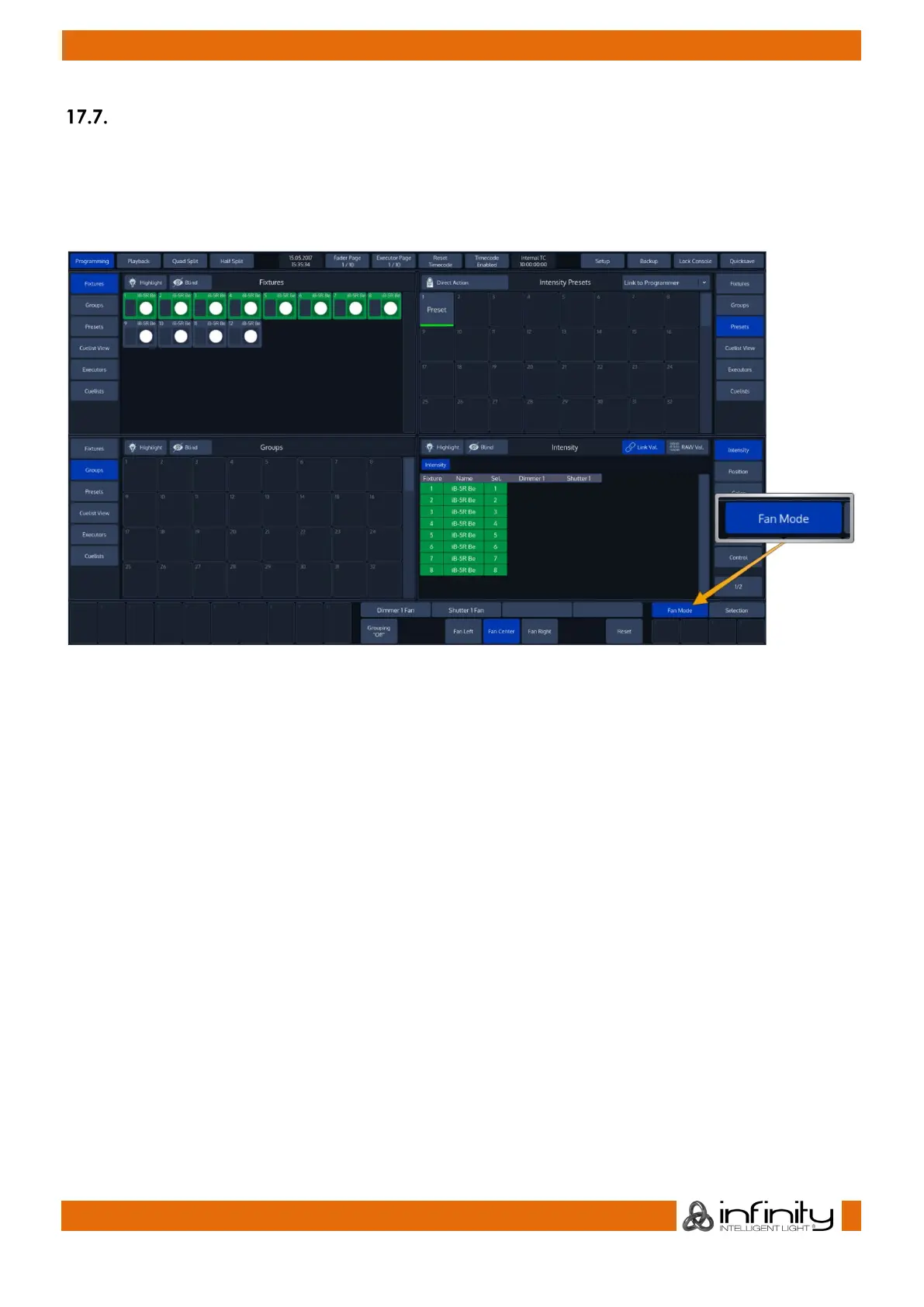
The default Fan-Settings should have most situations covered, but they may be changed using the Fan
Mode Toolbar.
To open the Fan Mode toolbar, hit the Fan Mode button from within the right hand side of bottom Menu
Bar.
Fig. 105: Fan Mode Button
After doing so, the Fan Mode Toolbar will be shown.



 To Next Page