245
Adding Instances
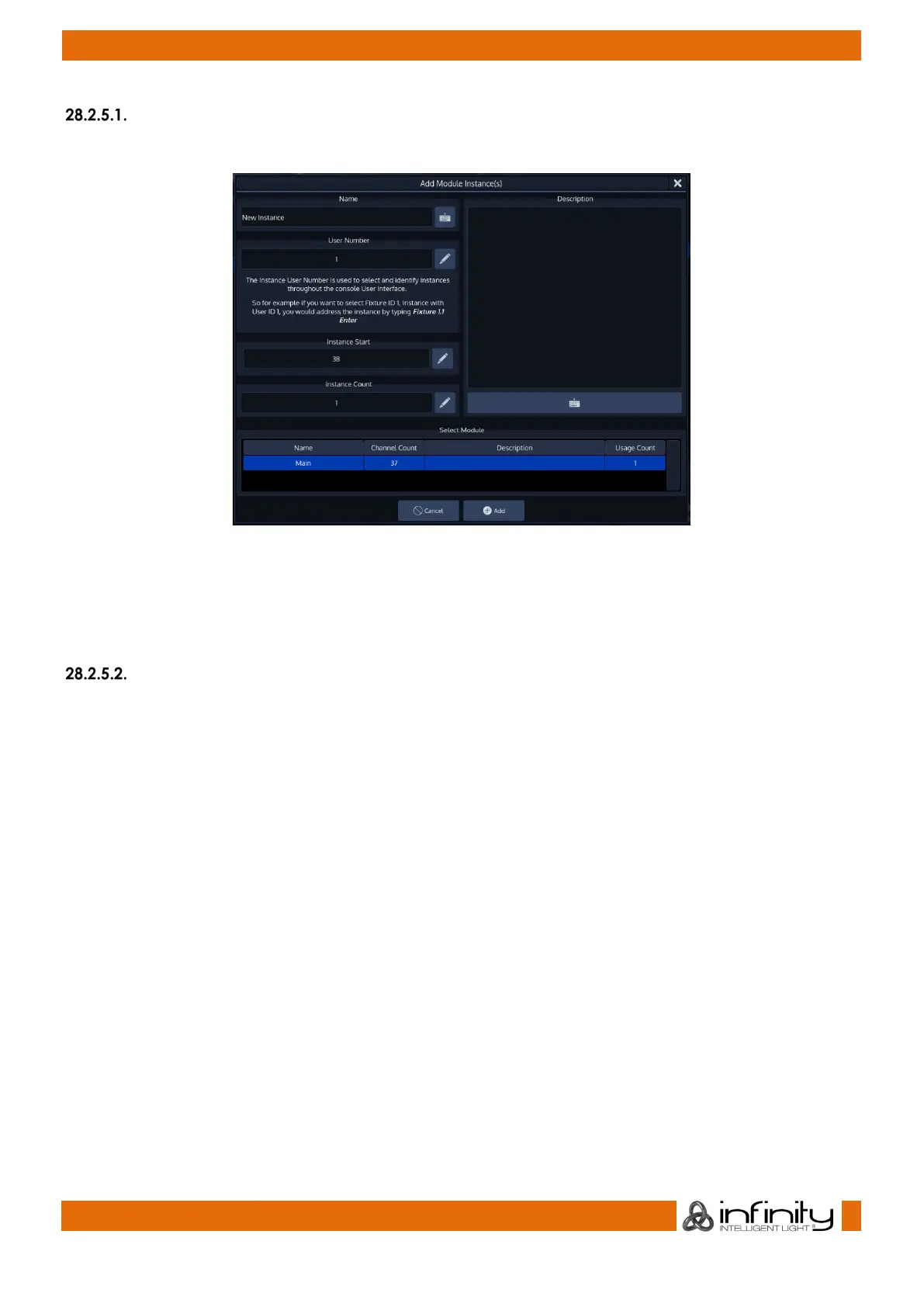
To add an instance of a module to the fixture type, click on Add Instance. A dialog will open.
Fig. 219: Edit Fixture – Instances Tab – Add Instance
You may enter a Name, the User Number, the Instance Start (DMX Start), the count of instances to be
added and a Description.
The list on the bottom is used to select which module you would like to use with this instance.
Deleting Instances
To delete an instance, simply select it from the list and click on Delete Instance.



 To Next Page