244
Instances
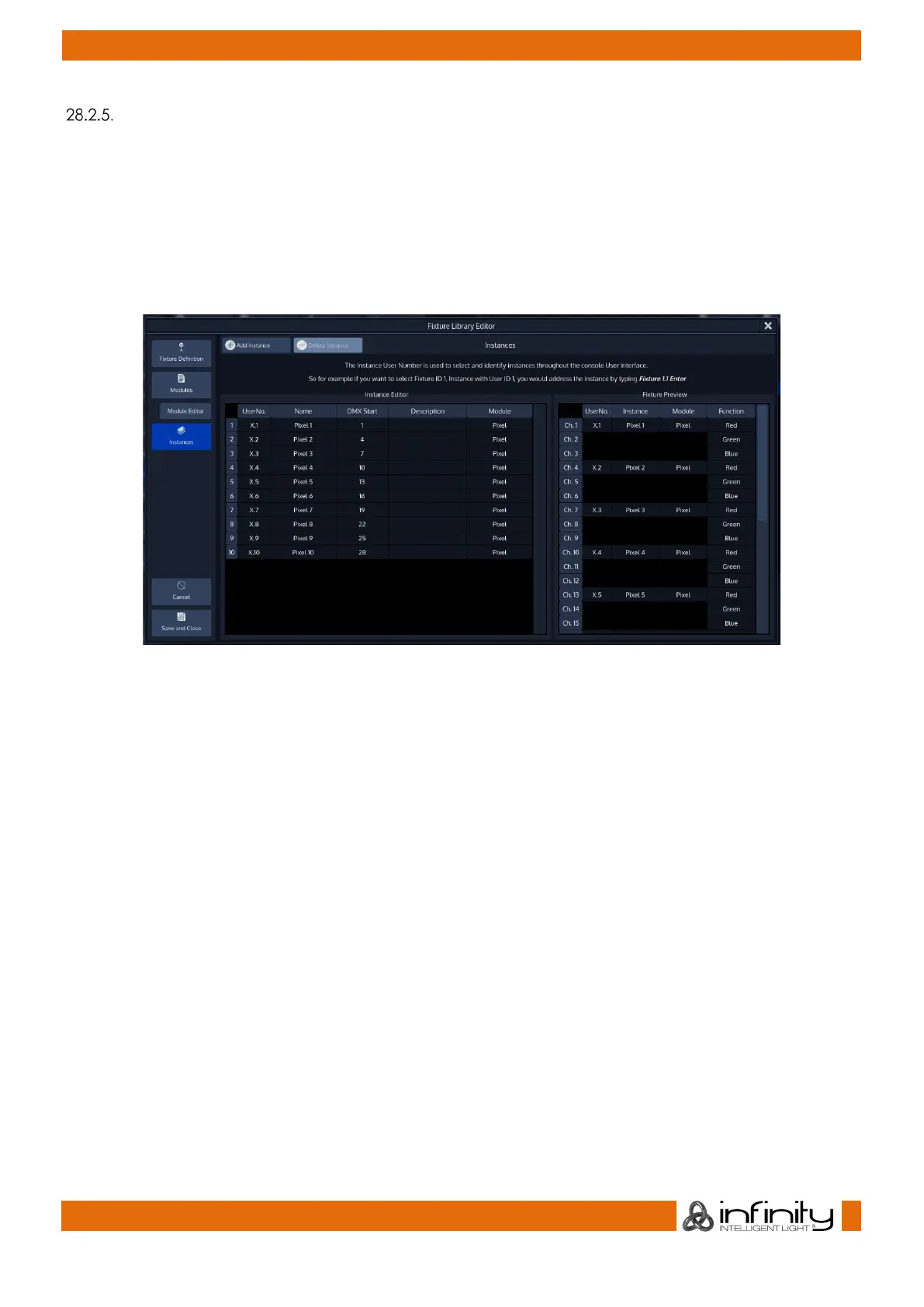
The Add Instance button may be used to add one or more instances.
The Delete Instance button may be used to delete one or more instances after selecting it from the list.
On the left side of the tab you can see the instance editor, which is used to define the Instance User
Number (The part on the right side of the “.” of the fixture number), a Name, DMX Start of this instance in
relation to the whole fixture, Description and the Module itself.
The right side shows a preview of the full fixture.
Fig. 218: Edit Fixture – Instances Tab



 To Next Page