105
De-Selecting all Fixtures
To de-select fixtures, simply press the [0] –key on the keypad followed by [Enter].
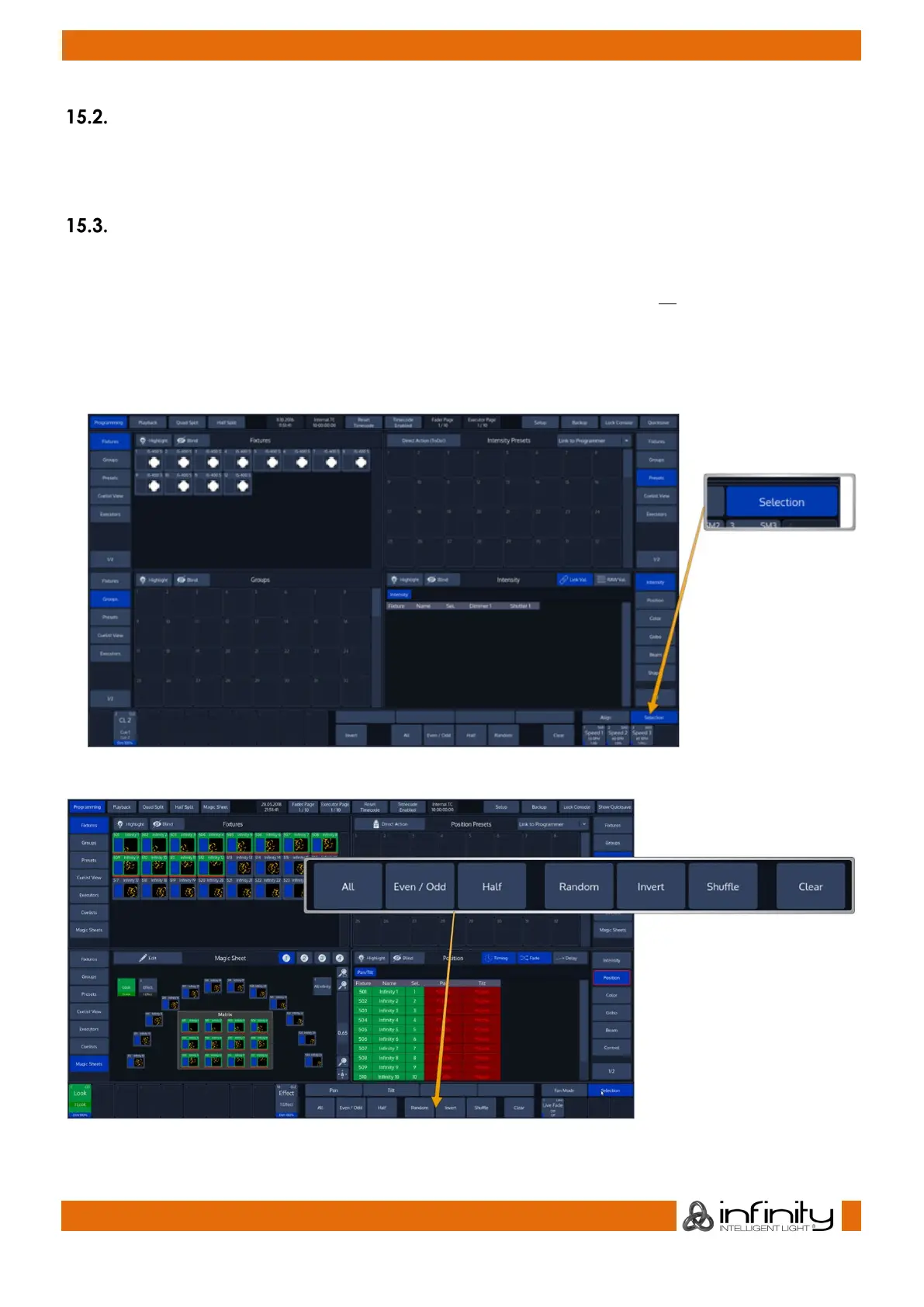
You may also clear fixture selection by pressing the Clear button on the Fixture Selection Toolbar:.
Fixture Sub-Selection using the Selection Toolbar
All Sub-Selection functions are applied to your current Fixture selection.
If you do not have fixtures selected, the Fixture Sub-Selection will be applied to all fixtures instead. If you
select any of the Sub-Selection functions, the console will remember the full selection that you have
made and will apply all sub select functions to this “Sub-Selection” memory.
To open the Selection Toolbar, click on the button that reads Selection from within the bottom toolbar.
Clicking the button again will close the toolbar.
Fig. 84: Selection Button
Fig. 85: Selection Toolbar



 To Next Page