92
Midi Input
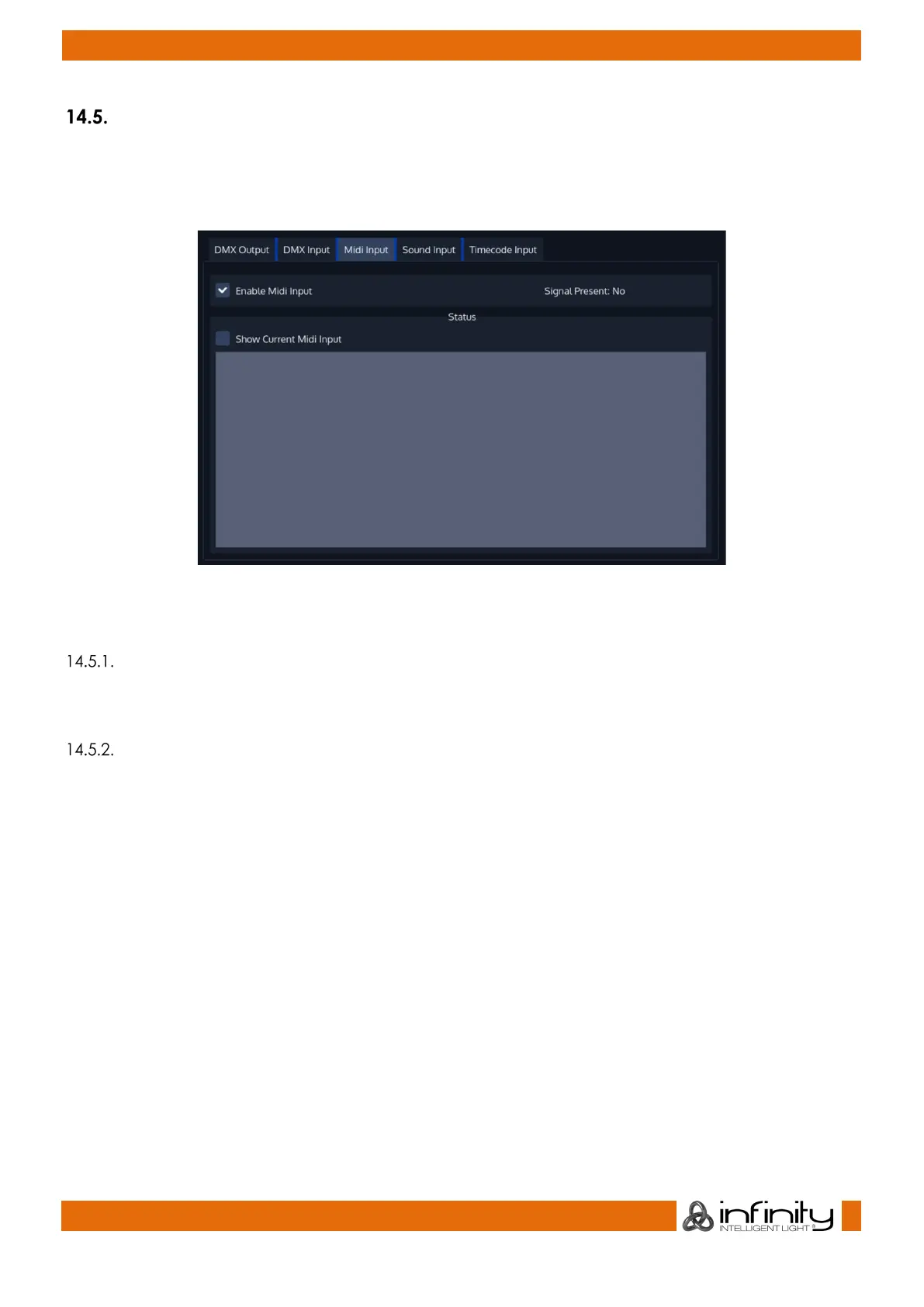
To set up MIDI Input, open the Setup Screen, head over to the Input Output Page and select MIDI Input
from the Tabs shown in the center of the screen.
Enable the MIDI Input by ticking the Enable Midi Input Checkbox.
Fig. 76: Midi Input Settings
Show Current Midi Input
To enable MIDI Monitoring, tick the Show Current Midi Input Checkbox. The Console will now show
received MIDI Signals.
Midi Input Mapping
The Midi Input is mapped the following:
● Midi Note On/Off 0-59: Executor Page 1-6 with 10 Executors each
Midi Note On/Off 60-91: Virtual Executor 1-32
● Midi Note On/Off 100-102: Master Speed Tapsync 1-3
● Midi Note On/Off 103-105: Master Fade Tapsync 1-3



 To Next Page