139
Randomizing a Fan
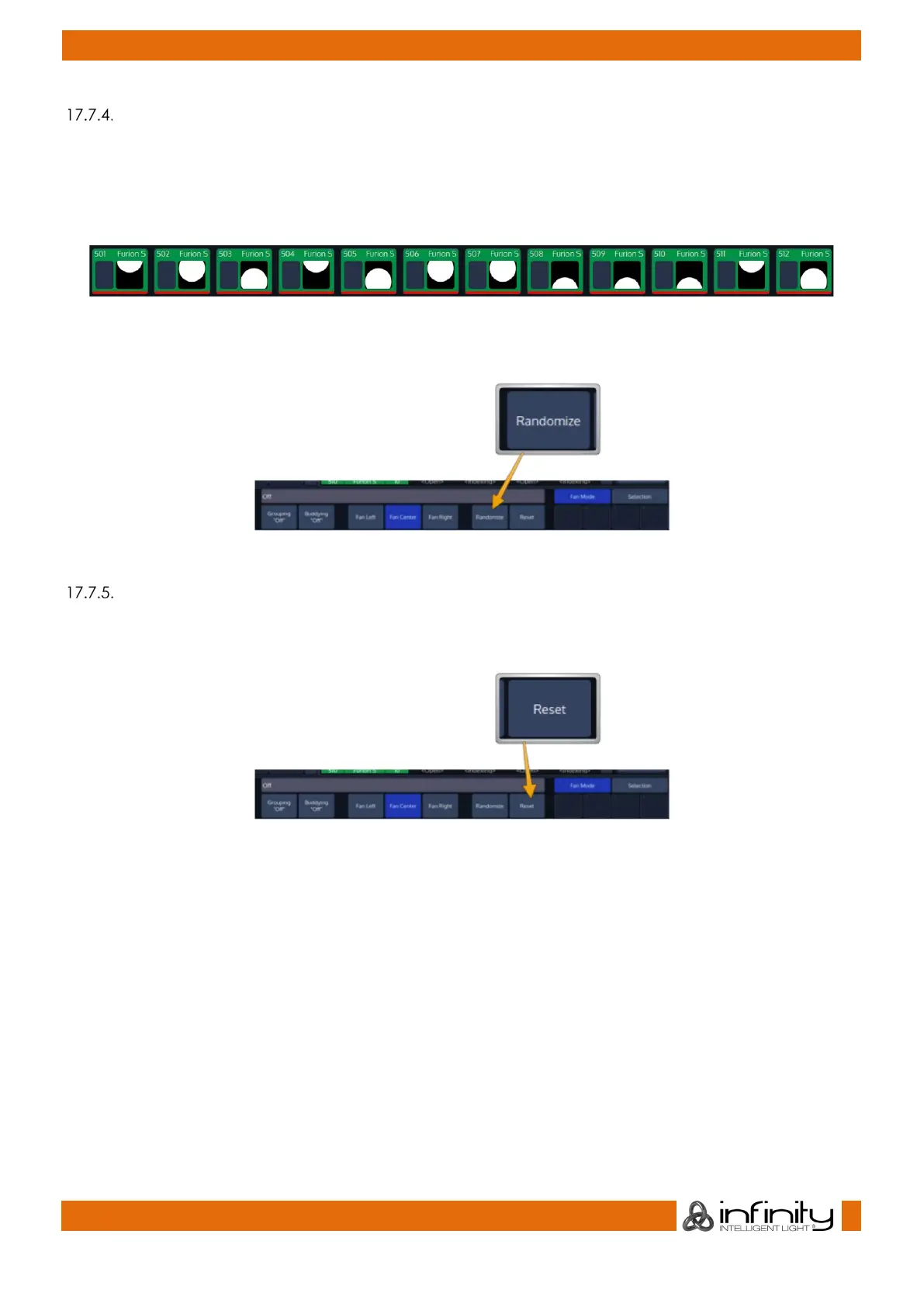
The Randomize option randomizes several internal fanning parameters during fanning. Each time
Randomize is turned on/off or the fixture selection changes, internal parameters are changed again in
order to create unique fanning results.
This function does not alter the selection order of the currently selected fixtures.
Fig. 114: Fan Example - Randomize
To activate the function, click on the button that reads Randomize.
Fig. 115: Randomize Button
Resetting Fan Mode Options
To reset all Fan Mode settings back to default, click on the button that reads Reset. Clearing the
Programmer completely will also reset Fan Modes.
Fig. 116: Reset Button



 To Next Page