48
Commandline
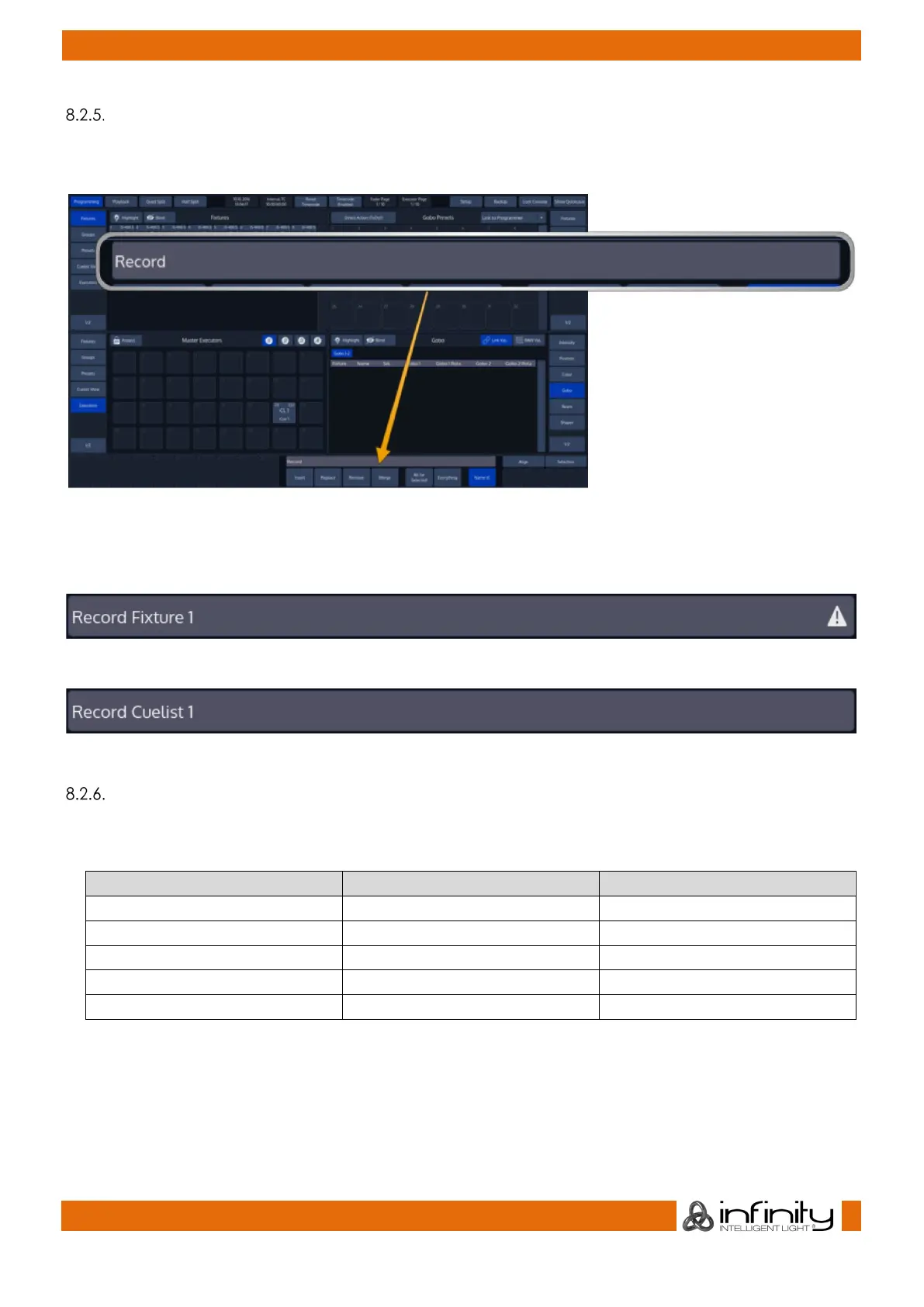
Whenever you enter commands on the consoles front panel they are written into the Command Line
Interface.
Fig. 27: Commandline
It will also check if the command entered is a valid command. If the command is invalid (or incomplete),
the CLI will show a warning sign.
Fig. 28: Invalid CMD
Fig. 29: Valid CMD
Commandline Syntax
In general, the Commandline Syntax needs to be entered in “Action – Source – Target” form. When no
Action is specified, the source Item will be selected. Please see the following table as an example:
Action Source Target
[Rec] [Cuelist] [5]
[Cuelist] [5]
[Copy]
[Cuelist] [5]
[Cuelist] [8]
[Go]
[Pause / Back]
Commands interacting with a visual object (such as a Pool Item or a Faders Pause/Back Button) will be
executed automatically once they are syntactically correct. However, commands that do not interact
with visual elements need to be executed by pressing the [Enter] –Key.



 To Next Page