209
Creating / Modifying a Magic Sheet
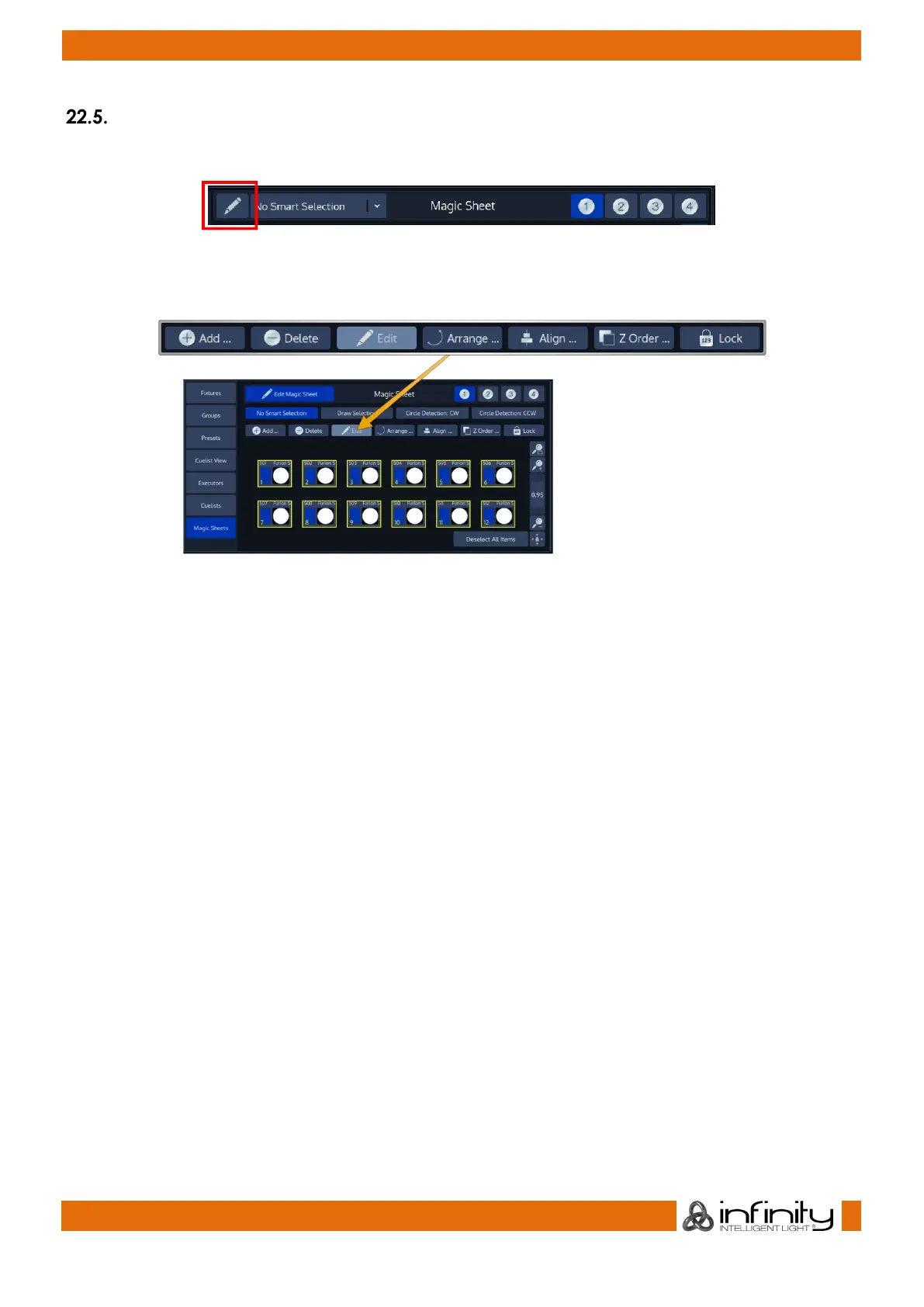
To start creating or editing a Magic Sheet, click on the Edit Magic Sheet Button, indicated by a pen Icon.
Fig. 177: Magic Sheet Edit Button
The Edit Mode toolbar will be shown.
Fig. 178: Edit Mode Toolbar
Each action displays a tool tip on the bottom of the Magic Sheet displaying additional information for
advanced functions and actions.



 To Next Page