199
21. Working with Masters and Executors
Basics
“Masters” and Executors work like remote controls – you may assign different objects to Masters and
configure them independently in terms of Button and Fader configuration. These assignments are stored
for each master and are not linked to the Object the master is connected to. That means you may assign
the same single Cuelist to multiple masters and configure each master differently.
Difference between Masters and Master Faders
The 10 Masters on the left side of the console may be connected to any item that is supported to be
used on a Fader. These masters may be connected to any of the Global Masters, be used as Group
Dimmer Masters or for Cuelists.
The 4 Master Faders on the right side of the console may only be used for Global Masters and Group
Dimmer Masters.
Linking Objects to a Master
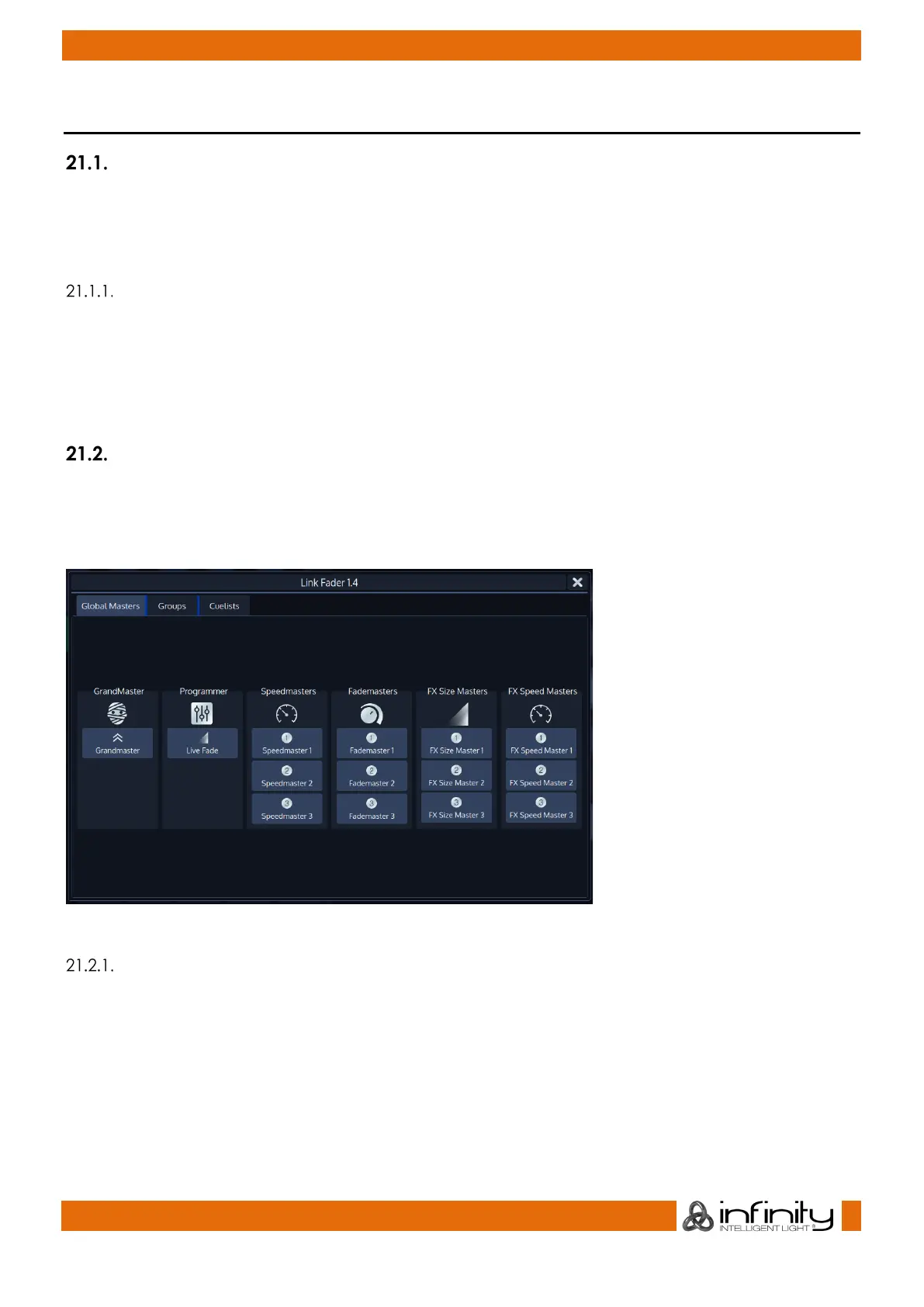
You can easily open the Link Fader Dialog by tapping into the appropriates Fader Info Item of an empty
fader in the touchscreen.
Alternatively, you may press the [Link] key followed by the appropriate Masters Go or Pause / Back key.
Fig. 167: Link Master Dialog
Linking a Global Master (Speed and Fade Time Masters)
To assign any of the Global Masters (Speed Masters, Grand Masters, etc) to any of the faders, press the
[Link] key, followed by a Masters Go / Pause Button.
A window will open, asking you which object to assign. Make sure the Global Masters Tab is selected and
select the appropriate item for this master.



 To Next Page