141
Removing Individual attributes from the programmer
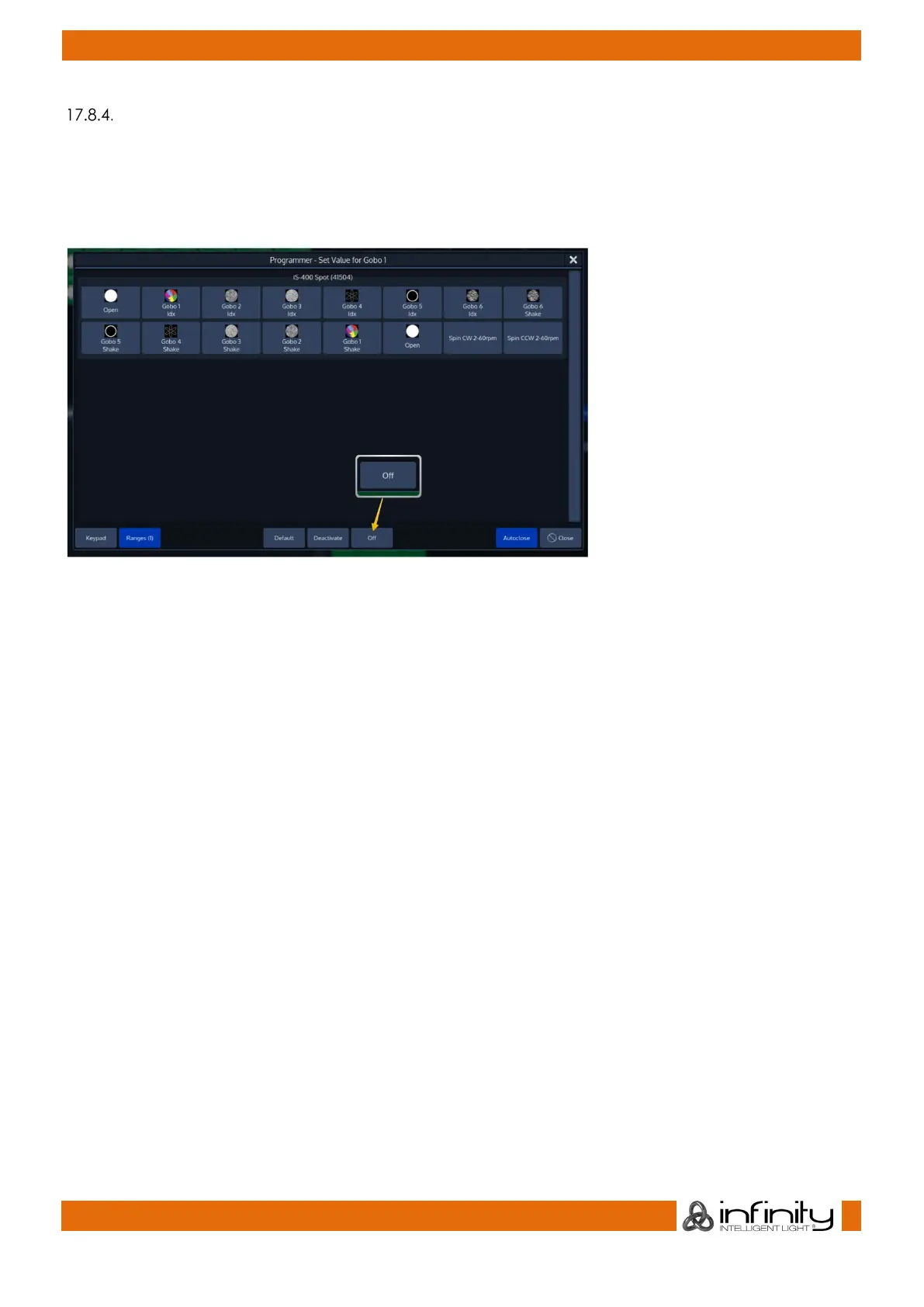
You can remove individual attributes from the selected fixtures in the programmer by holding the [Off]
key and turning the relevant encoder at the same time.
Alternatively, you may press on the Encoder Label or the Encoder and select Off from the screen that
popped up:
Fig. 117: Off Individual Parameter using the Ranges Dialog



 To Next Page