142
Untouch / Deactivate Individual attributes in the programmer
This can be useful to have fixtures output a certain value on an attribute, but not record it into cues or
presets.
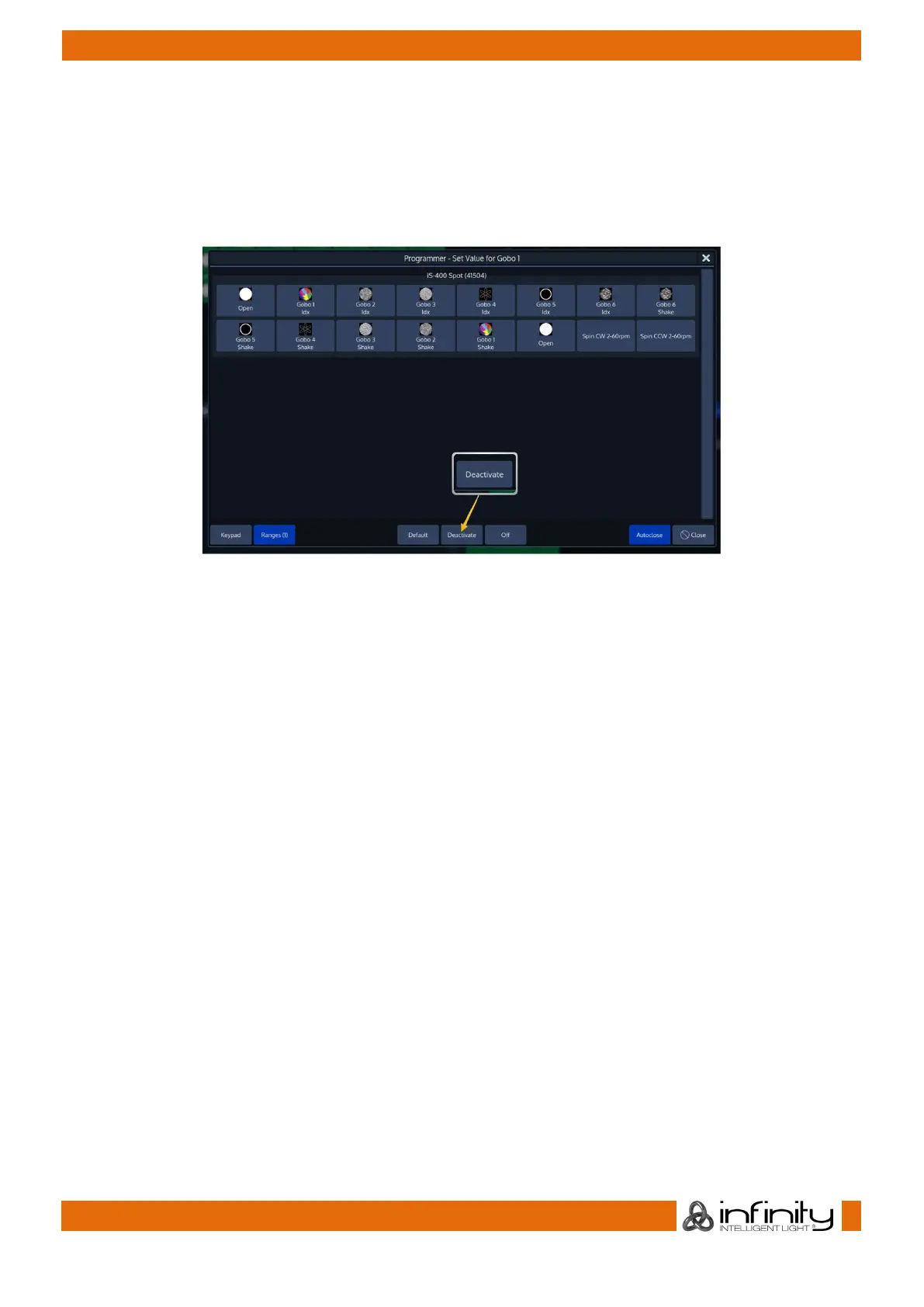
To Untouch values for a certain attribute, press on the Encoder Label or the Encoder and select
Deactivate from the screen that popped up:
Fig. 118: Untouch / Deactivate Parameters using the Ranges Dialog



 To Next Page