109
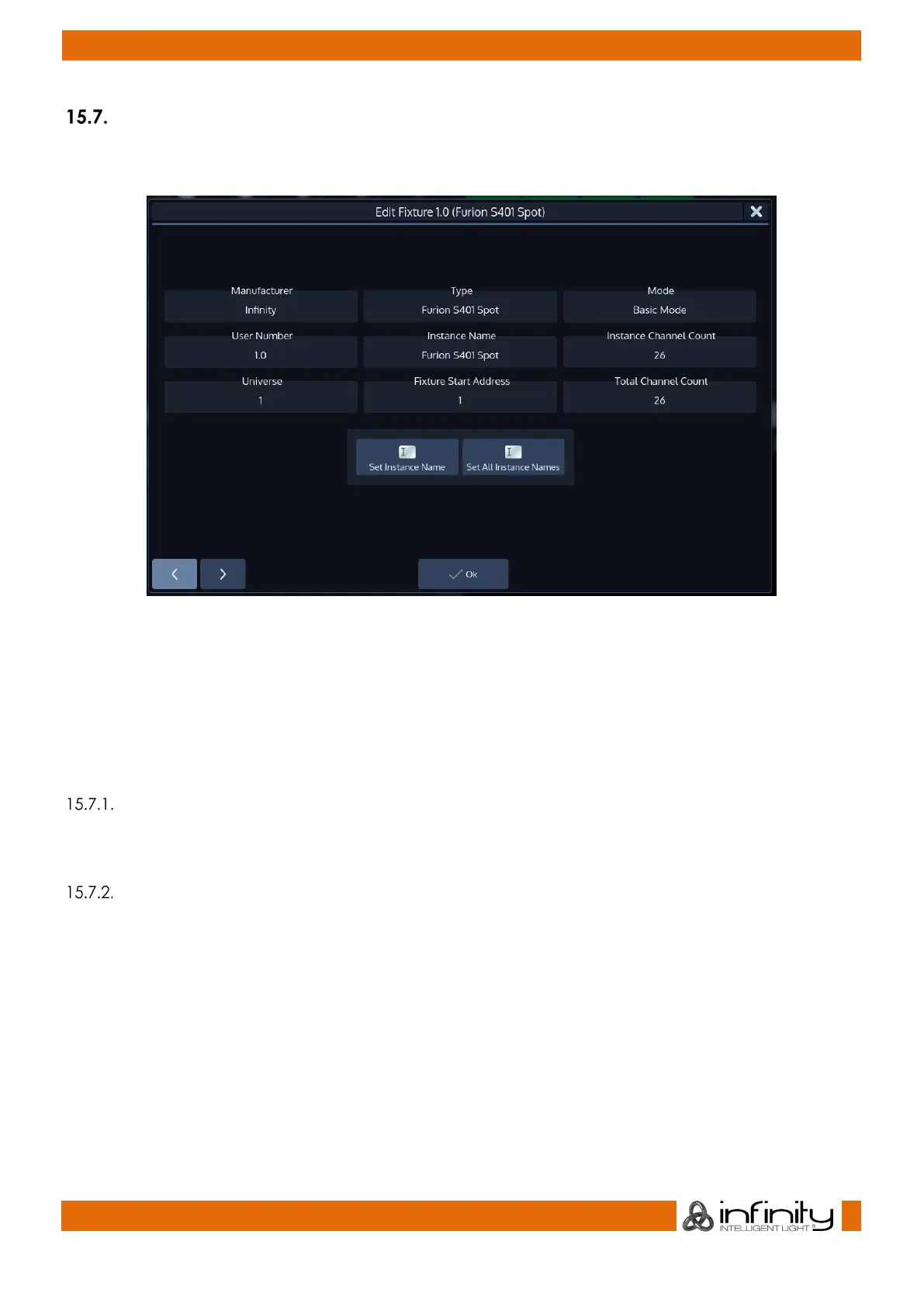
Edit Fixture Window
The “Edit Fixture” –Window may be used as a quick way to gather information about a fixture. It may also
be used to set a Fixture instance’s name, or to rename all instances of a fixture.
Fig. 86: Edit Fixture Dialog
To open the Edit Fixture Window, type [Edit] followed by the User ID.InstanceID of the fixture you would
like to edit, ie. [Edit] [1] [.] [2]. Finish the command by pressing [Enter].
Alternatively, you may use the Fixture Split Widget to select the fixture:
Open a Fixture Split Widget. Press the [Edit] key and select the Fixture you would like to edit from within
the shown Fixture Split Widget.
Set Instance Name
Clicking on the Set Instance Name button will open up an on-screen keyboard allowing you to rename
this particular Fixture Instance.
Set All Instance Names
Clicking on the Set All Instance Names button will open up an on-screen keyboard allowing you to
rename all of this Fixtures Instances.



 To Next Page