178
Copying Cues
Using the Cuelist View
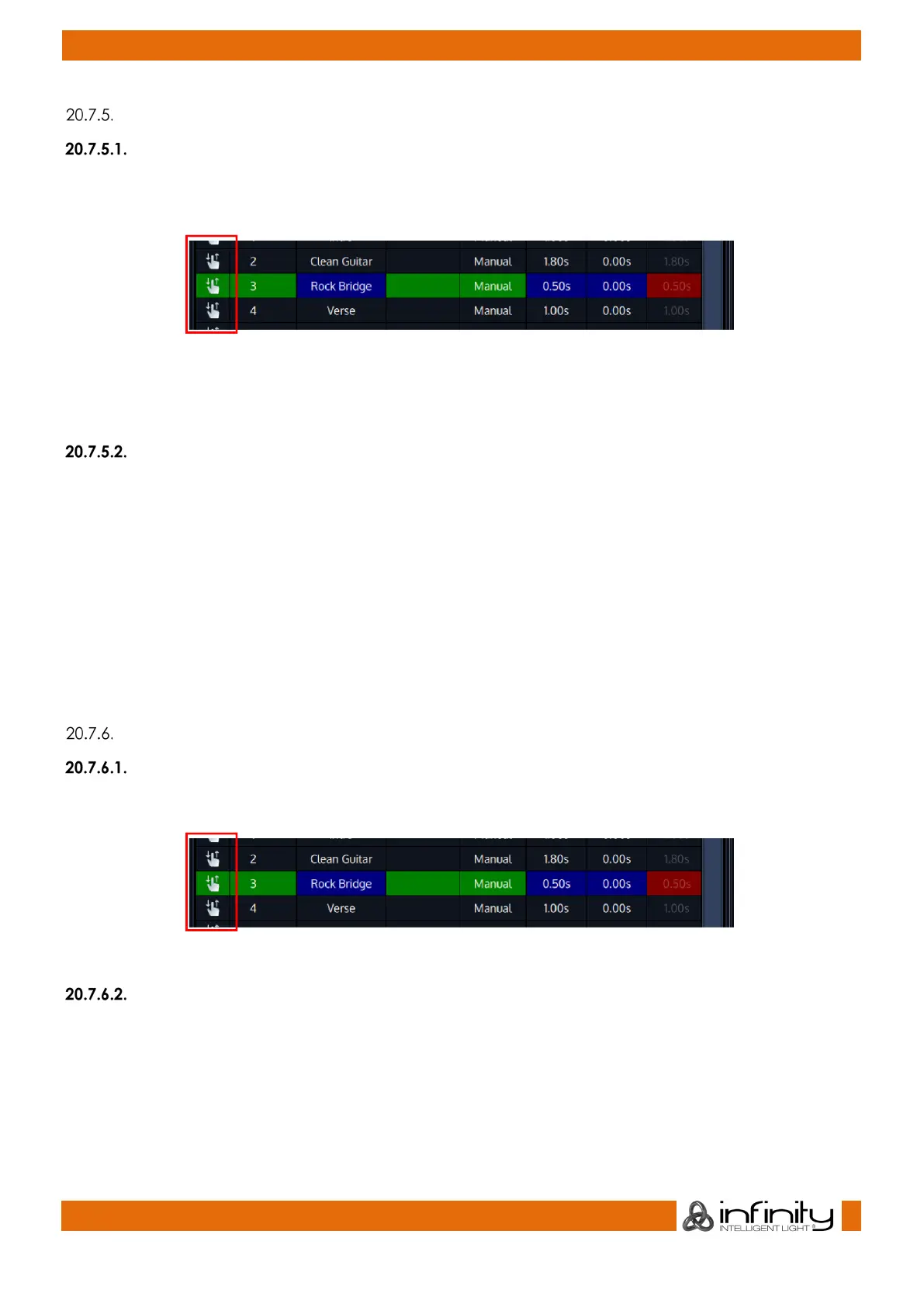
You may easily copy cues using the cuelist view by pressing [Copy] and clicking and dragging a cues
sort icon while is Copy is shown in the command line:
Fig. 151: Cuelist sort icon
Alternatively, you may press [Copy] and simply click on the cue which you would like to copy. The new
cue will be added to the end of the list.
Using the Command Line approach:
[Copy] [Cuelist] [1] [Cue] [5] [Cue] [10] [Enter]
or
[Copy] [Cuelist] [1] [Cue] [5] [Cuelist] [2] [Cue] [10] [Enter]
or
[Copy] [Cuelist] [1] [Cue] [1.5] [Cuelist] [2] [Cue] [10.1] [Enter]
or
[Copy] [Cuelist] [1] [Cue] [1.5] [Cuelist] [2] [Cue] [11] [Enter]
Moving Cues
Using the Cuelist View
You may easily move cues using the cuelist view by clicking and dragging a cues sort icon:
Fig. 152: Cuelist sort icon
Using the Command Line approach:
[Move] [Cuelist] [1] [Cue] [5] [Cue] [5.4] [Enter]
or
[Move] [Cuelist] [1] [Cue] [5] [Cue] [2] [Enter]



 To Next Page