210
Adding Items to the Magic Sheet
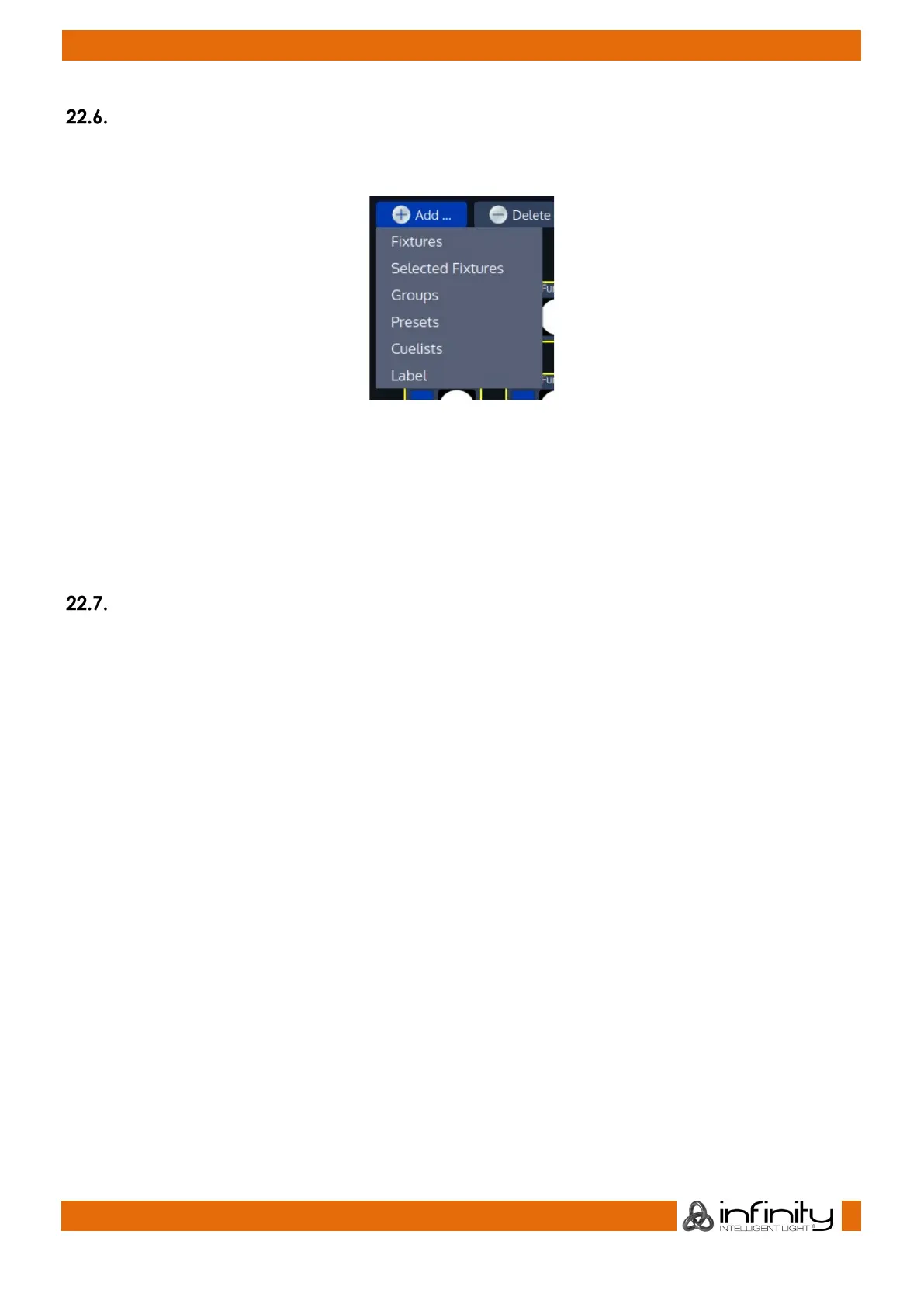
To add Items to the Magic Sheet, click on the Add Button found in the Edit Mode toolbar. A menu, asking
you what type of Item you would like to add will appear.
Fig. 179: Add Items Menu
Fixtures, Groups, Presets or Cuelists will open a Dialog asking you to select the Items you would like to
add.
Selected Fixtures will add the currently selected fixtures to the Magic Sheet.
Label will add a Label to the Magic Sheet. When inserting a label, the console asks you to “draw” the
label in the Magic Sheet.
Deleting Items from the Magic Sheet
To delete Items from the Magic Sheet, simply select them and click on the Delete Button found in the Edit
Mode toolbar.



 To Next Page