- 246 - - 247 -
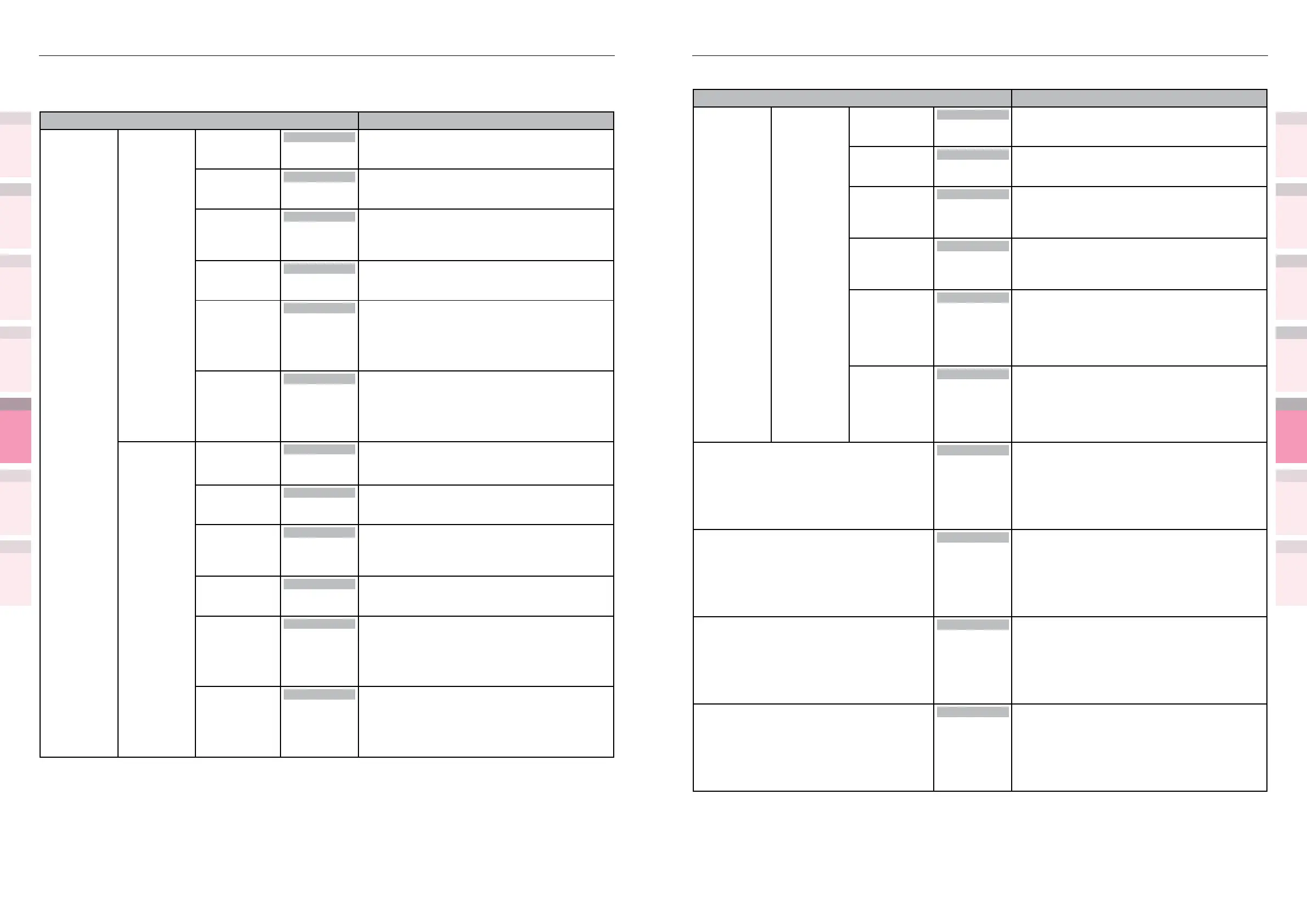
Table of setting items in the device setup screen Table of setting items in the device setup screen
1
2
3
5
4
1
2
3
5
4
Convenient print
functions
Appendix Index
Checking and
Changing Printer
Settings Using
the Control Panel
Network
Setup
Matching
Colors
Using Utility
Software
Convenient print
functions
Appendix Index
Checking and
Changing Printer
Settings Using
the Control Panel
Network
Setup
Matching
Colors
Using Utility
Software
z
Shaded areas are factory-set values.
Item Details
Print Position
Adjust
Tray2
*1
Tray3
*1
Tray4
*1
Tray5
*1
*1: The
optional
expansion
tray unit is
displayed
when
mounted.
X Adjust 0.00
to
±2.00mm
Adjusts the overall image print position
perpendicularly (horizontally) over the direction
of paper travel (0.25mm intervals).
Y Adjust
0.00
to
±2.00mm
Adjusts the overall image print position in the
direction of paper travel (vertically) (0.25mm
intervals).
Duplex X Adjust
0.00
to
±2.00mm
Adjusts the overall image print position
perpendicularly (horizontally) over the direction
of paper travel (0.25mm intervals) when printing
the front during 2-sided printing.
Duplex Y Adjust
0.00
to
±2.00mm
Adjusts the overall image print position in the
direction of paper travel (vertically) (0.25mm
intervals) when printing the front during 2-sided
printing.
Overprint X
Adjust
*2
*2: Displayed
with CS5000
only.
0.00
to
±2.00mm
Adjusts the overall image print position
perpendicularly (horizontally) over the direction
of paper travel (0.25mm intervals) during spot
color overprinting.
Overprint Y
Adjust
*2
*2: Displayed
with CS5000
only.
0.00
to
±2.00mm
Adjusts the overall image print position
perpendicularly (vertically) over the direction of
paper travel (0.25mm intervals) during spot color
overprinting.
Paper Black Setting
0
+1
+2
+3
-3
-2
-1
Implements ne adjustment if black or white
spots appear faded when printing on plain paper
in mono mode.
Lower the setting value if there are only fewer
white spots, or raise the setting value if the high-
density portion is thinner.
Paper Color Setting
0
+1
+2
+3
-3
-2
-1
Implements ne adjustment if color spots appear
faded when printing on plain paper in color mode.
Lower the setting value if there are only fewer
white spots, or raise the setting value if the high-
density portion is thinner.
Trans. Black Setting
0
+1
+2
+3
-3
-2
-1
Implements ne adjustment if black or white
spots appear faded when printing on transparency
in mono mode.
Lower the setting value if there are only fewer
white spots, or raise the setting value if the high-
density portion is thinner.
Trans. Color Setting
0
+1
+2
+3
-3
-2
-1
Implements ne adjustment if color spots appear
faded when printing on transparency in color
mode.
Lower the setting value if there are only fewer
white spots, or raise the setting value if the high-
density portion is thinner.
Print Adjust
z
Shaded areas are factory-set values.
Item Details
Print Position
Adjust
MPTray X Adjust 0.00
to
±2.00mm
Adjusts the overall image print position
perpendicularly (horizontally) over the direction
of paper travel (0.25mm intervals).
Y Adjust
0.00
to
±2.00mm
Adjusts the overall image print position in the direction
of paper travel (vertically) (0.25mm intervals).
Duplex X Adjust 0.00
to
±2.00mm
Adjusts the overall image print position
perpendicularly (horizontally) over the direction
of paper travel (0.25mm intervals) when printing
the front during 2-sided printing.
Duplex Y Adjust
0.00
to
±2.00mm
Adjusts the overall image print position in the direction
of paper travel (vertically) (0.25mm intervals) when
printing the front during 2-sided printing.
Overprint X
Adjust
*1
*1: Displayed
with CS5000
only.
0.00
to
±2.00mm
Adjusts the overall image print position
perpendicularly (horizontally) over the direction
of paper travel (0.25mm intervals) during spot
color overprinting.
Overprint Y
Adjust
*1
*1: Displayed
with CS5000
only.
0.00
to
±2.00mm
Adjusts the overall image print position
perpendicularly (vertically) over the direction of
paper travel (0.25mm intervals) during spot color
overprinting.
Tray1 X Adjust
0.00
to
±2.00mm
Adjusts the overall image print position
perpendicularly (horizontally) over the direction
of paper travel (0.25mm intervals).
Y Adjust
0.00
to
±2.00mm
Adjusts the overall image print position in the direction
of paper travel (vertically) (0.25mm intervals).
Duplex X Adjust 0.00
to
±2.00mm
Adjusts the overall image print position
perpendicularly (horizontally) over the direction
of paper travel (0.25mm intervals) when printing
the front during 2-sided printing.
Duplex Y Adjust
0.00
to
±2.00mm
Adjusts the overall image print position in the direction
of paper travel (vertically) (0.25mm intervals) when
printing the front during 2-sided printing.
Overprint X
Adjust
*1
*1: Displayed
with CS5000
only.
0.00
to
±2.00mm
Adjusts the overall image print position
perpendicularly (horizontally) over the direction
of paper travel (0.25mm intervals) during spot
color overprinting.
Overprint Y
Adjust
*1
*1: Displayed
with CS5000
only.
0.00
to
±2.00mm
Adjusts the overall image print position
perpendicularly (vertically) over the direction of
paper travel (0.25mm intervals) during spot color
overprinting.



 To Next Page