iPECS UCP
Hardware Description and Installation Manual Issue 1.3
111
7.2 Digital Key Telephone and DSS Installation
7.2.1 DKTU Wiring
The Digital Key Telephone and digital DSS Console are terminated to a pair of the RJ11 located
in the bottom of the unit. The LDP series phones employ the 2
nd
pair of the modular jack while all
other LDP series phones employ the 1
st
or center pair of the modular jack. The wall outlet for the
DKT or Console should be wired to the appropriate termination point for the DTIM ports.
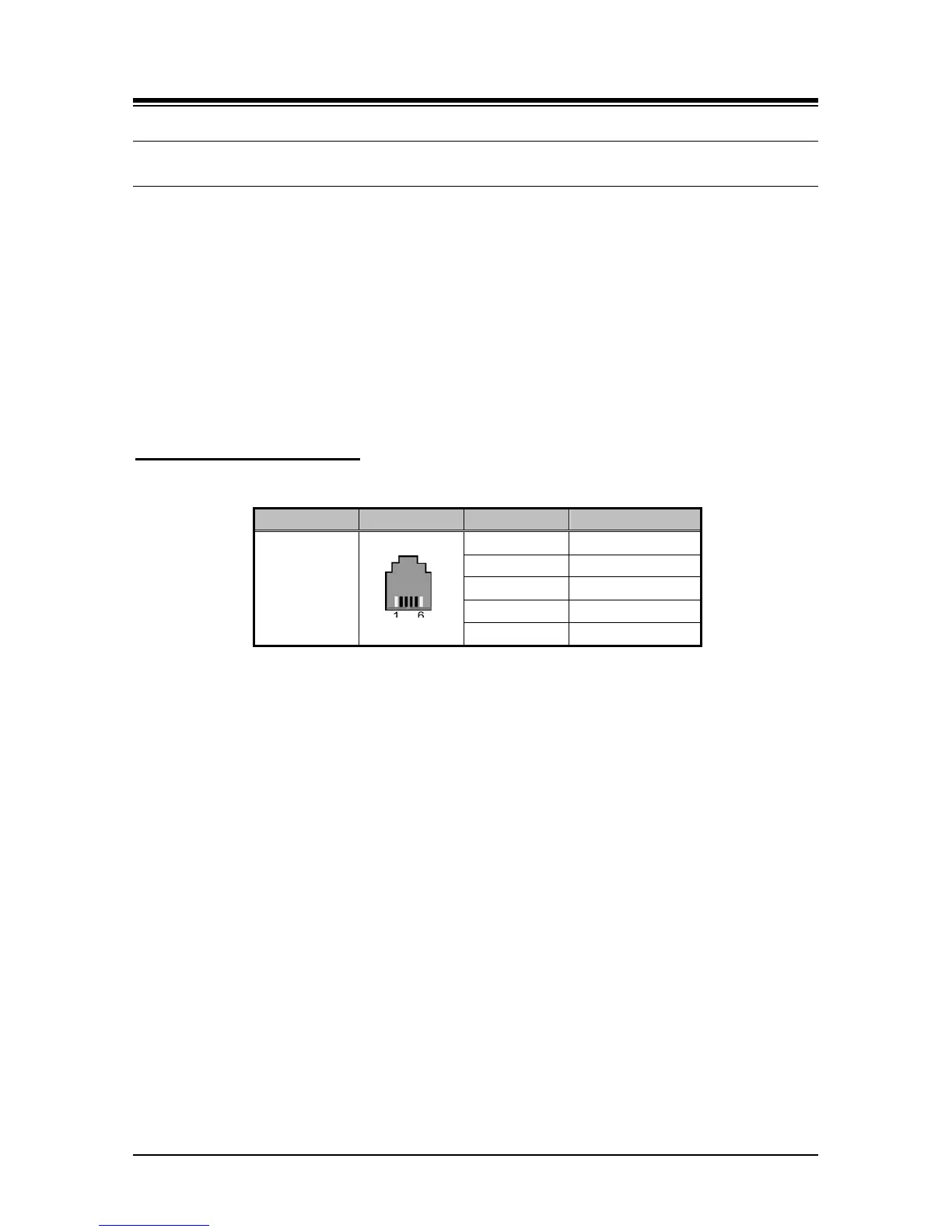
1. U sing the Modular Jack wiring charts below, wire the 1
st
or 2
nd
pair of the wall outlet, as
appropriate, to the termination point using UTP cable. Note separate wiring is required
for some DSS console (refer to User guide or Quick guide).
2. Using the line cord provided, connect the DKTU to the wall outlet.
Modular Jack Pin Assignment
7.2.2 LDP-7000/LDP-9000/LDP-9200 series Wall Mount
LDP-7000/9000/9200 series phones can be mounted on the wall using the appropriate Wall
Mount Kit. The Wall Mount Kit is installed as described below. A separate Wall Mount kit,
available from Ericsson-LG Enterprise, is required for LDP-7000 series phones.
1. Using the appropriate Wall Bracket, mark and drill two (2) 7 mm holes for the plastic wall
anchors provided.
2. Insert the two (2) anchors into the holes, and insert and tighten the two (2) screws
leaving about 6 mm (¼-inch) exposed.
3. Connect one end of a short cable terminated in RJ11 to the LDP series Phone,
respectively, and then connect the other end in a wall jack.
4. Mount the Wall Mount bracket on the phone.
5. Slide the Wall Mount bracket over the screws, if loose, tighten the screws slightly and
mount the Wall Mount bracket again.
6. Insert the Wall Mount handset hook to prevent the handset from slipping when wall
mounted.



 To Next Page