iPECS UCP
Hardware Description and Installation Manual Issue 1.3
39
3.2.2 WHLD (Wall Mount Holder)
iPECS modules can be individually wall mounted in the WHLD (Module
Wall Mount Holder), shown in Figure 3.2.2-1. The WHLD provides wall
mounting for a single module.
Figure 3.2.2-1 Module Wall Mount Holder
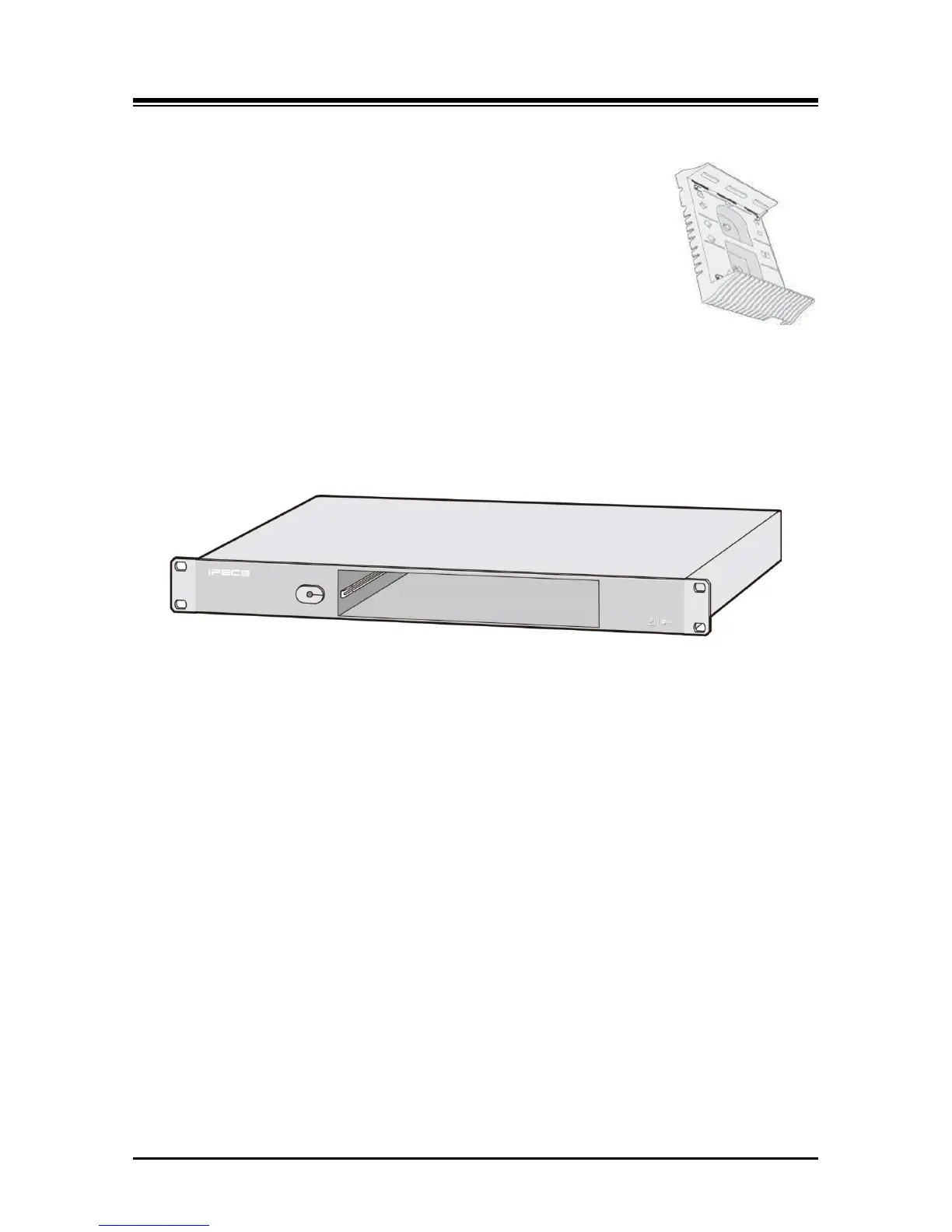
3.2.3 1U-RMB (1U Rack Mount Bracket)
iPECS UCP modules can be individually 19” rack mounted in the 1U-RMB (Rack Mount Bracket),
shown in Figure 3.2.3-1. The 1U-RMB provides 19” rack mounting for a single module.
Figure 3.2.3-1 1U RMB
3.2.4 MCKTE (Main Cabinet Kit Enhanced)
The Enhanced Main Cabinet Kit shown in Figure 3.2.4-1 has 10 slots for iPECS modules and the
PSU. Slot 10 is only for the PSU; slot 9 is for iPECS modules or a second PSU when redundant
power is required. The remaining slots may be used for any combination of iPECS modules. On
the left side, the front cover of the cabinet has a push button for installing and removing the cover
and incorporates a key lock, which can be locked to minimize unauthorized access.



 To Next Page