iPECS UCP
Hardware Description and Installation Manual Issue 1.3
65
6.1.2 Module Insertion/Removal
Modules are easily inserted into the cabinet; place the Module with front panel forward in the
desired slot in the cabinet and slide the Module into the cabinet, engaging the connectors of the
back panel and Module.
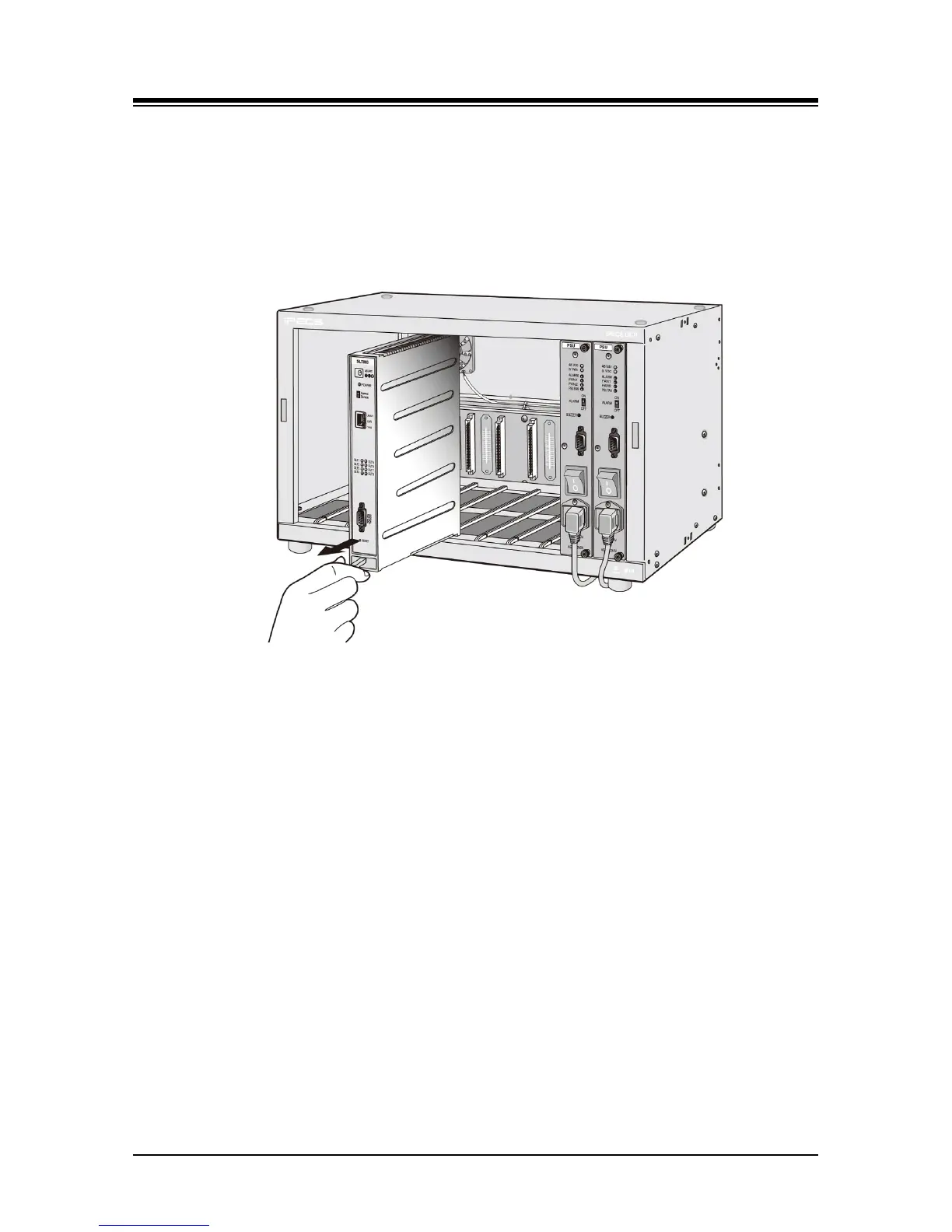
To remove a Module from the cabinet, pull on the Release knob while sliding the Module out of
the cabinet. Refer to Figure 6.1.2-1.
Figure 6.1.2-1 Module Insertion/Removal
6.1.3 Common Module Switches
With the exception of the ES8G/ES8GP, all Modules have a recessed Reset and a
Normal/Service switch that is shown in Figure 6.1.3-1. These switches are employed for
maintenance purposes. The Reset switch will restart the Module software, resetting only the
scratch-pad memory. The Normal/Service switch activates a graceful shutdown of the Module, as
busy circuits go idle they are marked as out-of-service. When all circuits of a module are out-of-
service, the module can be removed without affecting operation of other modules in the system.



 To Next Page