iPECS UCP
Hardware Description and Installation Manual Issue 1.3
40
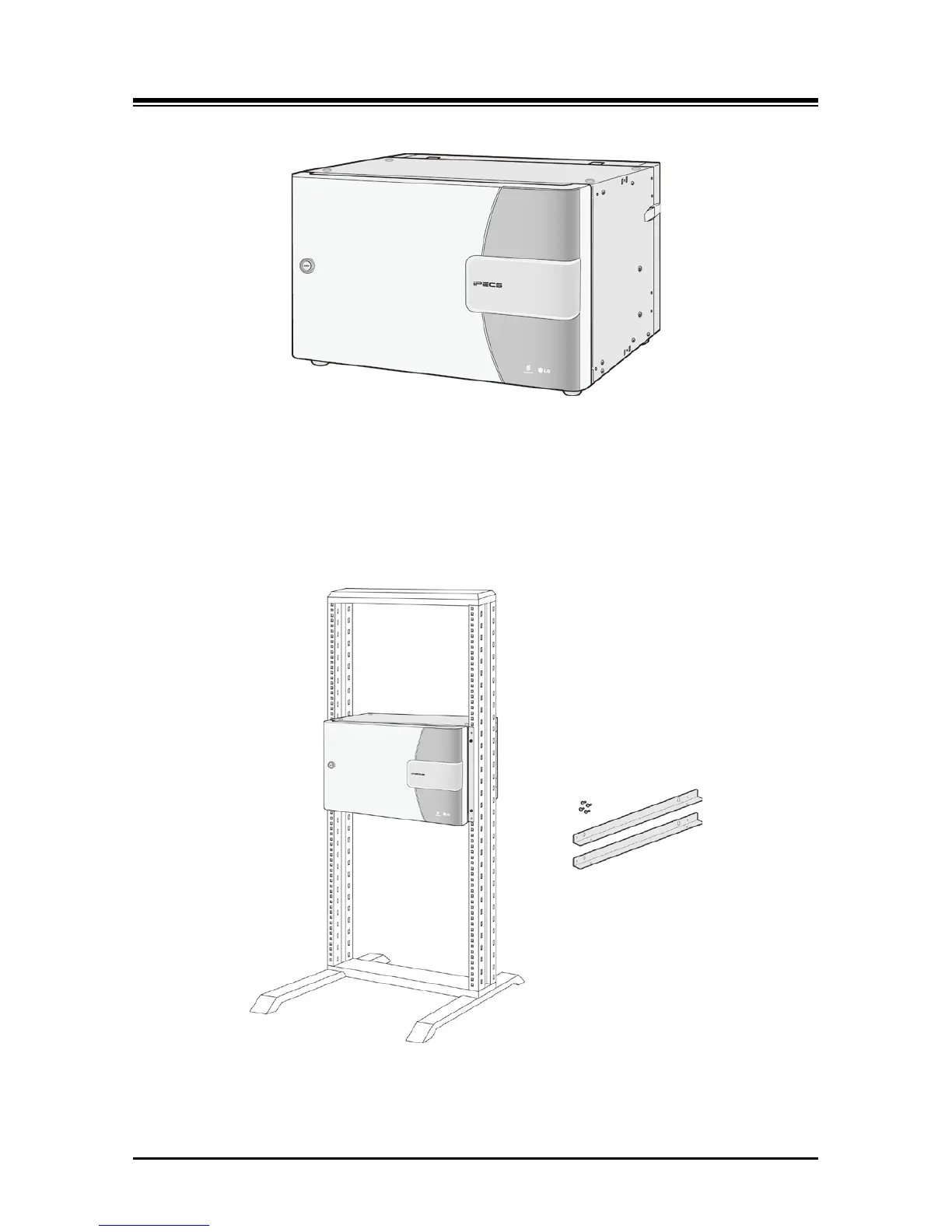
Figure 3.2.4-1 Main Cabinet
Available mounting hardware allows the cabinet to be 19” rack mounted, desk mounted, or wall
mounted. The 19” Rack, Desk and Wall Mount hardware are shown in Figure 3.2.4-2, Figure
3.2.4-3, and Figure 3.2.4-4 below, respectively. Note that 19” Rack and Desk mount hardware
are included with the cabinet, the Wall Mount hardware must be ordered separately.
Figure 3.2.4-2 19” Rack Mount Installation



 To Next Page