ManagerIQEasy_UM_9752103002_GB_V3_1 16
5.4.7 Serial communication COM ports
For expanding the system with more than 60 Devices, two COM ports are available to which
extension IQs can be connected. Standard cables with M8 3-pin male-female connectors can
be used for this. These are available from Simco-Ion
5.4.8 Installing the protective cover
- When all cables are connected, the cable protection cover can be mounted.
5.5 Mounting the Manager in a machine panel
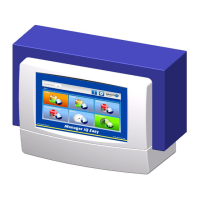
Figure 9, Manager IQ Easy mounted in a machine panel
The Manager IQ Easy can be mounted into a machine panel so that only the plastic part of the
Manager is visible. The wiring will then be hidden behind the machine panel. The maximum
thickness of the machine panel is 6 mm.
Follow the steps below to mount the Manager IQ Easy.
- Drill and saw the necessary recesses and holds into the machine panel. Use the supplied
drilling template for this. Make sure you leave the required free space around the holes.


 To Next Page
 Loading...